How long does Kling AI take to generate a video?
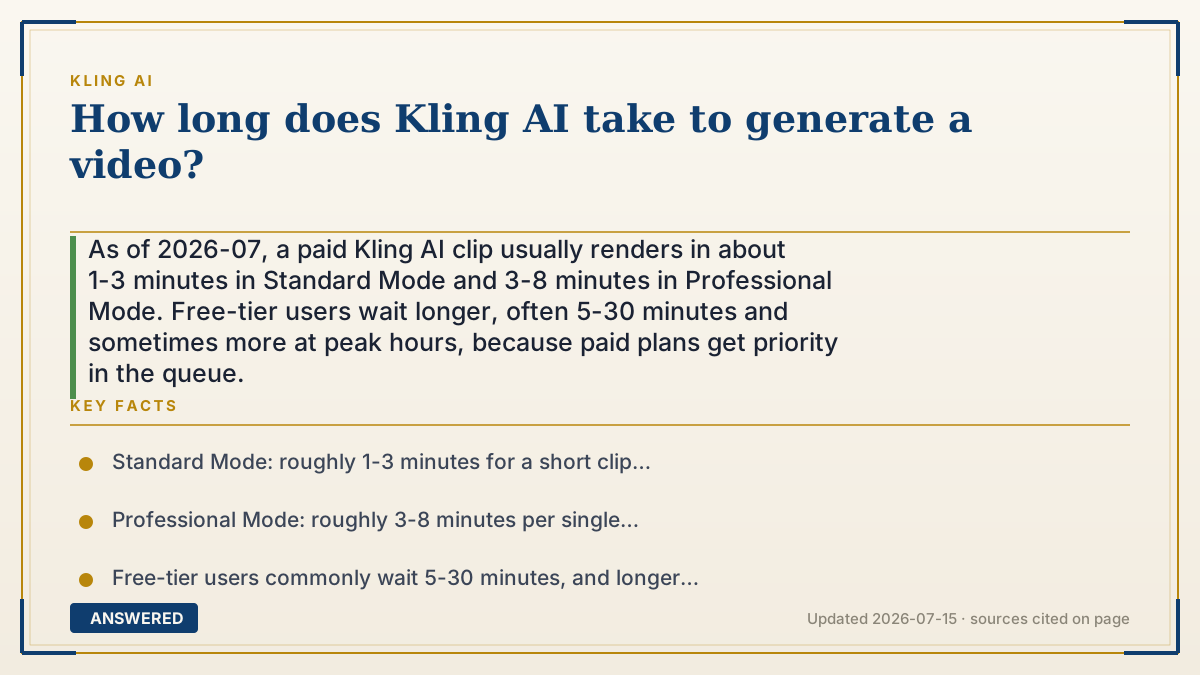
As of 2026-07, a paid Kling AI clip usually renders in about 1-3 minutes in Standard Mode and 3-8 minutes in Professional Mode. Free-tier users wait longer, often 5-30 minutes and sometimes more at peak hours, because paid plans get priority in the queue.
Why — the first-principles explanation
An AI video model does not 'record' a video; it computes one frame-by-frame on banks of GPUs. A few seconds of clip is actually dozens of high-resolution images the model has to predict and stitch together, so render time scales with three things: how many frames (longer clips), how detailed each frame is (Professional Mode and higher resolution), and whether audio is generated alongside. More computation means more seconds of GPU time, which is why a 10-second Professional clip takes several times longer than a 5-second Standard one.
The second driver is the queue, not the math. Thousands of users hit Kling's servers at once, and there is only so much GPU capacity. Your job waits in line behind everyone else's. Kling sells its way out of this: paid subscribers get a priority queue, so their jobs jump ahead. That is why the same clip can take 2 minutes for a subscriber and 20 minutes for a free user at a busy time. The model speed did not change; the waiting did.
So the wall-clock time you experience is roughly compute time plus queue time. You control the compute part by choosing a shorter clip, Standard over Professional, and skipping audio. You control the queue part mostly by paying, or by generating during off-peak hours when fewer people are competing for the same GPUs.
An example that makes it click
Imagine a print shop with one photocopier. A simple black-and-white page (Standard Mode) pops out in a minute. A glossy, full-color, double-sided brochure (Professional Mode with audio) takes the same machine five to eight minutes. Same shop, harder job, longer wait.
Now add a line of 40 people ahead of you (the free queue). Even the quick black-and-white page won't reach your hands for half an hour. A 'skip the line' pass (the paid plan) walks you straight to the front, so your page prints in a couple of minutes. That's exactly why two people can ask Kling for the identical clip and one waits 3 minutes while the other waits 30.
How to do it
- For the fastest result, pick Standard Mode and a 5-second length.
- Turn off native audio generation if you don't need sound, since audio adds compute time.
- Subscribe to a paid plan to get the priority queue and cut waiting dramatically.
- Generate during off-peak hours (avoid evenings and weekends) to shorten queue time.
- Start the job and switch tasks; Kling keeps rendering in the background and notifies you when it's done.
Key facts
- Standard Mode: roughly 1-3 minutes for a short clip (paid, priority queue) as of 2026-07.
- Professional Mode: roughly 3-8 minutes per single generation.
- Free-tier users commonly wait 5-30 minutes, and longer during peak demand.
- Paid plans include a priority queue that moves jobs ahead of free users.
- Render time scales with clip length, resolution/mode, and whether audio is generated.
- Single generations are 5 or 10 seconds; longer videos are built by chaining extensions, adding time.
Open the official product site and confirm the current access, plans and terms.
▶ The 60-second explainer (script)
How long does Kling AI take to make a video? For a paying user, usually one to three minutes in Standard Mode, and three to eight minutes in Professional Mode, as of July 2026. Here's why it varies. Kling doesn't record video, it computes it, frame by frame, on GPUs. Longer clips, higher detail, and added audio all mean more math, so they take longer. But the bigger factor is often the line. Thousands of people are generating at once, and free users share a slow queue where waits can stretch to thirty minutes or more at peak times. Paid plans buy a priority pass that jumps you to the front. So if you want speed: choose Standard Mode, keep it to five seconds, skip audio, and either subscribe or generate during off-peak hours. Start it, walk away, and Kling finishes in the background.
What authoritative sources say
People also ask
Why is my Kling video taking so long?
You're likely on the free queue during peak hours, or using Professional Mode with a longer clip and audio. Both add wait time.
Does a paid plan make Kling faster?
Yes. Paid plans include priority queue access, which typically cuts wait times from 7-12+ minutes down to a few minutes.
What's the fastest Kling setting?
Standard Mode, a 5-second length, and no audio give the quickest render, often around a minute for subscribers.
Can I use Kling while a video generates?
Yes. Rendering happens on Kling's servers, so you can queue a job, switch tabs, and come back when it's finished.