How much vram do I need for Stable Diffusion?
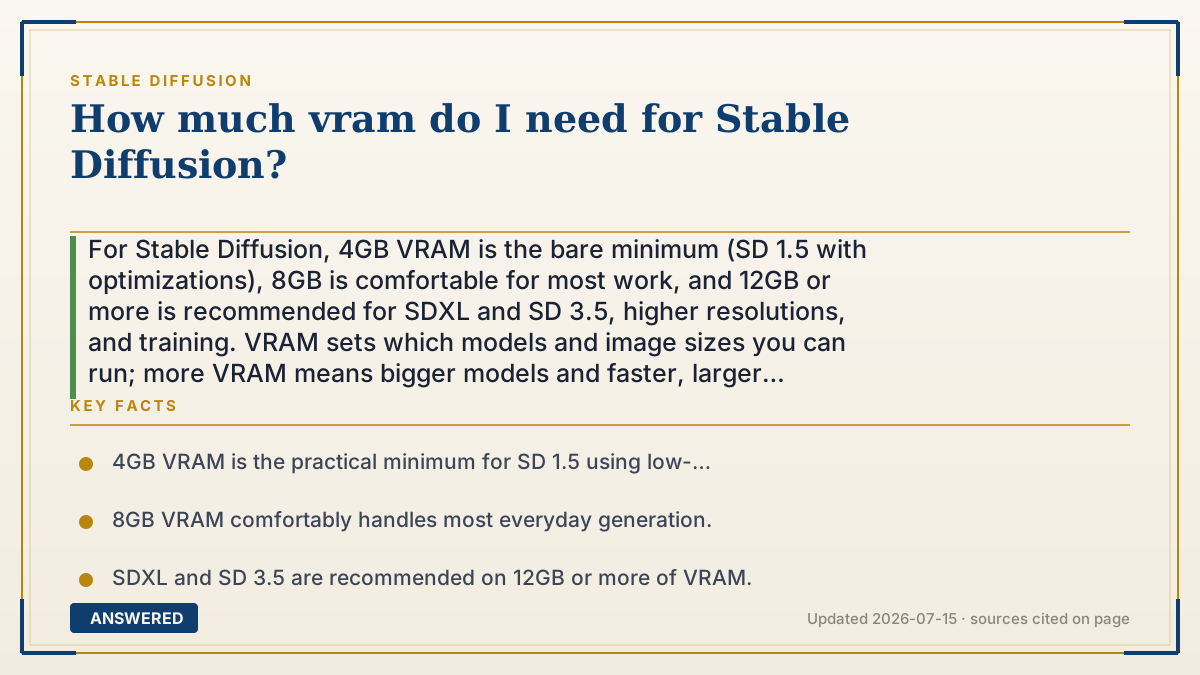
For Stable Diffusion, 4GB VRAM is the bare minimum (SD 1.5 with optimizations), 8GB is comfortable for most work, and 12GB or more is recommended for SDXL and SD 3.5, higher resolutions, and training. VRAM sets which models and image sizes you can run; more VRAM means bigger models and faster, larger generations.
Why — the first-principles explanation
VRAM is a hard container, not a speed dial. To generate an image, your graphics card must hold three things at once: the model weights, the working latent image, and temporary calculation buffers. If the total fits in VRAM, generation runs at full speed. If it overflows, the software must swap data or crash, which is why VRAM is the make-or-break spec.
Model size is the biggest driver. SD 1.5 weights are small (~2-4GB), so it squeezes into 4GB with memory-saving flags like --lowvram, though 6GB is smoother. SDXL is roughly twice the size, wanting 8-12GB. SD 3.5 Large is bigger again and prefers 12-24GB. Choosing a model effectively chooses a VRAM floor.
Two other factors raise the bill. Higher resolution and larger batches need more working memory, so a 1024x1024 image or generating four at once uses far more VRAM than one small image. And extras like ControlNet, upscalers, and multiple LoRAs each add overhead on top of the base model.
Training and fine-tuning are the hungriest tasks. Training a LoRA comfortably wants 12GB+, and full fine-tuning wants far more. If you only generate images, 8GB is a solid mainstream target; if you want SDXL at high resolution or want to train, aim for 12-16GB. Memory-saving modes let low-VRAM cards participate, just more slowly.
An example that makes it click
Think of VRAM as the size of a moving truck. A small 4GB truck can carry a studio apartment's worth of furniture, SD 1.5, if you pack carefully. An 8GB truck comfortably moves a two-bedroom, SDXL. A 12GB-plus truck handles a big house with room to spare, high-res SDXL, SD 3.5, and training.
If your truck is too small, you don't just go slower, you can't fit the load at all and have to leave things behind, which is the crash you get when a model won't fit in VRAM.
How to do it
- Decide your goal: casual SD 1.5 images, SDXL/SD 3.5 quality, high resolution, or training.
- Match VRAM to the goal: 4-6GB for SD 1.5, 8GB for general use, 12GB+ for SDXL/SD 3.5 and training.
- On 4-6GB cards, enable memory-saving flags like --lowvram or --medvram in AUTOMATIC1111.
- Keep resolution and batch size modest on low VRAM to avoid out-of-memory errors.
- Limit simultaneous extras (ControlNet, multiple LoRAs, upscalers) if VRAM is tight.
- If you plan to train LoRAs, target 12GB or more for a comfortable experience.
Key facts
- 4GB VRAM is the practical minimum for SD 1.5 using low-VRAM optimizations; 6GB is smoother.
- 8GB VRAM comfortably handles most everyday generation.
- SDXL and SD 3.5 are recommended on 12GB or more of VRAM.
- Higher resolution and larger batch sizes sharply increase VRAM usage.
- LoRA training is comfortable at 12GB+; full fine-tuning needs much more.
Open the official product site and confirm the current access, plans and terms.
▶ The 60-second explainer (script)
How much VRAM do you need for Stable Diffusion? VRAM is the memory on your graphics card, and it's the single most important number, because the whole model has to fit inside it. Here's the simple ladder. Four gigabytes is the bare minimum. It runs the lightweight SD 1.5 if you turn on memory-saving settings, but it's tight. Eight gigabytes is the comfortable everyday sweet spot for most people. Twelve gigabytes or more is what you want for the bigger models, SDXL and SD 3.5, for high-resolution images, and for training your own LoRAs. Two things eat extra VRAM: cranking up the resolution, and generating several images at once. Add-ons like ControlNet and multiple LoRAs also pile on. If your card is small, don't worry, you can still play using low-VRAM modes, you'll just wait longer. But if you're buying a card for this, aim for eight gigabytes minimum, and twelve or more if you're serious about SDXL or training.
What authoritative sources say
People also ask
Can I run Stable Diffusion with 4GB VRAM?
Yes, SD 1.5 runs on 4GB with low-VRAM flags like --lowvram, though generations are slower and limited to smaller sizes.
How much VRAM for SDXL?
8GB works but can be tight at high resolution. 12GB or more is recommended for smooth SDXL and SD 3.5 use.
How much VRAM to train a LoRA?
Aim for 12GB or more for comfortable LoRA training. Some low-VRAM training methods exist but are slower and more limited.
Does more VRAM make images faster?
It mainly lets bigger models and larger images fit. Speed comes from the GPU's power, but running out of VRAM makes everything much slower.
The same question, asked other ways
- What gpu do I need for Stable Diffusion?