How to fine tune Stable Diffusion?
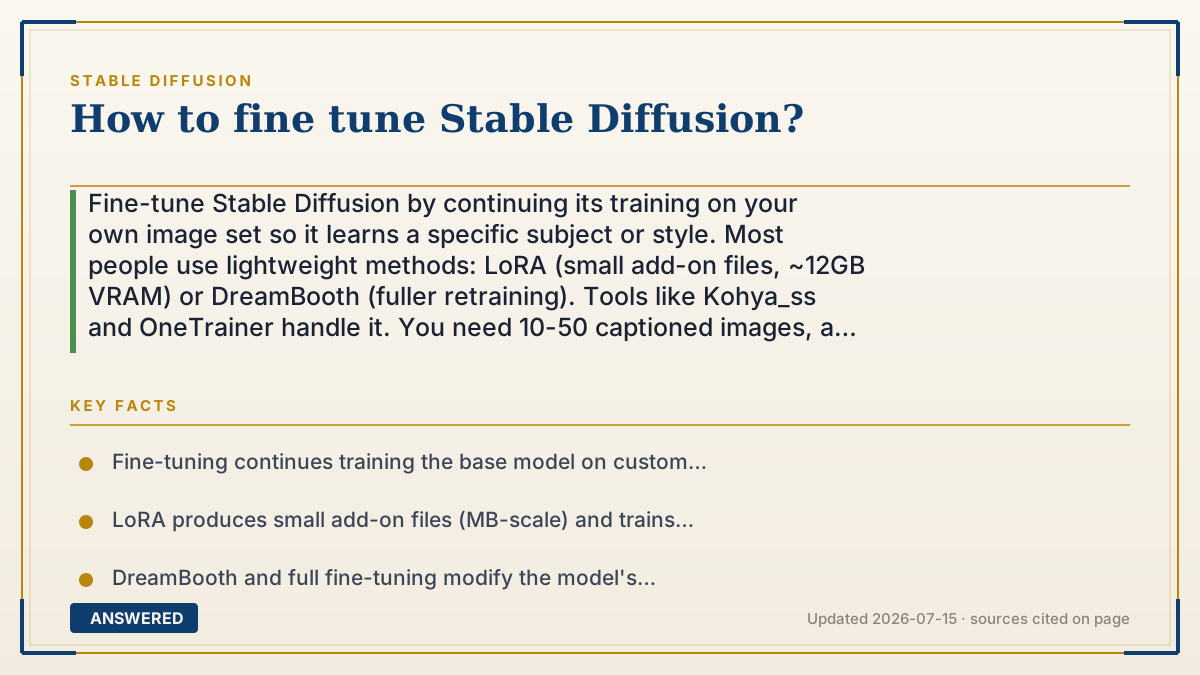
Fine-tune Stable Diffusion by continuing its training on your own image set so it learns a specific subject or style. Most people use lightweight methods: LoRA (small add-on files, ~12GB VRAM) or DreamBooth (fuller retraining). Tools like Kohya_ss and OneTrainer handle it. You need 10-50 captioned images, a GPU, and a few hours.
Why — the first-principles explanation
Fine-tuning means taking the general-purpose model and nudging its knowledge toward something specific, your face, a product, or an art style, by showing it examples. The base model already knows how to draw; you're teaching it a new word or look on top of that foundation.
There are two broad approaches, differing in how much of the model they change. Full fine-tuning and DreamBooth adjust the model's own weights, producing a new checkpoint that deeply learns the subject but is large (several GB) and memory-hungry to train. LoRA (and cousins like LyCORIS) instead trains a tiny 'patch' of extra numbers that layer onto the base model, capturing the new concept in a small file (a few MB to a few hundred MB) with far less VRAM. LoRA is why fine-tuning became accessible to hobbyists.
The quality of your dataset matters more than any setting. A small, clean, varied set of 10-50 images with accurate captions beats hundreds of sloppy ones. Consistent subject, varied poses and backgrounds, and correct text captions teach the model cleanly; junk data teaches junk.
The actual work is done by trainer tools like Kohya_ss, OneTrainer, or scripts in the diffusers library. You point them at your captioned images, pick a method and a base model, set a learning rate and step count, and let the GPU run for anywhere from 20 minutes to a few hours. The output loads into AUTOMATIC1111 or ComfyUI like any model.
An example that makes it click
Imagine a talented artist who can draw anything but has never met your dog. To teach them, you don't send them back to art school, that's full retraining. You just show them fifteen photos of your dog from different angles and say 'this is Rex'. After a short study session, they can draw Rex in any scene.
A LoRA is like a small cheat-sheet the artist clips onto their sketchbook: it holds everything they learned about Rex, weighs almost nothing, and they can clip it on or off whenever they want to draw him.
How to do it
- Choose your goal: a specific subject (person, product) or a style, and pick a base model (SD 1.5, SDXL, SD 3.5).
- Gather 10-50 high-quality images, consistent subject, varied poses and backgrounds.
- Write accurate captions for each image, including a unique trigger word for the concept.
- Install a trainer like Kohya_ss or OneTrainer (LoRA needs about 12GB VRAM; DreamBooth needs more).
- Select the method (LoRA is easiest), set learning rate, steps/epochs, and resolution.
- Run training (20 minutes to a few hours), then test the output file.
- Load the resulting LoRA or checkpoint in AUTOMATIC1111 or ComfyUI and refine settings if needed.
Key facts
- Fine-tuning continues training the base model on custom images to learn a specific subject or style.
- LoRA produces small add-on files (MB-scale) and trains comfortably on about 12GB VRAM.
- DreamBooth and full fine-tuning modify the model's weights, producing multi-GB checkpoints and needing more VRAM.
- A clean, varied dataset of roughly 10-50 captioned images is usually enough for a good LoRA.
- Popular trainer tools include Kohya_ss, OneTrainer, and the Hugging Face diffusers scripts.
Open the official product site and confirm the current access, plans and terms.
▶ The 60-second explainer (script)
Want to teach Stable Diffusion your own face, product, or art style? That's fine-tuning, and here's how it works. The base model already knows how to draw. You're just nudging it toward something specific by showing it examples. There are two main approaches. DreamBooth and full fine-tuning change the model itself, learning the subject deeply but creating big files and needing lots of GPU memory. The popular choice is LoRA, which trains a tiny add-on patch, just a few megabytes, that clips onto the base model. It needs only about twelve gigabytes of VRAM. Now the most important part: your images. Gather ten to fifty clean, varied photos of your subject and write an accurate caption for each, including a unique trigger word. A small, tidy set beats a huge messy one. Then use a trainer tool like Kohya_ss or OneTrainer, pick LoRA, set the learning rate and steps, and let it run, twenty minutes to a few hours. Load the finished file into AUTOMATIC1111 or ComfyUI, and now the model draws your subject on command.
What authoritative sources say
People also ask
What's the difference between LoRA and DreamBooth?
LoRA trains a small add-on file with low VRAM. DreamBooth retrains the model's weights into a full checkpoint, learning the subject deeper but needing more memory.
How many images do I need to fine-tune?
Often 10-50 good, varied, captioned images. Quality and variety matter far more than sheer quantity.
How much VRAM does fine-tuning need?
LoRA training is comfortable around 12GB. DreamBooth and full fine-tuning need more, often 16-24GB or optimization tricks.
Is fine-tuning allowed commercially?
Yes. The Community License permits fine-tunes and derivative products for free if your annual revenue is under $1 million.