How to use Pika AI video generator?
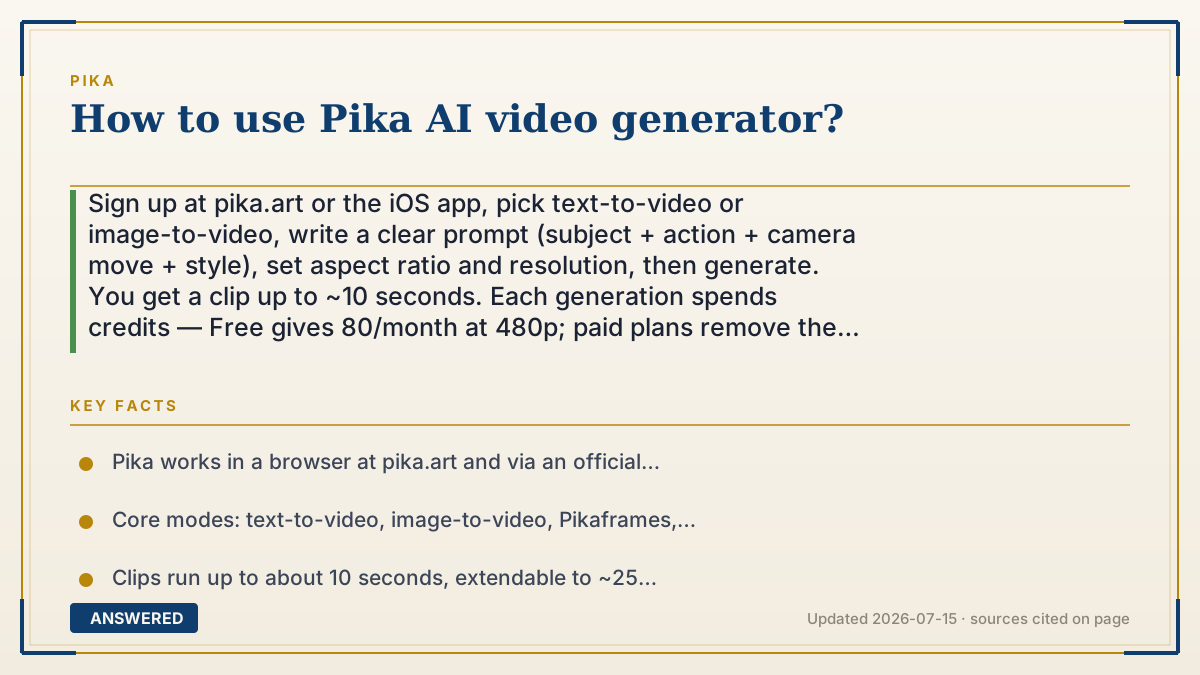
Sign up at pika.art or the iOS app, pick text-to-video or image-to-video, write a clear prompt (subject + action + camera move + style), set aspect ratio and resolution, then generate. You get a clip up to ~10 seconds. Each generation spends credits — Free gives 80/month at 480p; paid plans remove the watermark.
Why — the first-principles explanation
Using Pika comes down to giving the model a clear target and direction. The AI can't read your mind — it turns words and images into video by predicting frames, so the more precise your prompt, the closer the result. A strong prompt names four things: the subject (a red fox), the action (leaping over a log), the camera (slow push-in), and the style (cinematic, golden hour).
Everything else is about managing the credit budget and iteration loop. Because each render costs credits, the efficient workflow is to test cheaply — short, low-resolution Turbo takes — then spend more only when the shot is right. Pika's tools layer on from there: image-to-video to animate a photo, Pikaframes to bridge two keyframe images, and Pikascenes to combine multiple references into one shot.
The last piece is output settings. Aspect ratio should match where the video goes (9:16 for TikTok, 16:9 for YouTube). Resolution and watermark depend on your plan: Free caps at 480p with a watermark, while paid plans unlock all resolutions and clean exports. Learning Pika is mostly learning to prompt tightly and iterate without burning your whole credit balance.
An example that makes it click
Think of Pika like ordering a custom cake. If you just say 'a cake,' you get whatever the baker imagines. But if you say 'a two-layer chocolate cake, strawberry on top, candles lit, photographed from above,' you get exactly what you pictured. Pika is the baker: vague prompts give random videos, detailed prompts — subject, action, camera, style — give you the shot in your head. And just like ordering a small slice before a whole cake, you test a cheap short clip before spending big credits on the full render.
How to do it
- Create an account at pika.art or download the Pika iOS app.
- Choose your mode: text-to-video or image-to-video.
- Write a prompt with subject + action + camera move + style (e.g. 'a red fox leaping, slow push-in, cinematic').
- Set aspect ratio (9:16, 16:9, or 1:1) and, on a paid plan, resolution.
- Generate a short test, refine the prompt, then render the final and extend with Pikaframes if needed.
Key facts
- Pika works in a browser at pika.art and via an official iOS app.
- Core modes: text-to-video, image-to-video, Pikaframes, and Pikascenes.
- Clips run up to about 10 seconds, extendable to ~25 seconds with Pikaframes.
- Free plan: 80 credits/month, 480p, watermarked; paid plans remove the watermark.
- Strong prompts specify subject, action, camera movement, and style.
Open the official product and verify the active account, workspace and data settings before you begin.
▶ The 60-second explainer (script)
Here's how to use the Pika AI video generator. Sign up at pika dot art or grab the iOS app. Then pick your mode: text-to-video if you're starting from words, or image-to-video to animate a photo. Now the most important part — the prompt. A good Pika prompt names four things: the subject, the action, the camera move, and the style. So instead of 'a fox,' say 'a red fox leaping over a log, slow push-in, cinematic golden hour.' Set your aspect ratio to match where it's going — vertical for TikTok, wide for YouTube — pick your resolution, and generate. You'll get a clip up to about ten seconds. Every render spends credits, so test with a short cheap take first, then render the final. Free gives you eighty credits a month at 480p with a watermark; a paid plan removes it. Prompt tight, iterate, done.
What authoritative sources say
People also ask
Do I need to download software to use Pika?
No. Pika runs in any browser at pika.art. There's also an official iOS app; Android users use the mobile website.
What makes a good Pika prompt?
Name the subject, the action, the camera movement, and the style. Specific prompts give more predictable videos.
How do I avoid wasting credits?
Test ideas with short, low-resolution Turbo clips first, then spend bigger credits only on the final render.
Can I make vertical videos for TikTok?
Yes. Set the aspect ratio to 9:16 before generating to get a vertical, mobile-friendly clip.