How to use Suno AI?
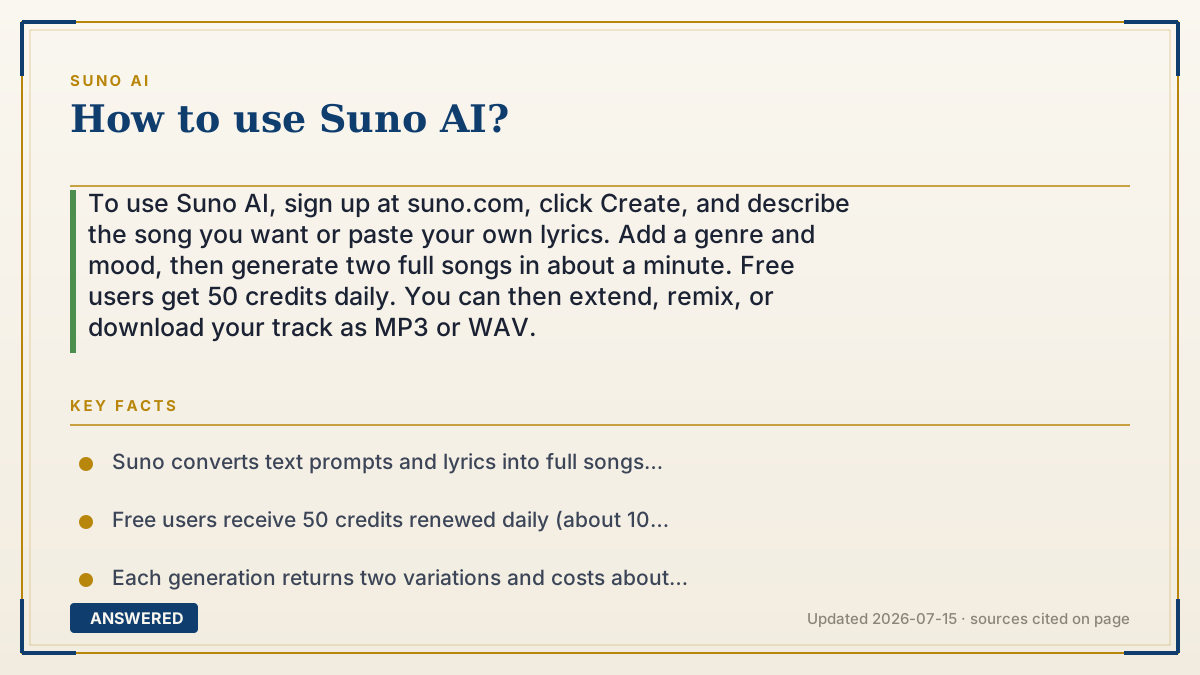
To use Suno AI, sign up at suno.com, click Create, and describe the song you want or paste your own lyrics. Add a genre and mood, then generate two full songs in about a minute. Free users get 50 credits daily. You can then extend, remix, or download your track as MP3 or WAV.
Why — the first-principles explanation
Using Suno well comes down to communicating clearly with a pattern-based AI. The model turns your words into music by matching descriptive terms to learned musical patterns, so your prompt is the steering wheel. Genre, mood, tempo, and instruments are the most useful words because the model has strong associations for them.
Suno gives you a spectrum of control. At the easy end, you type a short description and let it write everything. At the detailed end, you supply your own lyrics with structure tags so you decide exactly what the vocals sing and when sections change. Learning to move along this spectrum is most of the skill.
The real workflow is iterative, not one-and-done. Because each generation costs credits and returns two options, you generate, listen, and refine, re-prompting, extending, or replacing sections until it clicks. Understanding the credit budget (50 free daily, more on paid plans) helps you experiment without running out, and knowing that only paid plans grant commercial rights tells you when to upgrade.
An example that makes it click
Think of Suno like talking to a very fast studio band through a walkie-talkie. If you just say "play something happy," they'll jam something generic. If you say "upbeat 90s pop, bright synths, female vocals, chorus about summer," they nail it. They always play two takes so you can pick one, and if it's close, you radio back "same, but slower bridge." Each take uses a little studio time (credits), so you learn to give sharp directions.
How to do it
- Sign up at suno.com; you start on the free plan with 50 credits per day.
- Click Create to open the song builder.
- Type a clear description (genre, mood, instruments, topic) or switch to Custom mode to paste your own lyrics.
- Click Create and wait about 30 to 60 seconds for two song options.
- Listen to both, then refine by re-prompting, extending, or replacing sections.
- Download your favorite as MP3 or WAV, and upgrade to a paid plan if you need commercial rights.
Key facts
- Suno converts text prompts and lyrics into full songs with vocals and instruments.
- Free users receive 50 credits renewed daily (about 10 songs per day).
- Each generation returns two variations and costs about 10 credits (5 per song).
- Songs download as MP3 or WAV; the current model is v5.5 as of 2026-07.
- Commercial-use rights require a paid plan (Pro $10/month or Premier $30/month).
Open the official product and verify the active account, workspace and data settings before you begin.
▶ The 60-second explainer (script)
New to Suno AI? Here's how to use it. Go to suno.com and sign up; the free plan gives you 50 credits a day. Click Create. Now, the secret is your prompt. Suno turns words into music, so be specific: instead of "happy song," say "upbeat 90s pop, bright synths, female vocals, chorus about summer." If you want to control the words, switch to Custom mode and paste your own lyrics with tags like Verse and Chorus. Hit Create, and in about a minute you get two full songs. Listen, then refine, re-prompt, extend it, or replace a section until it's right. When you love it, download it as MP3 or WAV. One thing to remember: to use songs commercially, you'll need a paid plan starting at ten dollars a month.
What authoritative sources say
People also ask
Is Suno hard to learn?
No. Basic use is just typing a description. The skill is writing specific prompts and using Custom mode for control.
Can I use my own lyrics?
Yes. Switch to Custom mode, paste your lyrics, and use tags like [Verse] and [Chorus] to place them.
What makes a good Suno prompt?
Include genre, mood, tempo, instruments, and vocal type. Specific descriptions produce far better matches than vague ones.
Do I need to pay to use Suno?
No, the free plan works for testing, but commercial rights and the latest model require a paid plan.