How to write effective image prompts with Nano Banana?
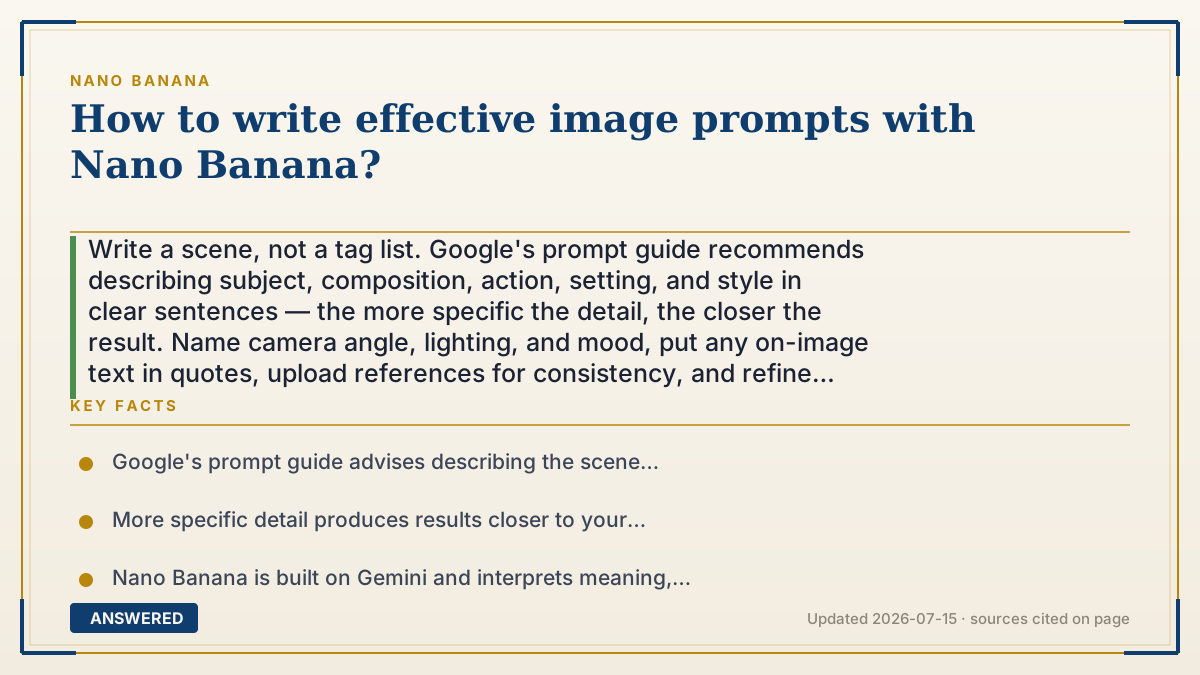
Write a scene, not a tag list. Google's prompt guide recommends describing subject, composition, action, setting, and style in clear sentences — the more specific the detail, the closer the result. Name camera angle, lighting, and mood, put any on-image text in quotes, upload references for consistency, and refine conversationally one change at a time.
Why — the first-principles explanation
Nano Banana runs on Gemini, a language model, so it interprets prompts as meaning, not as a bag of keywords. Google's own prompt guide is explicit: describe the scene — subject, composition, action, location, and style — in natural sentences. The richer and more specific your description, the fewer decisions you leave to chance, and the closer the image lands to your intent.
Think in building blocks. A strong prompt usually names: the subject (who/what), the setting (where/when), the composition and camera (close-up, wide shot, angle), the lighting and mood (soft morning light, dramatic shadows), and the style (photorealistic, watercolor, 3D render). Stacking these gives the model a complete picture to reason from, which is why 'a wide-angle photo of a red canoe on a still lake at dawn, misty, soft pink light' beats 'canoe lake.'
Two Nano Banana strengths deserve special prompts. For text in images (posters, logos, mockups), use the Pro model and put the exact words in quotes — it's tuned for legible, multilingual text. For consistency, upload reference images so the model anchors on a specific face, product, or style.
Finally, iterate conversationally: generate, then adjust one element ('warmer light,' 'turn her to face left') instead of rewriting everything. The rule in one line: describe fully in sentences, specify camera/light/style, quote any text, add references, then refine step by step.
An example that makes it click
Ordering an image is like directing a photographer. If you say 'take a picture of a dog,' you get a random shot. If you say 'a close-up photo of a golden retriever puppy on a red blanket, soft morning light, shot from just above eye level, shallow focus,' the photographer knows exactly where to stand and how to light it. Then you say 'now make the light warmer' instead of re-hiring a new photographer. Nano Banana responds to that same kind of clear, layered direction.
How to do it
- Start with the subject in a full sentence: who or what is in the image.
- Add setting and time — where it is and the time of day or season.
- Specify composition and camera angle (close-up, wide shot, eye level, overhead).
- Describe lighting, mood, and art style (photorealistic, watercolor, cinematic).
- For on-image text, use Nano Banana Pro and put the exact words in quotes.
- Upload reference images to lock a face, product, or style, then refine one change at a time.
Key facts
- Google's prompt guide advises describing the scene (subject, composition, action, setting, style) in natural sentences.
- More specific detail produces results closer to your intent.
- Nano Banana is built on Gemini and interprets meaning, not keyword tags.
- Nano Banana Pro renders legible, multilingual text when you specify exact words.
- Reference images anchor character, product, and style consistency.
Open the official product site and confirm the current access, plans and terms.
▶ The 60-second explainer (script)
Want prompts that actually work in Nano Banana? Google's own guide says it plainly: describe a whole scene in sentences, not a list of keywords. Because Nano Banana runs on Gemini, a language model, it reads meaning. So build your prompt in blocks — name the subject, the setting and time of day, the camera angle, the lighting and mood, and the art style. Compare 'canoe lake' with 'a wide-angle photo of a red canoe on a still lake at dawn, misty, soft pink light.' The second one gives you the image you actually pictured. Two pro tips: if you want words inside the image, like on a poster, use Nano Banana Pro and put the exact text in quotes — it spells things correctly. And if you need the same face or product every time, upload a reference photo. Then don't rewrite everything to fix one thing — just say 'make the light warmer' and refine step by step.
What authoritative sources say
People also ask
Should I use keyword tags or sentences?
Sentences. Nano Banana is built on Gemini and interprets full natural-language descriptions better than keyword lists.
How do I get correct text in my image?
Use Nano Banana Pro and put the exact words in quotation marks; it's tuned for legible, multilingual text.
What details matter most?
Subject, setting, camera angle, lighting, mood, and style. Stacking these gives the model a complete scene to render.
How do I fix a result I mostly like?
Refine conversationally — change one element at a time rather than rewriting the whole prompt.