Is GitHub Copilot safe?
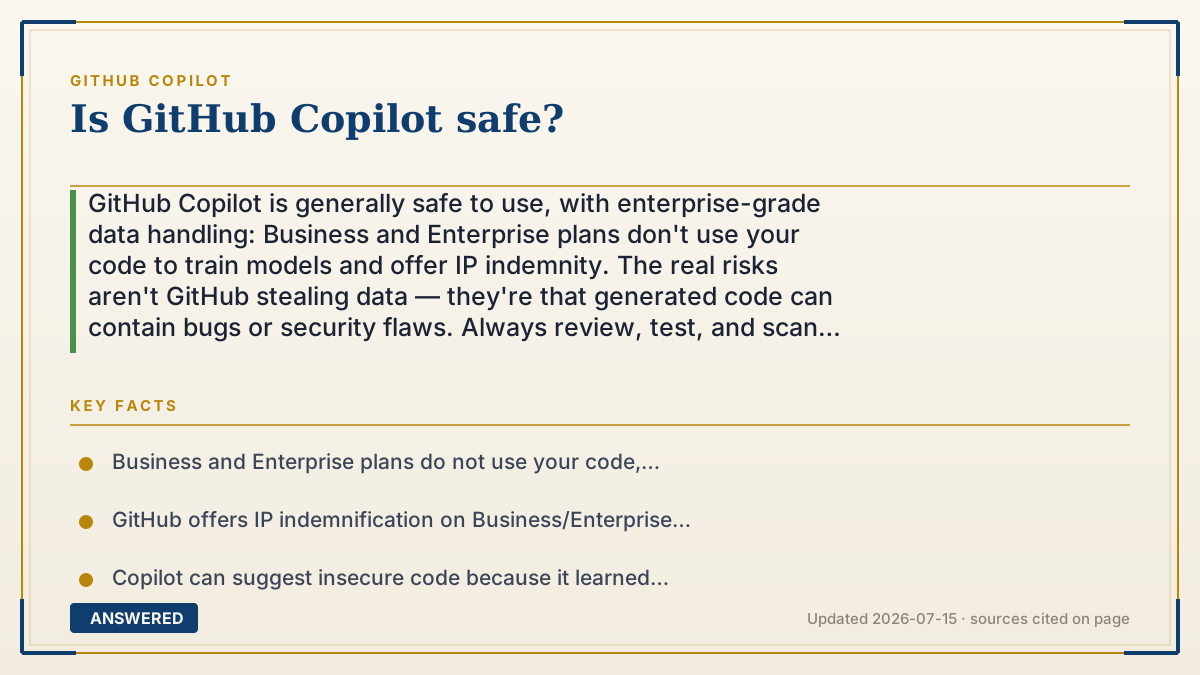
GitHub Copilot is generally safe to use, with enterprise-grade data handling: Business and Enterprise plans don't use your code to train models and offer IP indemnity. The real risks aren't GitHub stealing data — they're that generated code can contain bugs or security flaws. Always review, test, and scan suggestions before shipping.
Why — the first-principles explanation
'Safe' splits into two very different questions: is your data safe, and is the code it produces safe? They have different answers.
On data safety, GitHub built strong guardrails. For Business and Enterprise, your prompts, code, and suggestions are not used to train models, and GitHub adds IP indemnification for copyright claims when the duplication filter is on. Individual users get an opt-out for data collection and a filter that blocks suggestions matching public code. Traffic is encrypted, and private repository contents aren't harvested as training data. On this axis, Copilot behaves like a mainstream enterprise cloud tool.
On code safety, the honest answer is: be careful. Copilot learned from public code, and public code contains plenty of bugs, outdated practices, and insecure patterns. So Copilot can confidently suggest code with security vulnerabilities — hardcoded secrets, injection flaws, weak crypto — that looks correct. It has no true understanding of your threat model. This is the biggest real-world risk, and it's on you to catch.
The safe way to use Copilot follows from this: treat every suggestion as untrusted input from a fast but junior developer. Review it, run tests, use security scanners (like static analysis and dependency checks), and never accept code you don't understand. Enable the public-code filter to reduce license risk. Do that, and Copilot is a safe, productive tool; skip it, and the danger isn't GitHub — it's shipping AI code you never checked.
An example that makes it click
Imagine a helpful assistant who fetches ingredients from a giant communal pantry. The pantry is well-secured and no one's stealing your recipes — that's your data safety. But some ingredients on those shelves are past their expiration date, and the assistant can't always tell. If you cook with them without checking, you might make someone sick.
Copilot is that assistant. The pantry (your data) is locked and monitored. The risk is the occasional spoiled ingredient — buggy or insecure code — that looks fine on the shelf. Your job is to check the expiration date before you serve it: review, test, and scan.
How to do it
- Use a Business or Enterprise plan for the strongest data protections and IP indemnity if you handle sensitive code.
- Enable the 'block suggestions matching public code' duplication filter.
- On individual plans, turn off data collection in Copilot settings if you prefer not to share prompts.
- Review every suggestion and never accept code you don't understand.
- Run tests and security scanners (static analysis, secret and dependency scanning) on generated code before merging.
Key facts
- Business and Enterprise plans do not use your code, prompts, or suggestions to train models.
- GitHub offers IP indemnification on Business/Enterprise when the duplication filter is enabled.
- Copilot can suggest insecure code because it learned from public code containing vulnerabilities.
- A public-code duplication filter blocks suggestions matching public code of about 150 characters or more.
- The main safety practice is human review plus automated testing and security scanning of generated code.
Open the official product site and confirm the current access, plans and terms.
▶ The 60-second explainer (script)
Is GitHub Copilot safe? Mostly yes — but you have to split that question in two. First, is your data safe? On that front, GitHub built strong protections. Business and Enterprise plans don't use your code to train models, they add legal indemnity for copyright claims, and your private repositories aren't harvested. Individual users get an opt-out and a filter that blocks code matching public sources. So on data, Copilot behaves like a serious enterprise tool. Second — and this is the one people underestimate — is the code it writes safe? Here, be careful. Copilot learned from public code, and public code is full of bugs and insecure patterns. So it can confidently hand you code with security flaws — hardcoded passwords, injection holes, weak encryption — that looks perfectly fine. It doesn't understand your threat model. So the safe way to use Copilot is simple: treat every suggestion like untrusted work from a fast junior developer. Review it, run your tests, scan it with security tools, and never accept code you don't understand. Do that, and Copilot is safe and productive. The real danger isn't GitHub — it's shipping AI code you never checked.
What authoritative sources say
People also ask
Can Copilot leak my private code?
Your private repository contents aren't used as training data, and Business/Enterprise plans don't use your prompts or code to train models. Traffic is encrypted.
Can Copilot write insecure code?
Yes. It can suggest vulnerable patterns that look correct because it learned from public code. Always review, test, and run security scans before shipping.
How do I make it safer?
Enable the public-code filter, use Business/Enterprise for sensitive work, review every suggestion, and scan generated code with security tools.
Is it safe for company code?
With a Business or Enterprise plan and proper review practices, yes. Those plans add no-training guarantees, IP indemnity, and admin policy controls.