Is GitHub Copilot worth it?
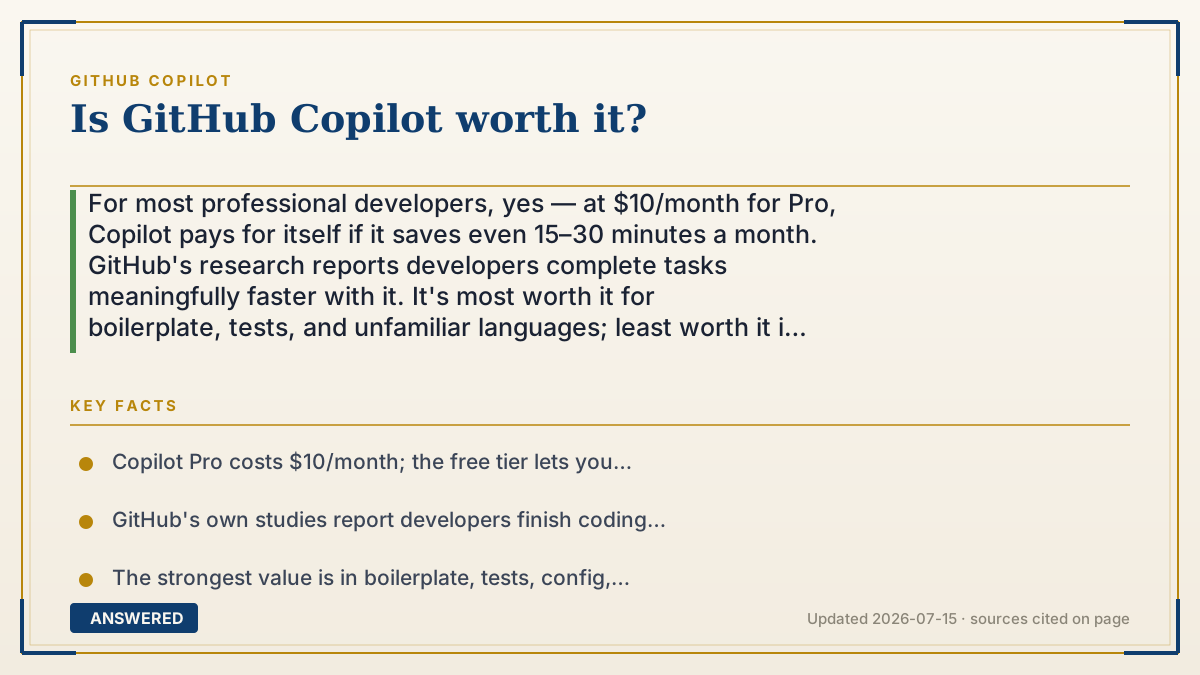
For most professional developers, yes — at $10/month for Pro, Copilot pays for itself if it saves even 15–30 minutes a month. GitHub's research reports developers complete tasks meaningfully faster with it. It's most worth it for boilerplate, tests, and unfamiliar languages; least worth it if you mainly write novel, high-stakes logic that needs careful review.
Why — the first-principles explanation
Whether Copilot is 'worth it' is a cost-versus-time calculation. Pro costs $10/month. A developer earning even a modest hourly rate covers that cost by saving well under an hour of work per month. Since Copilot routinely drafts boilerplate, tests, and repetitive code in seconds, clearing that low bar is easy for most working programmers. The free tier lets you verify this for yourself at zero risk.
The value is uneven, though, because Copilot's strength is pattern completion, not original reasoning. It shines where code is predictable: setting up a config, writing CRUD endpoints, generating unit tests, translating between languages you half-remember. Here it removes typing and lookup time — the boring parts. Its edge shrinks where the work is genuinely novel, safety-critical, or subtle, because you must slow down and verify every line, which can erase the speed gain.
There is also a hidden cost: review overhead and skill atrophy. Accepting suggestions blindly can introduce subtle bugs or insecure patterns, and leaning on it too hard may dull your own fluency. The developers who get the most value treat Copilot as a fast junior pair-programmer whose output they always check, not an oracle.
So the honest verdict is conditional. For someone who writes a lot of ordinary code, works across many languages, or values momentum, the productivity lift comfortably beats $10/month. For someone doing narrow, deeply original work, the benefit is smaller and the review tax is higher — but even then, the free tier makes trying it a no-brainer.
An example that makes it click
Imagine hiring a very fast typist who has memorized every common recipe. When you're making a standard dish — say, spaghetti — they plate it before you've finished saying the word. That saves real time. But when you're inventing a brand-new dish, they keep confidently handing you spaghetti, and you have to stop and correct them. Still helpful, just less so.
At $10 a month, that typist pays for themselves the first time they save you half an hour of boilerplate. The trick is knowing when to accept their plate and when to cook it yourself.
How to do it
- Start with the Free tier ($0) and use it on real work for two weeks.
- Track roughly how often it saves you typing or lookup time on boilerplate, tests, and config.
- Estimate the minutes saved per month and compare to the $10 Pro price.
- Upgrade to Pro if you regularly hit the free limits or clearly save more than an hour a month.
- Keep reviewing every suggestion — count review time as part of the true cost.
Key facts
- Copilot Pro costs $10/month; the free tier lets you evaluate it with 2,000 completions/month at no cost.
- GitHub's own studies report developers finish coding tasks noticeably faster with Copilot than without.
- The strongest value is in boilerplate, tests, config, and working in unfamiliar languages.
- Value is lower for novel, safety-critical, or highly original logic that requires line-by-line review.
- Verified students and teachers get Pro free, making the value question moot for them.
Open the current plans, credits, usage limits and cancellation terms before you subscribe.
▶ The 60-second explainer (script)
Is GitHub Copilot worth it? For most working developers, yes — and the math is simple. Pro costs ten dollars a month. If Copilot saves you even fifteen to thirty minutes of typing across a whole month, it's already paid for itself. And it easily does that on the boring parts: boilerplate, config files, unit tests, and languages you only half-remember. GitHub's own research shows developers finish tasks meaningfully faster with it. But here's the nuance. Copilot is a pattern machine, not a genius. It's incredible at predictable code and weaker at truly original or safety-critical logic, where you have to check every line — and that checking can eat your time savings. There's also a real risk of accepting buggy suggestions or letting your own skills get rusty. The best users treat it like a fast junior partner whose work they always review. The good news? There's a free tier. So don't guess — turn it on for two weeks, notice how often it saves you time, and let the results decide. For most people, ten dollars a month is an easy yes.
What authoritative sources say
People also ask
Will Copilot make me a faster coder?
Usually yes on routine code — boilerplate, tests, and config — where it removes typing and lookups. Gains are smaller on novel or high-stakes logic.
Is it worth it for beginners?
It can speed up learning by showing patterns, but beginners should review and understand suggestions rather than accept them blindly, to avoid skill gaps.
How can I judge the value without paying?
Use the free tier for two weeks on real work and track the time it saves you, then compare to the $10/month Pro price.
What's the biggest downside?
Suggestions can be subtly wrong or insecure, so you must review everything. That review time is part of the real cost.
The same question, asked other ways
- How useful and reliable is GitHub Copilot?