Can Gemini generate images?
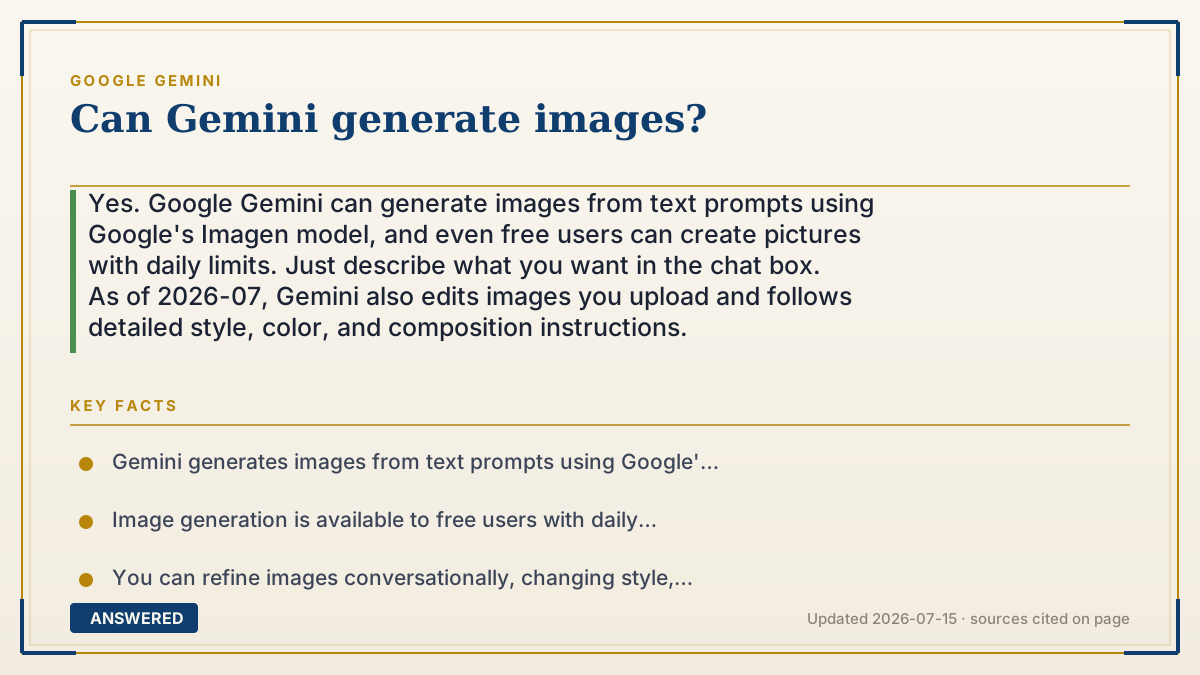
Yes. Google Gemini can generate images from text prompts using Google's Imagen model, and even free users can create pictures with daily limits. Just describe what you want in the chat box. As of 2026-07, Gemini also edits images you upload and follows detailed style, color, and composition instructions.
Why — the first-principles explanation
Image generation works on a different principle than chat, but the same AI backbone connects them. Gemini uses a text-to-image model (Google's Imagen) that has learned the link between words and pixels by studying millions of captioned pictures. When you type "a red bicycle in the rain," it doesn't paste a stored photo — it builds a brand-new image pixel by pixel to match your words.
The common method is called diffusion: the model starts with random visual noise, like TV static, and step by step removes the noise, nudging it toward something that fits your description. Each step is a guess informed by everything it learned about how "red," "bicycle," and "rain" tend to look. After many steps, a coherent picture emerges.
Because Gemini is one assistant wired to this image model, you can generate and refine in plain conversation. Ask for a picture, then say "make it nighttime" or "add a cat," and it regenerates. The quality and daily limits depend on your tier, but the ability to create images is available even on the free plan.
An example that makes it click
Imagine a sculptor who starts with a rough block of clay (random static) and slowly carves and smooths it until it matches your request. You say "a smiling robot holding a balloon," and with each pass the sculptor shapes the fog into a robot, then a smile, then a balloon. Ask for the balloon to be red instead of blue, and they reshape it in seconds. Gemini's image tool does this digitally, turning your sentence into a picture that never existed before.
How to do it
- Open Gemini at gemini.google.com or in the app and sign in.
- Type a clear description of the image you want, e.g. 'a watercolor fox in a snowy forest, soft light.'
- Wait a few seconds for Gemini to generate the picture using the Imagen model.
- Refine by chatting: ask to change the style, colors, background, or add and remove objects.
- Download the image with the save icon, or upload your own photo and ask Gemini to edit it.
Key facts
- Gemini generates images from text prompts using Google's Imagen model.
- Image generation is available to free users with daily usage limits (as of 2026-07).
- You can refine images conversationally, changing style, color, and composition, and edit uploaded photos.
- Higher tiers (AI Plus, Pro, Ultra) provide higher image and video generation limits.
- Generated images may include an invisible SynthID watermark to mark AI-created content.
Open the official product site and confirm the current access, plans and terms.
▶ The 60-second explainer (script)
Can Gemini generate images? Yes it can, and even free users get to. Just open Gemini, type a description like 'a watercolor fox in a snowy forest,' and in a few seconds it creates a brand-new picture using Google's Imagen model. It's not pulling a photo off the internet. It builds the image from scratch, starting with random static and refining it step by step until it matches your words. The best part is you can keep chatting to tweak it. Say 'make it nighttime' or 'add a red scarf,' and it regenerates. You can even upload your own photo and ask Gemini to edit it. Free users have daily limits, and paid plans give you more.
What authoritative sources say
People also ask
Can free Gemini users generate images?
Yes. Image generation is available on the free tier with daily limits; paid plans raise those limits.
Which model creates Gemini's images?
Gemini uses Google's Imagen text-to-image model to generate pictures from your descriptions.
Can Gemini edit a photo I upload?
Yes. You can upload an image and ask Gemini to change elements, style, or background.
Are Gemini images watermarked?
Google applies an invisible SynthID watermark to help identify AI-generated images.