Can I delete my Gemini chat history?
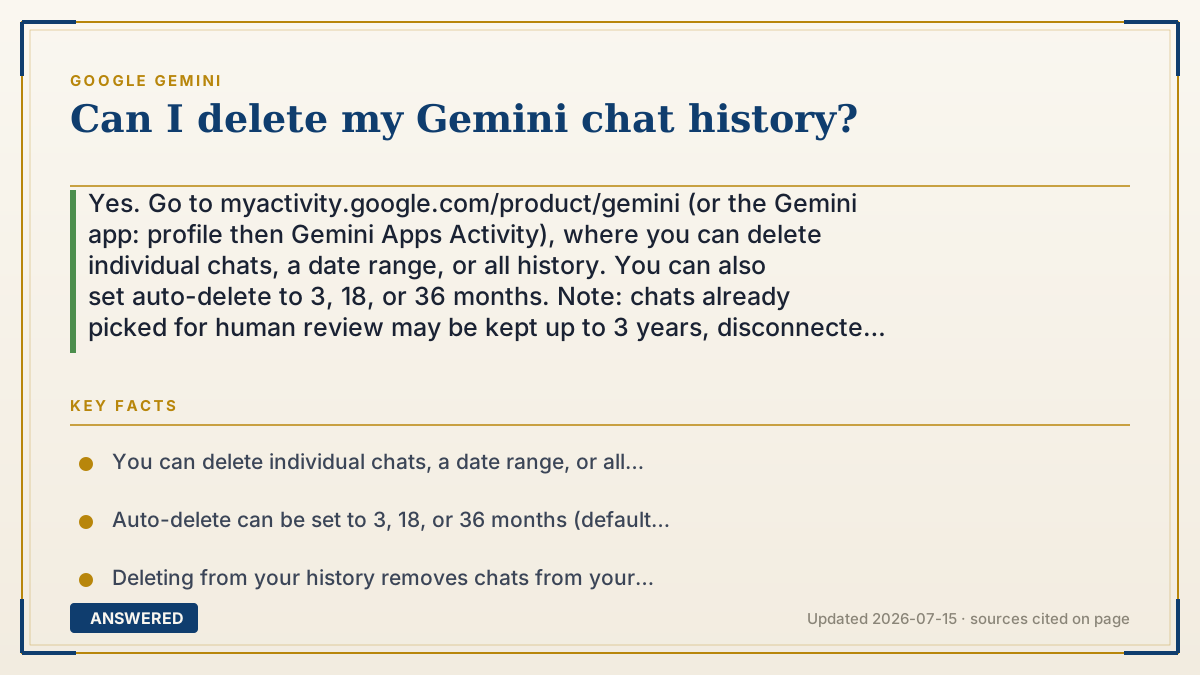
Yes. Go to myactivity.google.com/product/gemini (or the Gemini app: profile then Gemini Apps Activity), where you can delete individual chats, a date range, or all history. You can also set auto-delete to 3, 18, or 36 months. Note: chats already picked for human review may be kept up to 3 years, disconnected from your account.
Why — the first-principles explanation
By default Gemini saves your chats so you can revisit them and so a subset can help improve Google's models. Because it's your data in your Google account, privacy rules give you the right to delete it — which is why there's a dedicated activity page with delete controls, not a hidden process.
Deletion works on two timelines. Chats in your visible history are removed promptly when you delete them. But there's a nuance: if a chat was already randomly sampled and sent to human reviewers before you deleted it, that anonymized copy — already disconnected from your account — can persist for up to three years for quality and model work. Your deletion clears your history; it can't reach back into review samples that were already detached from you.
The smart setup combines manual deletion with automation. Delete what you want gone now, then set auto-delete so future chats purge on a schedule (say, every 3 months). And if you'd rather nothing be saved at all, turn off Gemini Apps Activity — then chats aren't stored long-term and aren't used for training.
An example that makes it click
Think of your chat history like your text messages. You can delete one message, a whole conversation, or clear the entire inbox — that's the delete button on the activity page. You can even set your phone to auto-erase texts older than 3 months. But if you'd already forwarded a message to someone else before deleting yours, that copy is out of your hands. Gemini's human-review samples are like that forwarded copy: anonymized, already sent, and kept up to 3 years even after you clear your own history.
How to do it
- Go to myactivity.google.com/product/gemini, or open the Gemini app and tap your profile then 'Gemini Apps Activity.'
- To delete one chat, find it and tap the delete (X or trash) icon next to it.
- To delete a range, tap 'Delete' and choose Today, a custom date range, or All time.
- To automate, choose 'Auto-delete' and set 3, 18, or 36 months.
- To stop saving future chats entirely, turn off the 'Keep Activity' toggle.
- For a one-off private question, use a Temporary Chat, which isn't added to your history.
Key facts
- You can delete individual chats, a date range, or all history at myactivity.google.com/product/gemini.
- Auto-delete can be set to 3, 18, or 36 months (default is 18 months).
- Deleting from your history removes chats from your account promptly.
- Chats already sampled for human review may be retained up to 3 years, disconnected from your account.
- Turning off Gemini Apps Activity stops new chats from being saved long-term (as of 2026-07).
Open the official product site and confirm the current access, plans and terms.
▶ The 60-second explainer (script)
Can you delete your Gemini chat history? Absolutely. Head to myactivity.google.com/product/gemini, or in the app tap your profile and then Gemini Apps Activity. From there you can delete a single chat, a date range, or your entire history with one tap. Want it automatic? Set auto-delete to three, eighteen, or thirty-six months, so old chats clear themselves. One honest caveat: if a chat was already randomly picked for human review before you deleted it, that anonymized copy, already disconnected from your account, can be kept up to three years. And if you'd rather nothing be saved at all, just turn off Keep Activity, or use a Temporary Chat for private questions.
What authoritative sources say
People also ask
Where do I delete Gemini chats?
At myactivity.google.com/product/gemini, or in the app under your profile then 'Gemini Apps Activity.'
Can I delete everything at once?
Yes. Choose 'Delete' then 'All time' to clear your entire Gemini chat history.
Does deleting remove reviewed copies too?
Not necessarily. Anonymized chats already sent for human review may be kept up to 3 years, separate from your account.
Can I stop chats from being saved in the first place?
Yes. Turn off Gemini Apps Activity, or use Temporary Chats for questions you don't want stored.