How do Claude usage and length limits work?
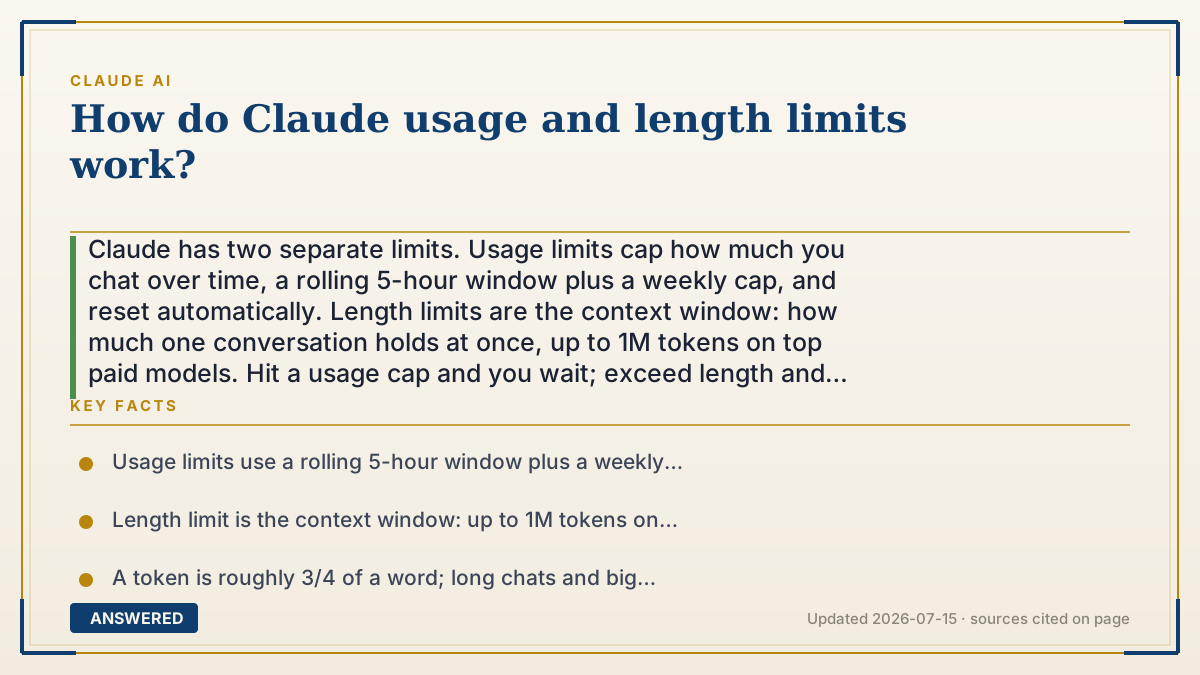
Claude has two separate limits. Usage limits cap how much you chat over time, a rolling 5-hour window plus a weekly cap, and reset automatically. Length limits are the context window: how much one conversation holds at once, up to 1M tokens on top paid models. Hit a usage cap and you wait; exceed length and you start fresh.
Why — the first-principles explanation
It's easy to confuse two different ceilings, so keep them apart. Usage limits are about how often you can use Claude. Because every reply costs computing time, Anthropic caps activity over time instead of billing per message. There are two layers: a short-term rolling 5-hour window that starts with your first message and refreshes 5 hours later, and a weekly cap that resets 7 days from your first message and is shared with Claude Code.
Length limits are about how much fits in one conversation, the context window. Everything Claude can 'see' at once, your messages, uploaded files, and its replies, must fit inside it, measured in tokens (a token is about 3/4 of a word). On current top models the window is 1M tokens (hundreds of pages); older or smaller models offer 500K or 200K. When a chat grows past the window, the oldest content scrolls out of view and Claude can forget early details.
What you use burns both budgets faster: long chats, big files, and heavier models consume more, which is why usage is given as ranges, not a fixed message count. Your plan sets the size, Free is smallest, Pro is larger, and Max multiplies Pro by 5x or 20x. In May 2026, Anthropic doubled the 5-hour limits for Pro, Max, and Team and dropped the old peak-hours reduction. Practical rule: if you hit a usage limit, wait for the reset or upgrade; if you hit a length limit, start a fresh chat or summarize the old one.
An example that makes it click
Think of two different meters. The usage meter is like a prepaid calling plan: you get so many minutes per five-hour block and per week, and they refill on a timer. The length meter is like the size of a single whiteboard: one conversation can only hold so much before the earliest scribbles get erased to make room. Uploading a giant PDF is like writing in huge letters, it fills the whiteboard fast and drains your minutes quickly. Bigger plans just give you more minutes and a bigger whiteboard.
How to do it
- Distinguish the two: usage limits reset over time; length limits cap one conversation's size.
- Track your 5-hour window (starts at your first message) and the weekly cap (resets after 7 days).
- Keep chats focused and start new ones per topic so you don't fill the context window.
- Summarize or trim a long chat if Claude starts forgetting early details.
- If you hit usage limits often, upgrade to Pro or Max for larger budgets.
Key facts
- Usage limits use a rolling 5-hour window plus a weekly cap that resets 7 days from your first message.
- Length limit is the context window: up to 1M tokens on the newest paid models, 500K or 200K on others.
- A token is roughly 3/4 of a word; long chats and big files consume budget and context faster.
- In May 2026, Anthropic doubled the 5-hour limits for Pro, Max, and Team plans.
- Usage and length are separate: usage resets over time, while exceeding context means starting a new chat.
Open the current official limits, credits and plan rules before relying on the allowance.
▶ The 60-second explainer (script)
How do Claude's usage and length limits work? They're two different things, so let's separate them. Usage limits are about how often you can chat. Since every reply costs compute, Anthropic caps activity over time: there's a rolling five-hour window that starts with your first message, plus a weekly cap that resets after seven days and is shared with Claude Code. Length limits are about how much fits in one conversation, that's the context window. Everything in a chat, your messages, files, and Claude's replies, has to fit inside it, up to a million tokens on the newest paid models. When a chat gets too long, the oldest parts scroll off and Claude may forget them. Big files and long chats drain both faster. So if you hit a usage limit, wait for the reset or upgrade. If you hit the length limit, just start a fresh chat.
What authoritative sources say
People also ask
What's the difference between usage and length limits?
Usage limits cap how much you use Claude over time and reset automatically; length limits (the context window) cap how much a single conversation can hold at once.
How long until my usage resets?
The short-term window resets on a rolling 5-hour basis from your first message, and the weekly cap resets 7 days from your first message.
What happens when a chat gets too long?
Once it exceeds the context window, the oldest messages drop out of view. Start a new chat or ask Claude to summarize the conversation.
Why do my limits feel different day to day?
Longer conversations, larger files, and heavier models consume more, so the number of messages you get varies with what you do.