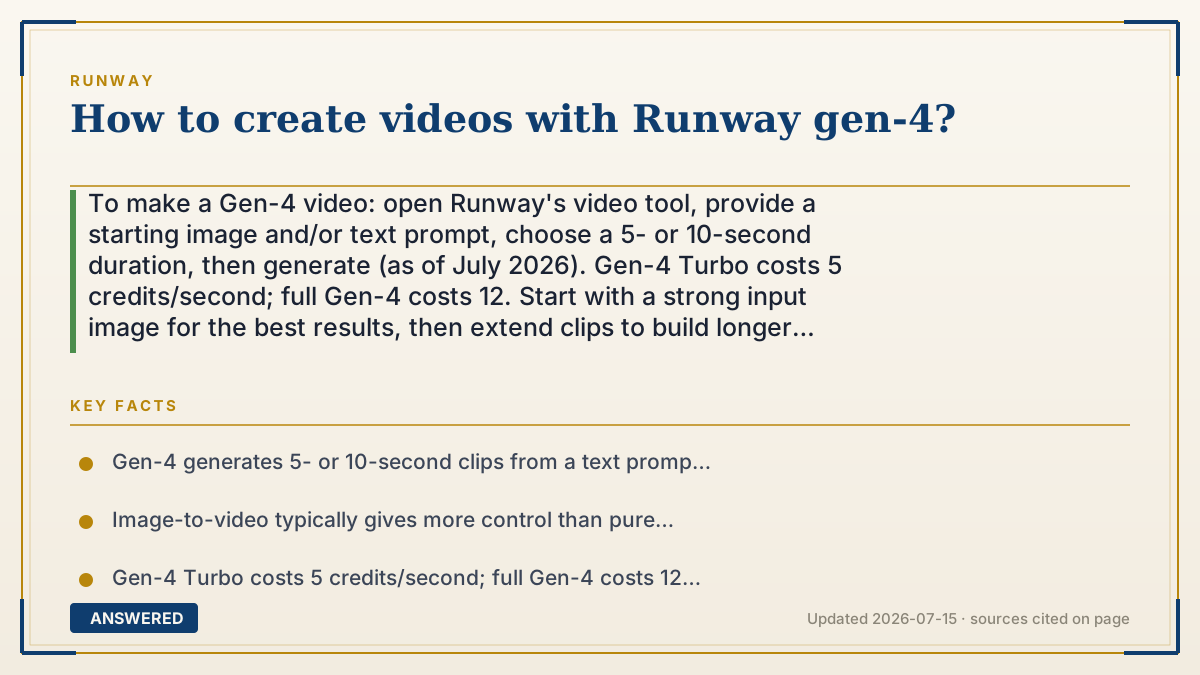
How to create videos with Runway gen-4?
To make a Gen-4 video: open Runway's video tool, provide a starting image and/or text prompt, choose a 5- or 10-second duration, then generate (as of July 2026). Gen-4 Turbo costs 5 credits/second; full Gen-4 costs 12. Start with a strong input image for the best results, then extend clips to build longer scenes.
Why — the first-principles explanation
Gen-4 is fundamentally an image-plus-instruction-to-motion system. It works best when you give it a clear anchor—usually a starting image—plus a text prompt describing the motion. The image fixes what things look like; the prompt tells the model how they should move. Feeding it a solid image is why image-to-video usually beats pure text-to-video for control.
The workflow is short because the model does the heavy lifting: pick a duration, describe the action, generate. Duration is a creative choice, not just a cost knob—5 seconds suits a single simple motion, while 10 seconds gives the model room to complete a more complex sequence without rushing. Choosing wrong (a busy prompt crammed into 5 seconds) is a common cause of jerky or unfinished motion.
Because each generation is a self-contained clip, longer videos are assembled, not generated whole. You extend a clip or hand its final frame to the next generation, then edit the pieces together. And since every attempt spends credits whether or not you keep it, the efficient path is to draft cheaply on Turbo, refine the prompt, and reserve the pricier full-Gen-4 render for your final take.
An example that makes it click
Think of Gen-4 like giving a stop-motion animator a photo and a sticky note. The photo is your starting image—'this fox, this snowy field.' The sticky note is your prompt—'the fox leaps left and shakes off snow.' The animator brings the photo to life in a 5- or 10-second scene. If you ask for three big moves but only give a 5-second window, the animator rushes and it looks jerky, so you give complex actions the 10-second window. Want a whole chase scene? You hand over several photos in a row and tape the little clips together.
How to do it
- Log in to Runway and open the video generation tool (Gen-4 or Gen-4 Turbo).
- Upload a starting image for image-to-video control, or write a text prompt for text-to-video.
- Write a clear prompt describing the motion, camera movement, and mood.
- Choose duration: 5 seconds for simple motion, 10 seconds for complex or multiple movements.
- Select the model—Turbo (5 credits/second) for drafts, full Gen-4 (12 credits/second) for final quality.
- Generate the clip and review it.
- To improve, adjust the prompt or seed and re-generate; to go longer, extend the clip or chain the final frame into a new generation.
- Combine clips in the editor and export your finished video.
Key facts
- Gen-4 generates 5- or 10-second clips from a text prompt and/or a starting image (as of 2026-07).
- Image-to-video typically gives more control than pure text-to-video.
- Gen-4 Turbo costs 5 credits/second; full Gen-4 costs 12 credits/second.
- Simple motions fit 5 seconds; complex, multi-movement prompts benefit from 10 seconds.
- Longer videos are made by extending clips or chaining final frames, then editing them together.
Open the official product site and confirm the current access, plans and terms.
▶ The 60-second explainer (script)
Here's how to create a video with Runway Gen-4. Open Runway's video tool and give it two things: a starting image and a text prompt. The image locks in what everything looks like; the prompt tells the model how it should move. That's why starting from an image usually gives you more control than text alone. Next, pick a duration—5 seconds for a single simple motion, 10 seconds when you're asking for complex or multiple movements, so the model doesn't rush. Choose your model: Gen-4 Turbo at 5 credits a second for drafts, or full Gen-4 at 12 for final quality. Then generate and review. If it's not right, tweak the prompt and try again. Want something longer than 10 seconds? Extend the clip or feed its last frame into a new generation, then stitch the pieces in the editor. Draft cheap on Turbo, polish on full Gen-4, and build your scene clip by clip.
What authoritative sources say
People also ask
Do I need a starting image for Gen-4?
Not required, but image-to-video gives more control over appearance and usually yields better results than text alone.
Should I choose 5 or 10 seconds?
5 seconds for a single simple motion; 10 seconds for complex or multiple movements so the model doesn't rush.
How do I make a video longer than 10 seconds?
Extend the clip or feed its final frame into a new generation, then edit the segments together.
How can I save credits while creating?
Draft on Gen-4 Turbo (5 credits/second) to refine the prompt, then run the final take on full Gen-4.