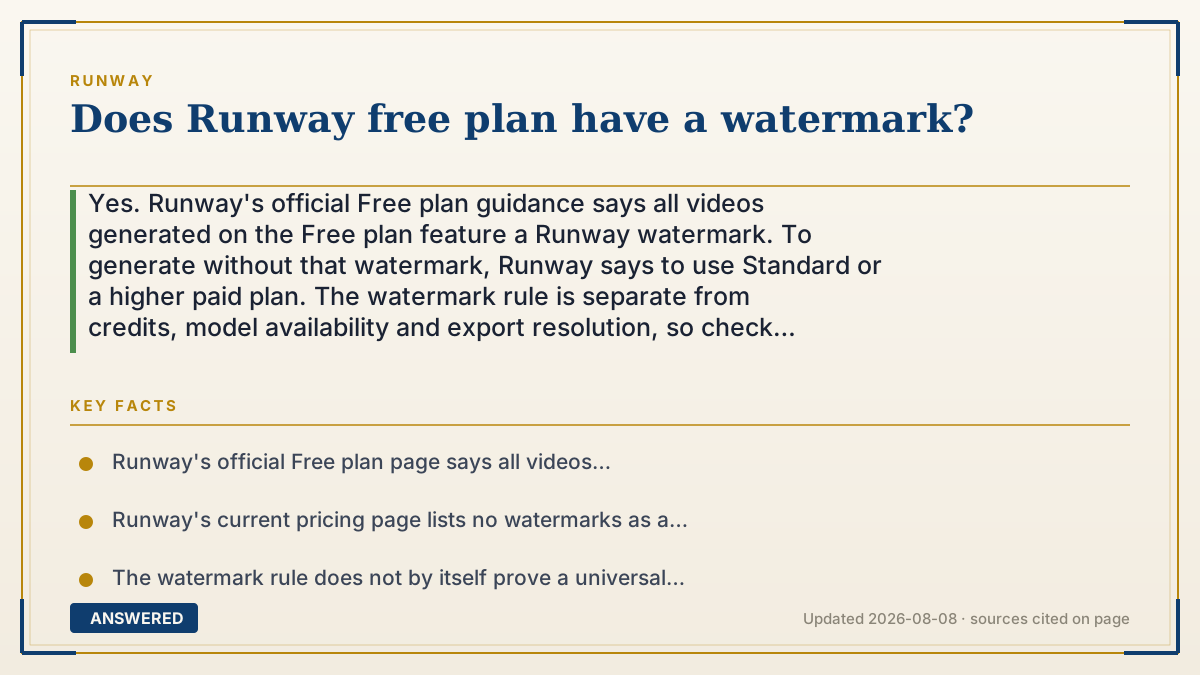
Does Runway free plan have a watermark?
Yes. Runway's official Free plan guidance says all videos generated on the Free plan feature a Runway watermark. To generate without that watermark, Runway says to use Standard or a higher paid plan. The watermark rule is separate from credits, model availability and export resolution, so check those independently. Verified 2026-08-08.
Runway watermark rule by plan
| Plan state | New generated videos | What the official rule supports |
|---|---|---|
| Free | Runway watermark included | All videos generated on a Free plan feature the watermark |
| Standard or higher | Can generate without a watermark | Current paid-plan benefits include no watermarks |
| Existing Free generation | Do not assume a plan change edits the old file | Save the prompt/settings and make a new clean generation if needed |
Why — the first-principles explanation
The current rule is simpler than many older tutorials make it sound: the plan used for the generation controls the watermark outcome. Runway's Free plan help says every video generated on a Free plan has a Runway watermark. Its current pricing page lists "No watermarks" as a Standard-plan benefit.
That rule does not establish one universal Free-plan resolution, one fixed model list or one permanent price. Those are separate plan attributes and can change independently. A good answer should therefore avoid attaching an unsupported resolution promise or an unnecessary dollar figure to a yes-or-no watermark question.
If you already generated a clip on Free, do not assume that subscribing will rewrite the downloaded file. The safe workflow is to retain the prompt, input asset, seed or settings you need, switch to an eligible plan if clean output is necessary, and create a new generation. Then inspect the exported file before delivering it.
Removing or hiding a watermark from an existing file can also create rights, disclosure or client-policy issues. This page explains Runway's plan behavior; it is not permission to alter branding on an old output.
An example that makes it click
Treat the watermark like a setting attached to the ticket used when a clip is generated. A Free ticket produces a marked clip. An eligible paid ticket can produce a clean one. Buying a different ticket later does not by itself prove that yesterday's exported file was rewritten, so preserve your setup and generate the deliverable under the plan whose output rule you need.
How to do it
- Confirm which plan is active for the account that will generate the final clip.
- If a watermark is acceptable, keep using Free and account for the mark in the composition.
- If clean output is required, open Runway's current Free-plan and pricing documentation before changing plans.
- Save the prompt, inputs and settings needed to reproduce the clip.
- Generate a new version under Standard or a higher eligible plan, then inspect the downloaded result before delivery.
Key facts
- Runway's official Free plan page says all videos generated on a Free plan feature a Runway watermark (verified 2026-08-08).
- Runway's current pricing page lists no watermarks as a Standard-plan benefit.
- The watermark rule does not by itself prove a universal Free-plan resolution or fixed model catalog.
- A subscription change should not be treated as proof that an already exported Free-plan file was retroactively cleaned.
- Credits, available models, resolution and watermark status are separate checks.
Verify the current free-plan credits, model access, watermark and renewal rules before relying on the plan.
Check the rest of the Free-plan limits
Watermarks, one-time credits and model availability are separate rules. Use the related guide that matches your next decision.
▶ The 60-second explainer (script)
Does Runway's Free plan have a watermark? Yes. Runway's official Free-plan page says every video generated on Free features a Runway watermark. Its current plan comparison says Standard or above can generate without one. Do not attach a fixed resolution, model list or price to that rule; those are separate plan attributes. If you already exported a marked clip, preserve the prompt and settings and make a new generation under an eligible plan if clean output is required. Then inspect the final file before delivery.
What authoritative sources say
People also ask
Can I turn off the watermark on the free plan?
No official Free-plan exception is documented. Runway says all videos generated on Free feature its watermark.
Which plan removes the watermark?
Runway says Standard or above can generate without the watermark. Check the live plan page because pricing and other features can change.
Will upgrading remove the watermark from clips I already made?
Do not rely on a subscription change to rewrite an existing exported file. Preserve your inputs and generate a new version under an eligible plan if clean output is required.
What resolution does the free plan output?
The watermark rule does not establish one universal resolution. Resolution can depend on the current model and workflow, so verify it separately in Runway's live plan and export documentation.