How to export code from Lovable to github?
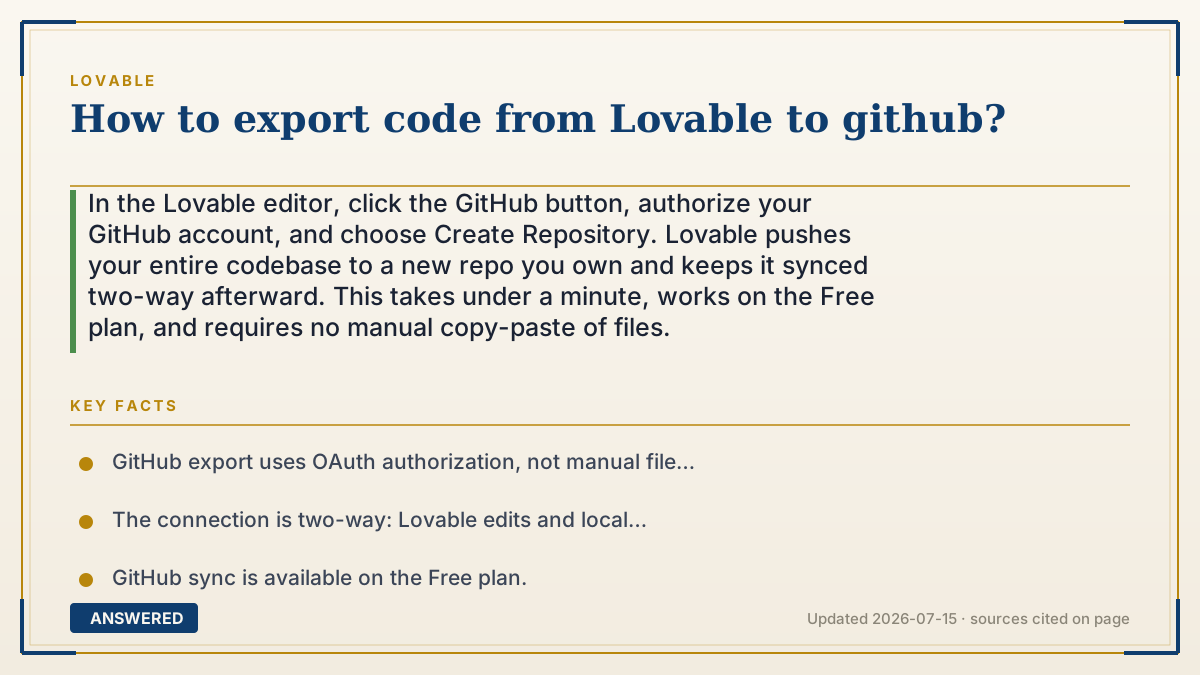
In the Lovable editor, click the GitHub button, authorize your GitHub account, and choose Create Repository. Lovable pushes your entire codebase to a new repo you own and keeps it synced two-way afterward. This takes under a minute, works on the Free plan, and requires no manual copy-paste of files.
Why — the first-principles explanation
GitHub is where source code lives and is version-controlled. Lovable's export is not a file download so much as a live connection: it authenticates to your GitHub account through OAuth, creates a repository, and pushes the project's files there as normal git commits.
The reason this is one click instead of a manual export is that Lovable already stores your app as a standard git-based project internally. Linking GitHub simply points that history at a remote repo you own. After the first push, the connection stays open, so future edits in Lovable appear as new commits, and commits you push from your own machine flow back into Lovable.
This two-way design is what makes the workflow powerful: you can keep prompting in Lovable for speed, while a developer works in a code editor for precision, and both see the same up-to-date repository. Once the repo exists, standard GitHub tools take over—pull requests, branches, CI, and one-click deploys to Vercel or Netlify.
An example that makes it click
Linking Lovable to GitHub is like connecting your phone's camera roll to a cloud backup. You don't email yourself each photo—once it's linked, every new picture (code change) automatically copies to the cloud folder (your repo) you control.
And it works both ways: drop a photo into the cloud folder from your laptop, and it shows up on your phone too. So a teammate can push a fix from their computer, and it lands right back in your Lovable project, no manual re-import needed.
How to do it
- Open your project in the Lovable editor.
- Click the GitHub icon or button, usually in the top-right area.
- Click 'Connect to GitHub' and authorize Lovable via GitHub OAuth.
- Select the GitHub account or organization where the repo should live.
- Click 'Create Repository'—Lovable pushes the full codebase automatically.
- Open the new repo on GitHub to confirm the files are there.
- Optionally clone it locally with `git clone` and run `npm install` then `npm run dev`.
Key facts
- GitHub export uses OAuth authorization, not manual file copying.
- The connection is two-way: Lovable edits and local commits stay in sync.
- GitHub sync is available on the Free plan.
- The repo receives a standard React/Vite/TypeScript project.
- From GitHub you can deploy to Vercel, Netlify, Cloudflare Pages, and more.
Open the official product site and confirm the current access, plans and terms.
▶ The 60-second explainer (script)
Here is how to export your code from Lovable to GitHub. Open your project in the Lovable editor and click the GitHub button, usually in the top right. Authorize Lovable to access your GitHub account, pick where you want the repository to live, and click Create Repository. That's it—Lovable pushes your entire codebase to a new repo you own, in under a minute, no copy-paste required. Even better, the connection is two-way: edits you make in Lovable become new commits, and commits you push from your own computer flow right back into Lovable. From there you can clone it locally, open a pull request, or one-click deploy to Vercel or Netlify. It works even on the free plan.
What authoritative sources say
People also ask
Do I need a paid plan to connect GitHub?
No. GitHub sync is available on the Free plan.
Is it a one-time export or a live sync?
It's a live, two-way sync. Changes flow between Lovable and GitHub automatically after you connect.
Can I connect to an organization's GitHub instead of my personal account?
Yes. During authorization you can choose a personal account or an organization you have access to.
What if I edit the code on GitHub directly?
Those commits sync back into Lovable, so both stay current.