How to use Adobe Firefly?
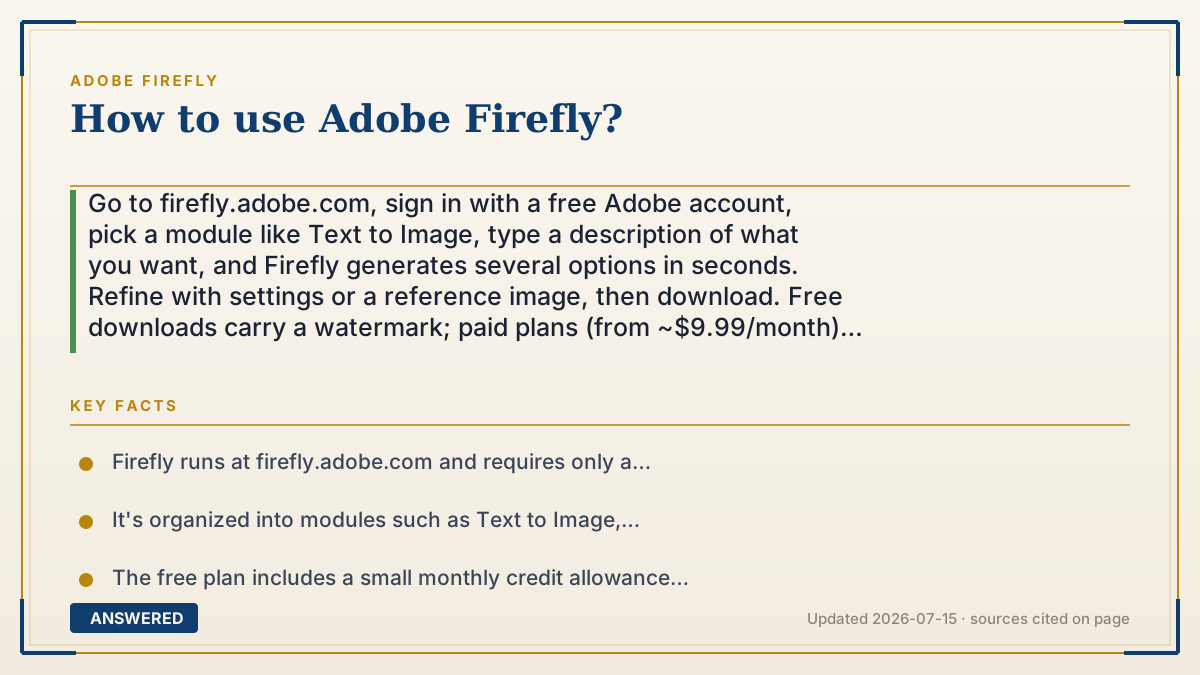
Go to firefly.adobe.com, sign in with a free Adobe account, pick a module like Text to Image, type a description of what you want, and Firefly generates several options in seconds. Refine with settings or a reference image, then download. Free downloads carry a watermark; paid plans (from ~$9.99/month) remove it.
Why — the first-principles explanation
Using Firefly is really about writing a good prompt and steering the result, because the model turns your words into images by denoising random static toward your description. The clearer and more specific your words, the closer the output lands to your intent.
Firefly is organized into modules, each a different job: Text to Image for pictures, Generative Fill for editing part of an image, Text Effects for stylized lettering, Generative Video for clips, and more. You don't need to know how the model works; you just choose the task and describe the outcome.
After the first batch of results, the real skill is iteration. Firefly gives you controls, aspect ratio, content type (photo vs. art), style presets, and reference images, that bias the model toward what you want. Changing a few words or nudging a setting usually gets you closer than starting over, because each generation is a fresh sample, not an edit of the last one.
Finally, remember the plan mechanics: a free account lets you generate with a small monthly credit allowance and adds a watermark on download, while paid plans remove the watermark and unlock heavier use. Everything you make also carries invisible Content Credentials marking it as AI-generated.
An example that makes it click
It's like ordering at a build-your-own bowl restaurant. You don't cook; you describe what you want, "warm rice, grilled chicken, mild sauce", and the kitchen hands you a bowl. If it's not quite right, you tweak the order, "more sauce, add avocado", instead of re-explaining the whole thing. Firefly's settings are those tweaks: aspect ratio, style, a reference image.
On the free plan, each bowl comes with a little paper flag stuck in it (the watermark). Pay for the loyalty plan and the flags come off. Either way, there's a tiny receipt tucked underneath saying "made in our kitchen" (Content Credentials).
How to do it
- Open firefly.adobe.com and sign in with a free Adobe account.
- Choose a module: Text to Image, Generative Fill, Text Effects, or Generative Video.
- Write a specific prompt describing subject, setting, style, and lighting.
- Click Generate and review the several variations Firefly produces.
- Refine using aspect ratio, content type, style presets, or upload a reference image.
- Download your favorite; free downloads include a watermark, paid plans deliver clean files, and all outputs carry Content Credentials.
Key facts
- Firefly runs at firefly.adobe.com and requires only a free Adobe account to start.
- It's organized into modules such as Text to Image, Generative Fill, Text Effects, and Generative Video.
- The free plan includes a small monthly credit allowance and watermarks downloads.
- Paid plans (from ~$9.99/month as of 2026-07) remove the watermark and expand usage.
- All outputs carry Content Credentials identifying them as AI-generated.
Open the official product and verify the active account, workspace and data settings before you begin.
▶ The 60-second explainer (script)
Here's how to use Adobe Firefly, start to finish. First, go to firefly dot adobe dot com and sign in with a free Adobe account. You'll see several modules, each doing a different job: Text to Image makes pictures, Generative Fill edits part of an image, Text Effects stylizes lettering, and Generative Video makes clips. Pick one, then type a clear description, subject, setting, style, lighting. The more specific your words, the closer the result. Click Generate and Firefly gives you a handful of options in seconds. If it's not perfect, don't start over. Tweak the prompt or use the controls: aspect ratio, photo versus art, style presets, or upload a reference image to steer it. When you like one, download it. On the free plan, downloads have a small watermark, and paid plans, starting around ten dollars a month, give you clean files. Everything you make also carries invisible Content Credentials marking it as AI-generated. That's it, describe, generate, refine, download.
What authoritative sources say
People also ask
Do I need to pay to try Firefly?
No. A free Adobe account lets you generate with a small monthly credit allowance. Free downloads carry a watermark that paid plans remove.
How do I get better results?
Write specific prompts and iterate. Use controls like aspect ratio, content type, style presets, and reference images to steer the model.
What modules does Firefly have?
Common ones include Text to Image, Generative Fill, Text Effects, and Generative Video, each handling a different creative task.
Can I use Firefly inside Photoshop?
Yes. The same Firefly engine powers features like Generative Fill in Photoshop, so you don't have to use the website.