Can Adobe Firefly generate video?
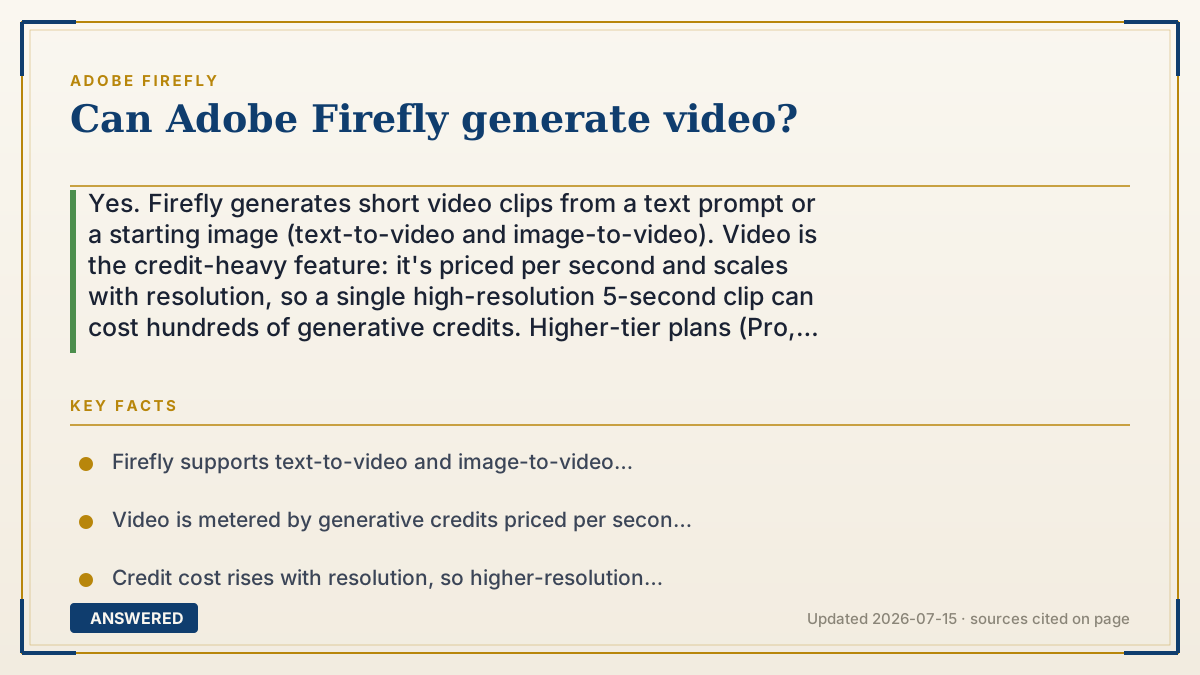
Yes. Firefly generates short video clips from a text prompt or a starting image (text-to-video and image-to-video). Video is the credit-heavy feature: it's priced per second and scales with resolution, so a single high-resolution 5-second clip can cost hundreds of generative credits. Higher-tier plans (Pro, Premium) suit heavy video use.
Why — the first-principles explanation
Video generation is fundamentally image generation multiplied many times over. A five-second clip is dozens of frames that must be individually generated and stay consistent from frame to frame, so the character doesn't morph and the scene doesn't flicker. That consistency work makes video far more compute-intensive than a single still.
Because the compute cost is high, Adobe meters video with generative credits priced per second of output, and the price rises with resolution, since higher resolution means more pixels per frame. This is why a short HD clip can consume hundreds of credits while a still image consumes none on paid plans.
Firefly supports two main paths: text-to-video, where you describe a scene and Firefly animates it, and image-to-video, where you supply a starting frame and Firefly brings it to motion. Both start from your prompt and use the same commercially-focused model family.
Practically, this shapes plan choice. The everyday still-image workflow is unlimited on paid plans, but video draws down your monthly credit bucket fast. Light users can experiment within Standard's credits; frequent video makers lean toward Pro or Premium, which carry much larger credit allotments precisely because video is where the credits go.
An example that makes it click
Making a still image is like taking one photo. Making a five-second video is like taking 150 photos in a row and making sure the same dog appears in every one, running smoothly, without suddenly changing color. That's a lot more work, which is why the meter runs.
So if a still costs "nothing" from your monthly bucket, a short HD clip might cost a big scoop of credits, like how one text is free but sending a 5-second video message eats real data. Heavy video makers buy the bigger bucket (Pro or Premium) for that reason.
How to do it
- Go to firefly.adobe.com and open the Generate Video module (or use Firefly video features where available).
- Choose text-to-video (describe a scene) or image-to-video (upload a starting frame).
- Write a prompt describing motion, subject, and style.
- Select resolution, remembering higher resolution costs more credits per second.
- Generate, review the clip, and refine the prompt or settings as needed.
- Track your credit balance, since video consumes credits quickly on all plans.
Key facts
- Firefly supports text-to-video and image-to-video generation of short clips.
- Video is metered by generative credits priced per second of output.
- Credit cost rises with resolution, so higher-resolution clips cost more.
- A single high-resolution 5-second clip can cost hundreds of credits.
- Higher-tier plans (Pro ~4,000 credits, Premium ~50,000 credits as of 2026-07) suit heavy video use.
Open the official product site and confirm the current access, plans and terms.
▶ The 60-second explainer (script)
Can Adobe Firefly generate video? Yes, it can. Firefly makes short video clips two ways: text-to-video, where you describe a scene and it animates it, and image-to-video, where you give it a starting frame and it brings that image to motion. Now, here's the important part about how it's priced. Generating video is basically generating dozens of images in a row and keeping them consistent, so the same character doesn't morph frame to frame. That takes a lot of computing power. So while still images are unlimited on paid plans, video is metered with generative credits, charged per second, and the cost rises with resolution. A single high-resolution five-second clip can cost hundreds of credits. That's why plan choice matters. Light experimenters can dip into Standard's credits, but if you make video regularly, you'll want Pro or Premium, which come with much larger credit budgets, 4,000 and 50,000 credits respectively as of mid 2026. Bottom line: yes to video, just keep an eye on the credit meter.
What authoritative sources say
People also ask
How long can Firefly videos be?
Firefly generates short clips, commonly around five seconds. Longer sequences are built by generating and combining multiple clips.
Why does video cost so many credits?
Video is many consistent frames generated at once, which is far more compute-intensive than a still, so it's metered per second and by resolution.
Can I animate an existing image?
Yes. Image-to-video lets you upload a starting frame and have Firefly add motion based on your prompt.
Which plan is best for video?
Pro (~4,000 credits) suits moderate use and Premium (~50,000 credits) suits heavy video generation as of 2026-07.