How to use Veo 3 in Google flow?
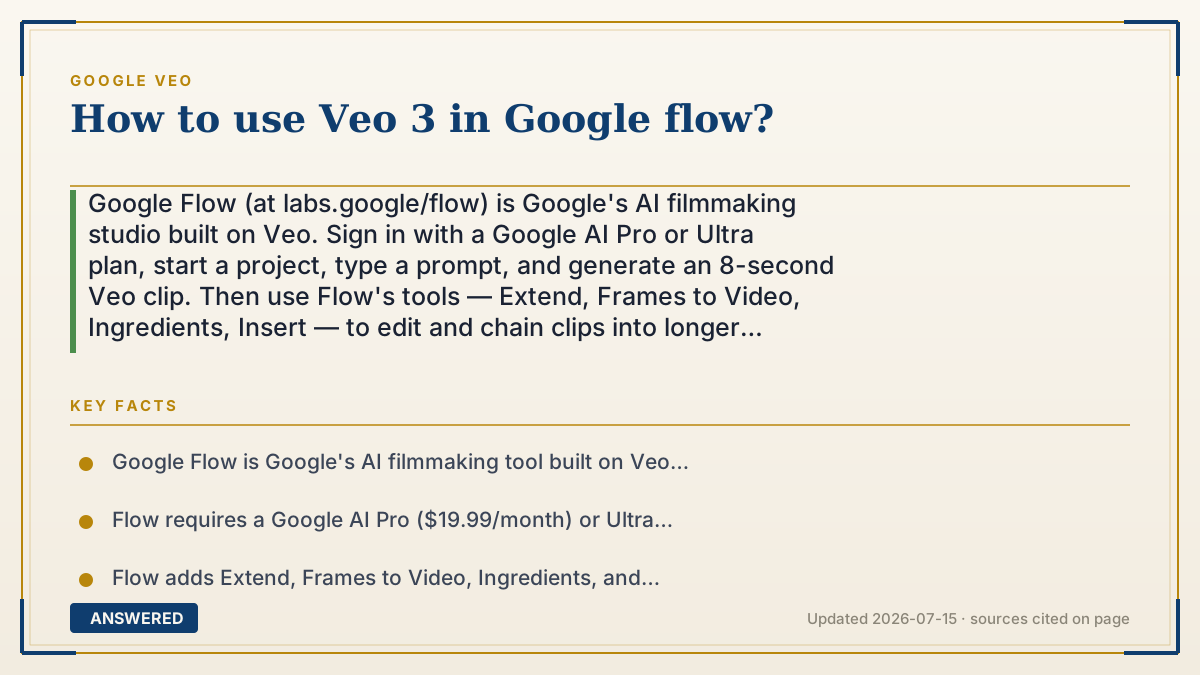
Google Flow (at labs.google/flow) is Google's AI filmmaking studio built on Veo. Sign in with a Google AI Pro or Ultra plan, start a project, type a prompt, and generate an 8-second Veo clip. Then use Flow's tools — Extend, Frames to Video, Ingredients, Insert — to edit and chain clips into longer scenes, as of 2026-07.
Why — the first-principles explanation
Flow exists because a raw prompt box isn't enough to make a film. The Gemini app gives you one-off clips; Flow wraps Veo in a director's workspace with a timeline, camera controls, and editing tools, so you can build structured, multi-shot sequences instead of isolated 8-second snippets. It's aimed at creators who think in scenes.
The key mental model is that Flow turns Veo's short building blocks into a project you assemble. You generate a base clip, then reach for Flow-specific tools: Extend to continue the action, Frames to Video to bridge a start and end image, Ingredients to reuse a character across shots, and Insert to add elements while Flow handles shadows and lighting. Each tool is a lever of control the bare prompt box doesn't offer.
Because Flow is a paid Google product, it runs on your subscription's credit pool (about 1,000 Flow credits/month on Pro, more on Ultra), and premium settings like higher resolution spend credits faster. Ultra also unlocks watermark-free export and upscaling. So 'using Veo in Flow' really means using Veo as the engine while Flow gives you the timeline, editing, and continuity tools to turn clips into an actual video.
An example that makes it click
If the Gemini app is a Polaroid camera that spits out one photo at a time, Google Flow is a full film-editing suite. You still use the same lens (Veo) to capture each shot, but now you have a table to lay the shots on, scissors to trim them, and glue to join them into a story.
So you snap an 8-second shot of a spaceship launching, then use Flow's Extend tool to keep it flying, drop in your reference 'astronaut' so the same character appears in the next shot, and line them all up on the timeline. Same camera, but now you're making a movie, not just snapshots.
How to do it
- Go to labs.google/flow and sign in with a Google account on a Google AI Pro or Ultra plan.
- Create a new project and type a text prompt (optionally upload a starting image).
- Generate a base Veo clip (up to 8 seconds) and review it on the timeline.
- Use 'Extend' to continue the scene, 'Frames to Video' to bridge two images, and 'Ingredients' to reuse characters.
- Use 'Insert' to add elements; Flow handles shadows and lighting automatically.
- Arrange clips on the timeline and export (Ultra allows watermark-free export and upscaling).
Key facts
- Google Flow is Google's AI filmmaking tool built on Veo, available at labs.google/flow.
- Flow requires a Google AI Pro ($19.99/month) or Ultra ($249.99/month) subscription.
- Flow adds Extend, Frames to Video, Ingredients, and Insert editing tools on top of Veo.
- Google AI Pro includes about 1,000 Flow credits per month; Ultra includes more.
- Veo 3.1 features rolled into Flow starting October 15, 2025.
Open the official product and verify the active account, workspace and data settings before you begin.
▶ The 60-second explainer (script)
Here's how to use Veo in Google Flow — Google's AI filmmaking studio. Go to labs.google slash flow and sign in with a Google AI Pro or Ultra plan. Why Flow instead of the Gemini app? The app gives you one-off clips, but Flow wraps Veo in a director's workspace with a timeline and editing tools, so you can build a real film. Start a project, type a prompt or add a starting image, and generate an 8-second Veo clip. Then use Flow's special tools: Extend to continue the action, Frames to Video to bridge a start and end image, Ingredients to reuse the same character across shots, and Insert to add elements with automatic shadows. Arrange your clips on the timeline and export. Same Veo engine — but now you've got the tools to make a movie.
What authoritative sources say
People also ask
Where do I find Google Flow?
At labs.google/flow. Sign in with a Google account on a Google AI Pro or Ultra plan.
What can Flow do that the Gemini app can't?
Flow adds a timeline plus Extend, Frames to Video, Ingredients, and Insert tools for building longer, edited scenes.
Do I need a paid plan for Flow?
Yes. Flow requires Google AI Pro ($19.99/month) or Ultra, and uses your monthly credit pool.
Can I remove the watermark in Flow?
Google AI Ultra subscribers can export without the visible watermark inside Flow; the invisible SynthID remains.