How to write Midjourney prompts?
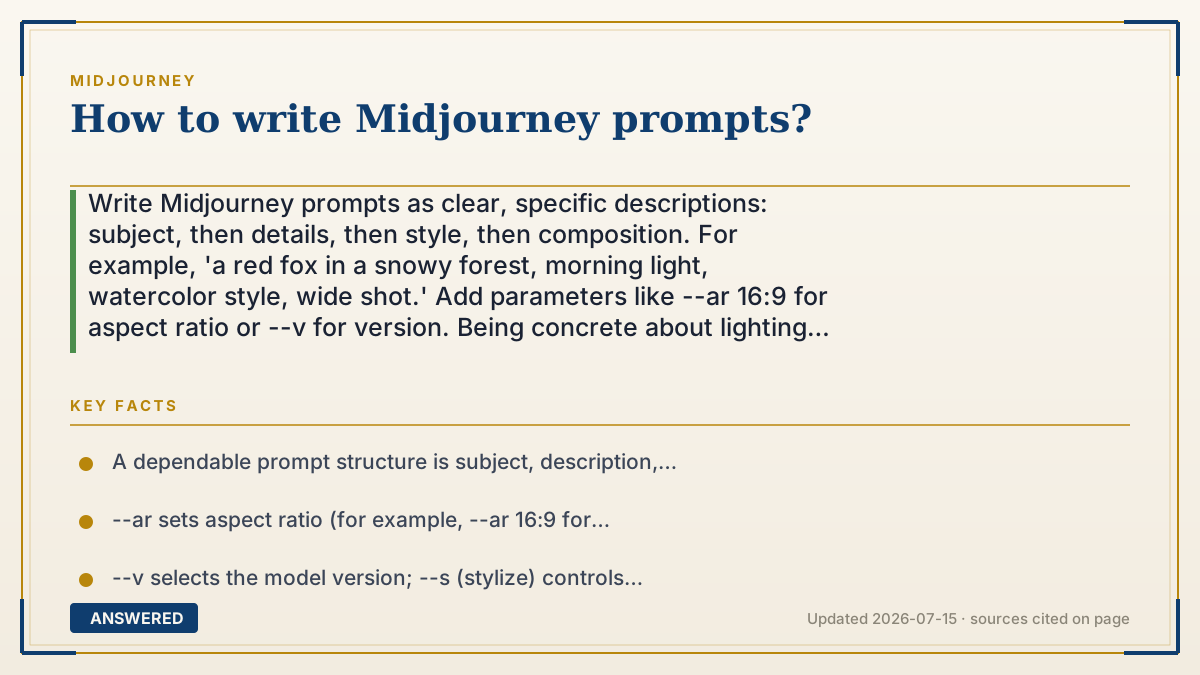
Write Midjourney prompts as clear, specific descriptions: subject, then details, then style, then composition. For example, 'a red fox in a snowy forest, morning light, watercolor style, wide shot.' Add parameters like --ar 16:9 for aspect ratio or --v for version. Being concrete about lighting, mood, and medium gives the most accurate results.
Why — the first-principles explanation
Midjourney turns your words into numbers through a text encoder, and those numbers steer how it builds the image. Vague words map to a wide, fuzzy region of possibilities, so 'a dog' could be anything. Specific words narrow the target, giving the model a clearer destination to aim for.
A reliable structure is subject, description, style, composition. Name the main thing, describe its traits and setting, choose an art style or medium, then set the framing. Each layer removes ambiguity. Adding sensory detail, lighting, color, mood, camera angle, guides the model toward the picture in your head rather than an average of everything it knows.
Finally, parameters fine-tune output without prose. --ar sets aspect ratio, --v picks the model version, --s (stylize) controls how artistic versus literal it is, --chaos varies how different the four options are, and --no excludes unwanted elements. Think of the words as the 'what' and the parameters as the 'settings dial.' Iterate: generate, see what's off, and adjust one thing at a time.
An example that makes it click
It's like ordering a custom cake. Say 'a cake' and you might get anything. Say 'a two-layer chocolate cake shaped like a rocket, blue frosting, gold stars, on a white stand, photographed from the side' and the baker knows exactly what to make. Midjourney is the same: the more concrete nouns and details you give, the closer the result matches the picture in your head.
How to do it
- Start with the main subject in plain words (for example, 'a red fox').
- Add descriptive details: setting, colors, lighting, and mood.
- Choose a style or medium, such as 'watercolor,' 'photorealistic,' or 'oil painting.'
- Set the composition or shot, like 'wide shot' or 'close-up portrait.'
- Append parameters such as --ar 16:9 for aspect ratio or --v for the model version.
- Generate, review the four options, then refine one element at a time.
Key facts
- A dependable prompt structure is subject, description, style, then composition.
- --ar sets aspect ratio (for example, --ar 16:9 for widescreen).
- --v selects the model version; --s (stylize) controls artistic strength.
- --no excludes elements; --chaos increases variation among the four results.
- Specific, sensory wording produces more accurate images than vague prompts.
Open the official product site and confirm the current access, plans and terms.
▶ The 60-second explainer (script)
How do you write a great Midjourney prompt? Think specific, not vague. Midjourney converts your words into a target it aims for, so 'a dog' hits a fuzzy, unpredictable zone, while a detailed sentence lands right where you want. Use a simple structure: subject, description, style, composition. Start with the main thing, add details like setting and lighting, pick a style such as watercolor or photorealistic, then set the shot, close-up or wide. For example: 'a red fox in a snowy forest, morning light, watercolor, wide shot.' Then add parameters, which are like setting dials: --ar for aspect ratio, --v for the version, --no to remove something. Generate, see what's off, and change one thing at a time. Specific words plus smart parameters equal accurate images.
What authoritative sources say
People also ask
How long should a prompt be?
Long enough to be specific but not padded. A focused sentence with subject, details, style, and composition usually beats a rambling paragraph.
What does --ar do?
--ar sets the aspect ratio. For example, --ar 16:9 makes a widescreen image and --ar 1:1 makes a square.
How do I remove something from an image?
Use the --no parameter followed by what you don't want, such as --no text, to steer the model away from that element.
Why do my results look random?
Vague prompts leave too much to chance. Add concrete details and adjust one variable at a time, and consider fixing --seed for repeatable results.