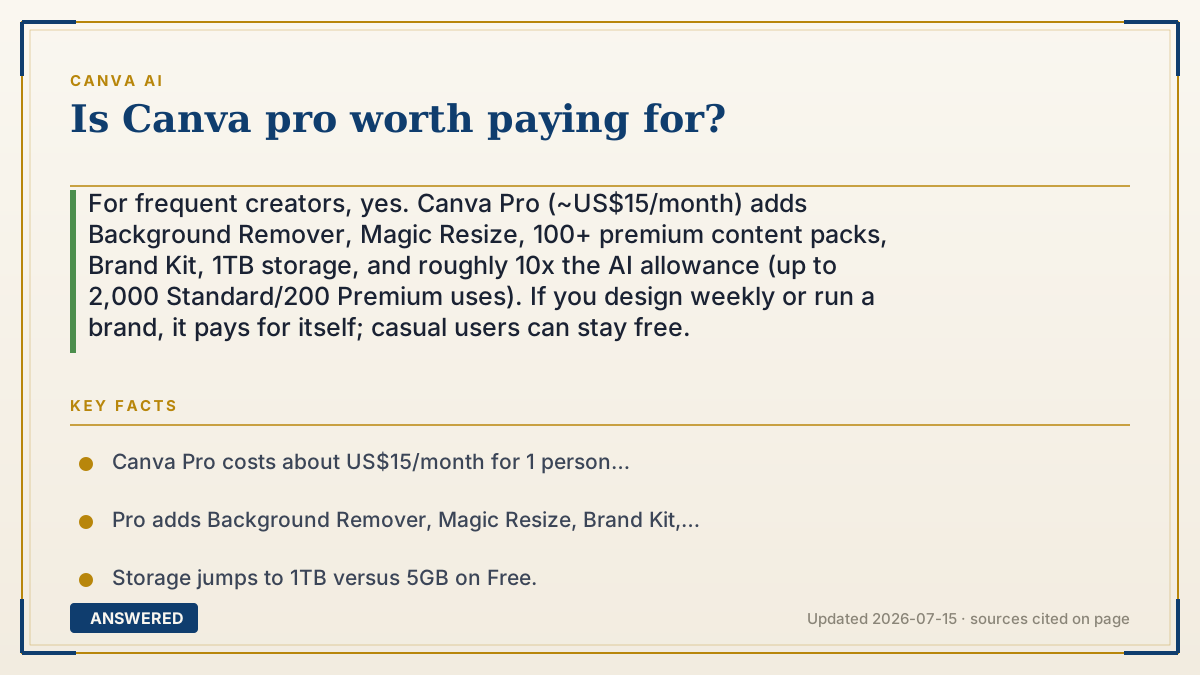
Is Canva pro worth paying for?
For frequent creators, yes. Canva Pro (~US$15/month) adds Background Remover, Magic Resize, 100+ premium content packs, Brand Kit, 1TB storage, and roughly 10x the AI allowance (up to 2,000 Standard/200 Premium uses). If you design weekly or run a brand, it pays for itself; casual users can stay free.
Why — the first-principles explanation
Canva Pro is priced to sit right at the line where free stops being enough. The free plan deliberately withholds a few features that frequent and professional users crave, so upgrading feels less like buying extras and more like removing friction you hit every session.
The biggest Pro unlocks cluster around three needs. Volume: roughly ten times the AI allowance and 1TB storage, so you stop rationing generations. Consistency: the Brand Kit locks your logo, fonts, and colors so everything looks on-brand, and Magic Resize reshapes one design into every format at once. Polish: Background Remover and the full premium library of templates, photos, and elements remove the 'that looks free' feeling.
So the decision is really about how much you make and how much it represents you. If Canva is a hobby you touch monthly, free covers it. If it produces work customers or an audience see—social content, client decks, product listings—the time saved and professional finish easily justify ~$15/month, especially at the ~$10–$12 effective rate on annual billing.
An example that makes it click
Free Canva is like a shared apartment kitchen: you can cook, but you're always tidying up limits—no fancy knives, small pantry, and you re-plate every dish by hand. Pro is your own well-stocked kitchen: sharp tools (Background Remover), a huge pantry (premium content), a labeled shelf that keeps your recipes consistent (Brand Kit), and a gadget that instantly copies one dish into five sizes (Magic Resize).
If you cook for guests every week, the upgraded kitchen is obviously worth it. If you microwave dinner alone twice a month, the shared one is fine.
How to do it
- List what you actually hit limits on: AI runs out? Need Background Remover? Want brand consistency?
- Start on Free and track whether you keep bumping into paywalls or the AI cap.
- If yes, upgrade to Pro (~US$15/month) and set up your Brand Kit first.
- Use Magic Resize and Background Remover regularly—they're the biggest time-savers.
- Pick annual billing (~$120–$144/year) to lower the effective monthly cost.
- Reassess after a month: if you didn't use the Pro features, drop back to Free.
Key facts
- Canva Pro costs about US$15/month for 1 person (~$120–$144/year on annual billing).
- Pro adds Background Remover, Magic Resize, Brand Kit, and 100+ premium content collections.
- Storage jumps to 1TB versus 5GB on Free.
- AI allowance rises to ~2,000 Standard or 200 Premium uses/month (about 10x Free).
- Nonprofits and eligible schools can get Pro-level features free.
Open the official product site and confirm the current access, plans and terms.
▶ The 60-second explainer (script)
Is Canva Pro worth paying for? It depends on how often you create—but for regular users, yes. The free plan is genuinely good, so Canva Pro isn't about basic design; it's about removing the limits you keep hitting. For about fifteen dollars a month, Pro gives you the one-click Background Remover, Magic Resize that turns one design into every social format instantly, and a Brand Kit that locks in your logo, fonts, and colors so everything stays consistent. You also get a hundred-plus premium content packs, a full terabyte of storage, and roughly ten times the AI allowance, so you stop rationing image generations. Here's the test: if Canva makes work that customers or an audience actually see—posts, decks, product listings—the time you save pays for it easily, especially on the yearly plan. But if you design just a couple times a month for fun, the free version has you covered.
What authoritative sources say
People also ask
What's the single best reason to get Canva Pro?
For most people it's the one-click Background Remover plus Brand Kit consistency—both save real time on every project.
Can the free version do everything I need?
Often, yes, for casual use. Free lacks Background Remover, Brand Kit, Magic Resize, and has a much smaller AI allowance.
Is annual billing cheaper?
Yes—about $120–$144 a year, roughly $10–$12 per month versus ~$18 paying monthly.
Can I get Canva Pro for free?
Registered nonprofits and eligible schools qualify for Pro-level features free. Everyone else can use a trial before deciding.