Is Veo 3 worth paying for?
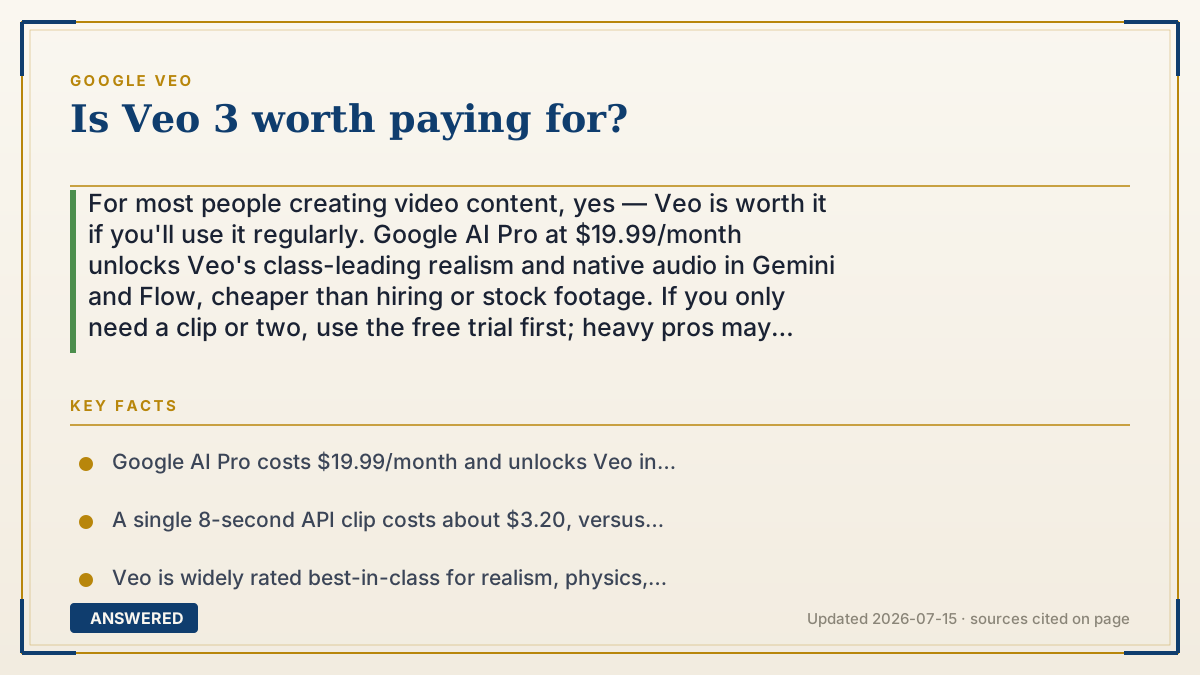
For most people creating video content, yes — Veo is worth it if you'll use it regularly. Google AI Pro at $19.99/month unlocks Veo's class-leading realism and native audio in Gemini and Flow, cheaper than hiring or stock footage. If you only need a clip or two, use the free trial first; heavy pros may prefer per-second API billing.
Why — the first-principles explanation
Whether Veo is 'worth it' comes down to usage versus alternatives. The value isn't the tool itself; it's what a video would otherwise cost you. A single custom 8-second clip from a videographer or motion designer can run hundreds of dollars, and stock footage is generic. If Veo replaces even one such job a month, the $19.99 Pro plan pays for itself many times over — that's the core economic case.
The flip side is utilization. Subscriptions reward frequent use; if you'll generate two clips and forget it, you're paying for idle capacity. That's why the honest recommendation depends on volume: regular creators, marketers, and social teams get strong value, while dabblers should start with the free trial or a few pay-per-second API renders (about $3.20 for an 8-second clip) and only subscribe once it's a habit.
Quality also factors in. As of 2026-07 Veo is widely rated best-in-class for realism, physics, and synchronized audio, so if lifelike output matters, the paid tier buys genuine capability, not just convenience. The main caveats are the visible watermark on consumer output (removable on Ultra or via API) and copyright uncertainty for purely AI-made clips. So: worth it for people who'll actually use it often for realistic video; overkill for a one-time curiosity.
An example that makes it click
Think of it like a gym membership. Nineteen ninety-nine a month is a great deal if you go three times a week — far cheaper than paying per class. But if you'll visit twice and let the card gather dust, you'd have been better off buying single-day passes.
Veo is the same. If you make videos regularly, the Pro plan is cheaper than hiring a videographer even once — a real bargain. If you just want to try it, grab the free trial or pay a few dollars per clip through the API, and only subscribe once making videos becomes a weekly habit.
How to do it
- Estimate how many videos you'll make per month.
- If it's a few or you're unsure, start with the 1-month Google AI Pro free trial or a few API renders (~$3.20 each).
- If you'll create videos regularly, subscribe to Google AI Pro ($19.99/month) for Gemini + Flow access.
- Choose Ultra ($249.99/month) only if you need the highest limits, 4K/8K upscaling, or watermark-free Flow export.
- Add human editing to strengthen ownership before using clips commercially.
Key facts
- Google AI Pro costs $19.99/month and unlocks Veo in Gemini and Flow; Ultra is $249.99/month.
- A single 8-second API clip costs about $3.20, versus hundreds for custom professional footage.
- Veo is widely rated best-in-class for realism, physics, and synchronized native audio as of 2026-07.
- Consumer outputs carry a visible watermark (removable on Ultra or via the API).
- Purely AI-generated clips may not be copyrightable, a consideration for commercial use.
Open the official product site and confirm the current access, plans and terms.
▶ The 60-second explainer (script)
Is Veo worth paying for? For most people who make video regularly, yes. Here's the math: one custom 8-second clip from a videographer can cost hundreds of dollars, while Google AI Pro is nineteen ninety-nine a month for unlimited-ish access within your credits. Replace even one paid job a month and the plan pays for itself many times over. And as of July 2026, Veo is widely rated best-in-class for realism, physics, and synchronized audio — so you're buying real capability, not just convenience. The catch is utilization: if you'll only make a clip or two, don't subscribe — use the free trial, or pay about three dollars per clip through the API. Also weigh the visible watermark on consumer output and copyright uncertainty for AI-made clips. Bottom line: worth it if you'll use it often; skip it for a one-time curiosity.
What authoritative sources say
People also ask
Is Google AI Pro enough for Veo?
For most creators, yes. At $19.99/month it unlocks Veo in Gemini and Flow with about 1,000 Flow credits monthly.
Should I get Ultra instead?
Only if you need the highest limits, 4K/8K upscaling, or watermark-free Flow export, at $249.99/month.
Is there a cheaper way than subscribing?
Yes. Pay per second via the Gemini API (~$3.20 per 8-second clip) if you generate only occasionally.
What are the downsides of paying?
Consumer outputs carry a visible watermark (removable on Ultra/API), and purely AI-made clips may not be copyrightable.