Can Cursor understand my entire codebase?
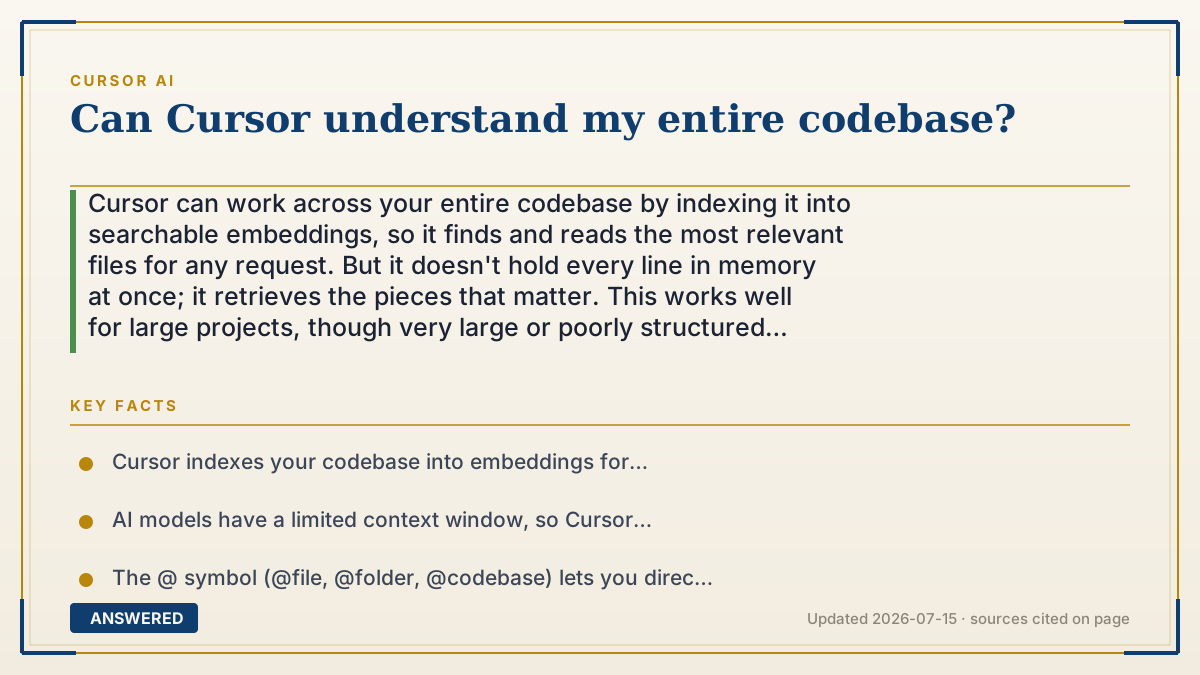
Cursor can work across your entire codebase by indexing it into searchable embeddings, so it finds and reads the most relevant files for any request. But it doesn't hold every line in memory at once; it retrieves the pieces that matter. This works well for large projects, though very large or poorly structured codebases can reduce accuracy.
Why — the first-principles explanation
There's a hard limit behind this question: AI models have a context window, a maximum amount of text they can read at once. Even large windows can't fit a big codebase of hundreds of thousands of lines. So "understand my entire codebase" can't mean "read every line simultaneously." It has to work a smarter way.
Cursor's trick is indexing with embeddings. When you open a project, Cursor breaks your code into chunks and converts each into a numerical fingerprint that captures its meaning. These fingerprints go into a searchable index. When you ask a question, Cursor finds the chunks whose meaning best matches your request and feeds only those into the model, this is called retrieval.
This is why Cursor feels like it "knows" your whole project: it can locate the right files even in a huge repo, without you pointing them out. It's not memorizing everything; it's searching intelligently and pulling in what's relevant for each task.
The limits follow from the mechanism. If your codebase is very large, inconsistent, or poorly named, retrieval can grab the wrong chunks or miss context, and the model reasons over an incomplete picture. Pointing it at the right files with @ symbols and keeping code well-organized both improve accuracy.
An example that makes it click
Think of a librarian in a huge library. She hasn't memorized every book, that's impossible. But she's read the catalog and knows what each book is about. When you ask "where's the part about how users log in?", she walks straight to the three right books and pulls the relevant pages, that's retrieval. She understands the library as a whole because she can find anything, not because she's holding every page in her head at once. Cursor is that librarian for your code; the catalog is its index of embeddings.
How to do it
- Open your project folder so Cursor can index the codebase into embeddings.
- Wait for indexing to finish (a progress indicator shows status on large repos).
- Ask codebase-wide questions in Chat, or use Agent mode for cross-file tasks.
- Use @file, @folder, or @codebase to point the AI at the exact context you want.
- Keep code well-named and organized so retrieval finds the right chunks.
- Add a .cursorignore file to exclude irrelevant folders and improve accuracy.
Key facts
- Cursor indexes your codebase into embeddings for semantic search, not full memorization.
- AI models have a limited context window, so Cursor retrieves relevant chunks per request.
- The @ symbol (@file, @folder, @codebase) lets you direct the AI's context precisely.
- Retrieval accuracy can drop on very large, inconsistent, or poorly structured codebases.
- A .cursorignore file excludes folders to sharpen retrieval and protect sensitive paths.
- Well-organized, clearly named code improves the AI's cross-file understanding.
Open the official product site and confirm the current access, plans and terms.
▶ The 60-second explainer (script)
Can Cursor understand your entire codebase? Yes and no, and the how is the interesting part. AI models can only read so much text at once, called the context window, and it can't fit a big project of hundreds of thousands of lines. So Cursor uses a clever trick called indexing. When you open your project, it breaks the code into chunks and turns each into a numerical fingerprint that captures its meaning, then stores them in a searchable index. When you ask a question, Cursor finds the chunks that best match and feeds only those to the model. That's why it feels like it knows your whole project, it can locate the right files even in a huge repo, without you pointing them out. The catch: if your codebase is enormous or messy, the search can grab the wrong pieces. So keep your code organized, and use the at symbol to point it at exactly the right files when precision matters.
What authoritative sources say
People also ask
Does Cursor read every file in my project?
Not all at once. It indexes everything, then retrieves the most relevant files for each request.
Why does Cursor sometimes miss context?
Retrieval can grab the wrong chunks in very large or messy codebases. Use @ to point it at the right files.
How do I make Cursor understand my code better?
Keep code well-organized and named, let indexing finish, and attach specific context with @file or @folder.
Can I stop Cursor from indexing certain files?
Yes. Add a .cursorignore file to exclude folders you don't want indexed.
The same question, asked other ways
- Does Cursor work well with large codebases?
- Why can't Cursor access my full codebase?