Can Cursor work offline?
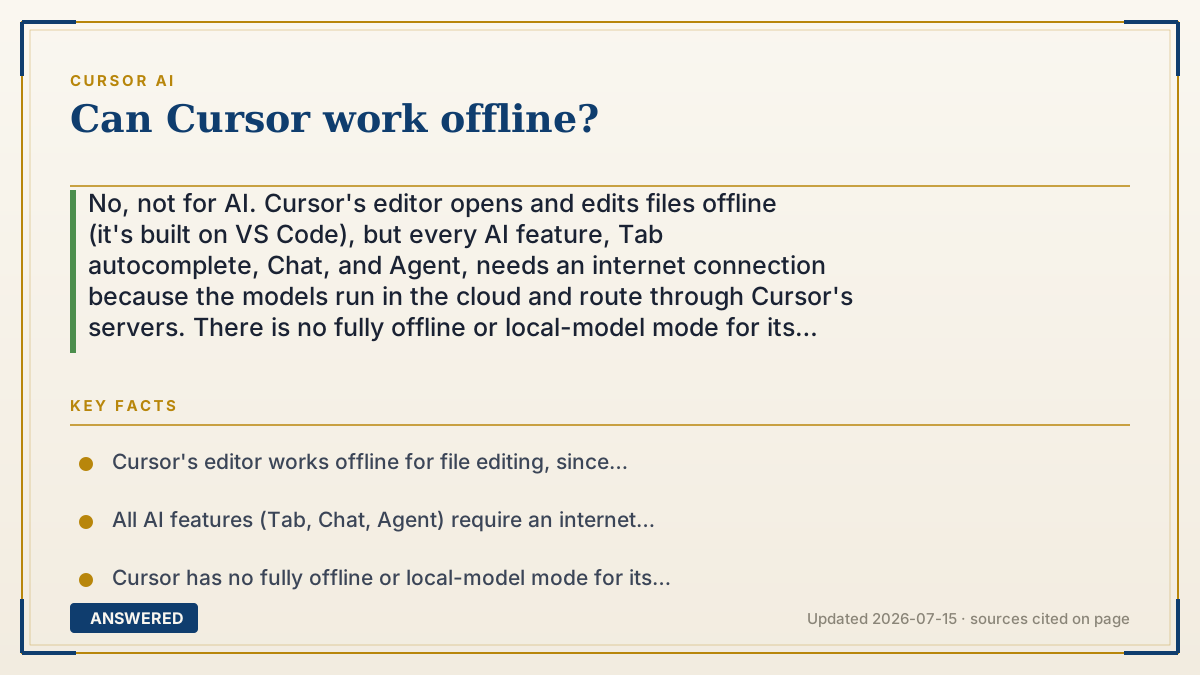
No, not for AI. Cursor's editor opens and edits files offline (it's built on VS Code), but every AI feature, Tab autocomplete, Chat, and Agent, needs an internet connection because the models run in the cloud and route through Cursor's servers. There is no fully offline or local-model mode for its core AI features.
Why — the first-principles explanation
The offline limit comes straight from where the intelligence lives. Cursor's AI power comes from huge models running in data centers, Claude, GPT, Gemini, and Cursor's own models on cloud GPUs. Those models are far too large to run on a normal laptop, so your requests must travel over the internet to reach them.
This splits Cursor into two halves. The editor is ordinary software installed locally, so opening files, typing, searching, and using non-AI extensions all work with no connection. But the moment you invoke Tab, Chat, or Agent, the request has to leave your machine, hit Cursor's backend, and reach a model provider. No connection, no answer.
Even Privacy Mode doesn't make it offline. Privacy Mode changes what happens to your code after it's sent (not stored, not trained on), but the code is still transmitted to the cloud. It's a privacy guarantee, not a local-execution mode.
If true offline AI coding is a requirement, say, for air-gapped or highly secure environments, Cursor isn't the tool; you'd need editors that support fully local open-source models. Cursor deliberately trades offline capability for access to the most powerful cloud models.
An example that makes it click
Think of Cursor like a GPS navigation app. The map and your saved routes might open without signal (that's the editor working offline), but the moment you ask for live directions or the fastest route around traffic, it needs to phone home to the servers. Lose signal, and the smart features stop, even though the app is still open on your screen. Cursor's AI is the live-directions part: it always needs to reach the cloud to think.
Key facts
- Cursor's editor works offline for file editing, since it's built on VS Code.
- All AI features (Tab, Chat, Agent) require an internet connection to reach cloud models.
- Cursor has no fully offline or local-model mode for its core AI features (as of 2026-07).
- Frontier models are too large to run on a typical laptop, forcing cloud processing.
- Privacy Mode still transmits code to the cloud; it is not offline execution.
- Air-gapped or fully local AI coding requires different tools that support local open-source models.
Open the official product site and confirm the current access, plans and terms.
▶ The 60-second explainer (script)
Can Cursor work offline? For editing, yes. For AI, no. Here's why. Cursor's AI power comes from enormous models running in data centers, Claude, GPT, Gemini, and Cursor's own models on cloud GPUs. They're far too big to run on a normal laptop, so your requests have to travel over the internet to reach them. That splits Cursor in two. The editor itself is regular software on your computer, so opening files, typing, and searching all work with no connection. But the second you use Tab autocomplete, Chat, or the Agent, that request has to leave your machine and hit the cloud. No internet, no AI. And note, Privacy Mode doesn't make it offline either. It changes what happens to your code after it's sent, but the code is still transmitted. So if you truly need offline AI coding, like in a secure air-gapped setup, Cursor isn't the tool. It trades offline use for access to the most powerful cloud models.
What authoritative sources say
People also ask
Can I edit code in Cursor without internet?
Yes. The editor works offline for typing, searching, and editing. Only the AI features need a connection.
Does Cursor support local AI models?
Its core AI features route through the cloud; there's no fully offline local-model mode for them as of 2026-07.
Will Privacy Mode let me work offline?
No. Privacy Mode governs how your code is handled after it's sent, but the code is still transmitted to the cloud.
What if I need offline AI coding?
Use editors built around local open-source models. Cursor trades offline use for access to top cloud models.