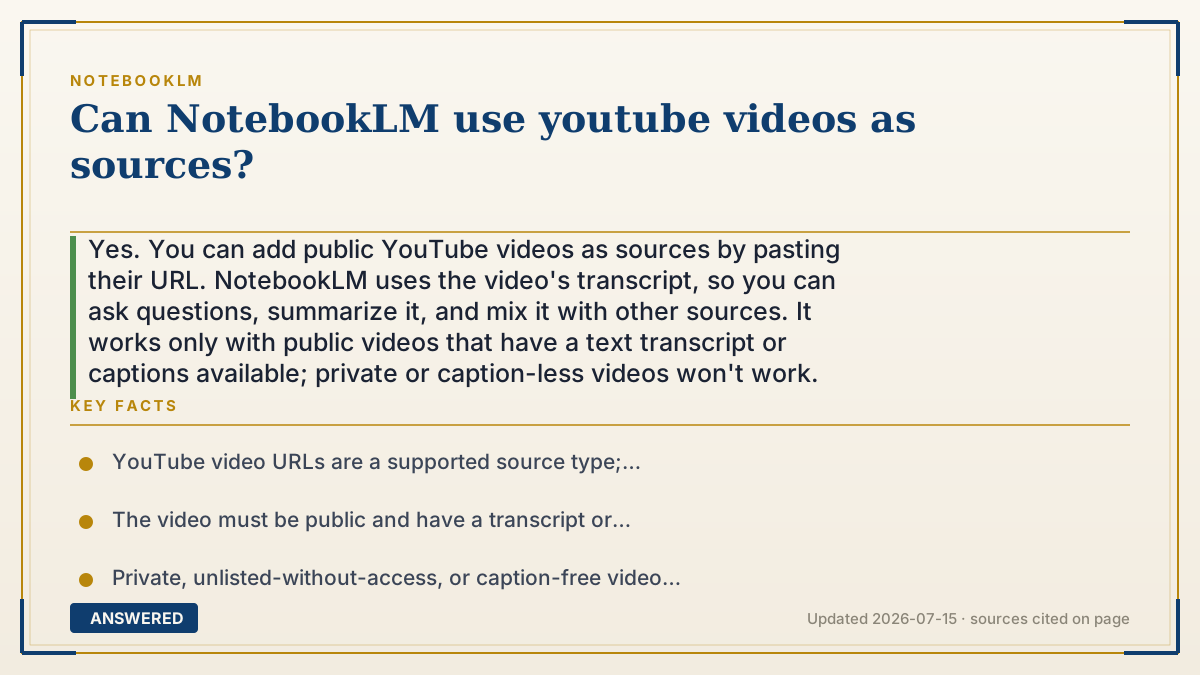
Can NotebookLM use youtube videos as sources?
Yes. You can add public YouTube videos as sources by pasting their URL. NotebookLM uses the video's transcript, so you can ask questions, summarize it, and mix it with other sources. It works only with public videos that have a text transcript or captions available; private or caption-less videos won't work.
Why — the first-principles explanation
NotebookLM doesn't 'watch' a video the way you do. It reads the video's transcript, the text of what's spoken. YouTube generates captions (auto or human) for most public videos, and NotebookLM ingests that text and treats it like any other document.
This explains the limits. The video must be public, because NotebookLM can only access what YouTube exposes openly, and it needs a transcript, because there is nothing to read from silent footage, music-only clips, or videos where captions are disabled. Very new uploads may not have captions processed yet.
Once the transcript is in, the video behaves exactly like a PDF or article: you can ask questions, get a summary, and it will cite the video, often with timestamp-style references, so you can jump to where a point was made. Since it relies on the transcript, purely visual information, like an on-screen diagram never spoken aloud, may not be captured.
An example that makes it click
Think of it like getting the written subtitles of a lecture instead of the film itself. NotebookLM reads those subtitles at lightning speed, so a 45-minute talk becomes text it can search in seconds.
Ask 'what were the three tips?' and it answers from the subtitles, pointing to the moment each tip was said, just like flipping to a page in a book.
How to do it
- Copy the URL of a public YouTube video that has captions or a transcript.
- In your notebook, click Add source.
- Choose the YouTube (or link/website) option and paste the URL.
- Wait while NotebookLM imports and reads the transcript.
- Ask questions or generate summaries, and click citations to jump to the relevant point.
Key facts
- YouTube video URLs are a supported source type; NotebookLM ingests the transcript.
- The video must be public and have a transcript or captions available.
- Private, unlisted-without-access, or caption-free videos generally cannot be added.
- Very recent uploads may lack a processed transcript and fail to import.
- Purely visual, unspoken content may not be captured since only the transcript is read.
Open the official product site and confirm the current access, plans and terms.
▶ The 60-second explainer (script)
Yes, NotebookLM can use YouTube videos as sources, but here's the important part: it doesn't actually watch the video. It reads the transcript, the text of what's spoken. You just copy a public YouTube URL, click Add source in your notebook, and paste it in. NotebookLM pulls the captions and treats them like any other document. Now you can ask questions, get a summary, and it'll cite the video so you can jump to where each point was made. Because it relies on the transcript, there are a couple of rules. The video has to be public, and it needs captions or a transcript, so silent clips, music videos, or brand-new uploads without captions won't work. And anything that's only shown on screen but never said out loud might not be captured. Still, it's a great way to fold a lecture or a long talk into your research alongside your PDFs and notes.
What authoritative sources say
People also ask
Does NotebookLM watch the video?
No. It reads the video's transcript or captions, not the visuals, so unspoken on-screen content may be missed.
Why won't my YouTube link import?
The video is likely private, has captions disabled, or is a very recent upload without a processed transcript.
Can I add multiple videos?
Yes, up to your notebook's source limit, 50 on free, mixing videos with PDFs, docs, and websites.
Will it cite the video?
Yes. Answers cite the video source so you can trace each point back to where it was said.