Can NotebookLM read pdfs?
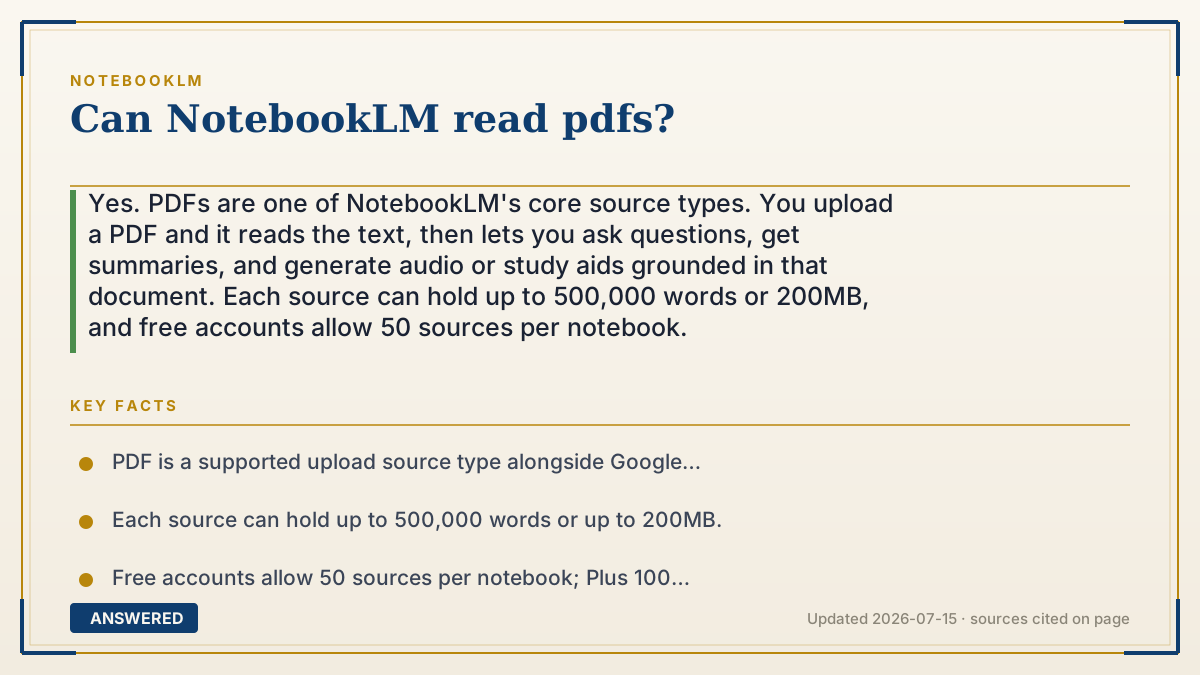
Yes. PDFs are one of NotebookLM's core source types. You upload a PDF and it reads the text, then lets you ask questions, get summaries, and generate audio or study aids grounded in that document. Each source can hold up to 500,000 words or 200MB, and free accounts allow 50 sources per notebook.
Why — the first-principles explanation
A PDF is just a container for text (and sometimes images). To 'read' it, NotebookLM first extracts the text from the file, breaking it into passages it can index. This turns a static document into searchable chunks of meaning.
When you ask a question, NotebookLM does not rely on what the AI model memorized during training. Instead it retrieves the most relevant passages from your PDF and feeds them to Gemini to write an answer. This retrieval step is why answers come with inline citations pointing back to specific parts of your document, and why it stays focused on your file instead of the open web.
The practical limit is text, not pages. A source can be up to 500,000 words or 200MB, so a long report or book usually fits in one source. Scanned PDFs that are just images of text may read poorly unless the text layer is present, because there is nothing for the extractor to pull without recognizable characters.
An example that makes it click
Think of NotebookLM like a very fast intern. You drop a 200-page PDF report on their desk. In under a minute they've read it, sticky-noted the important parts, and can now answer 'What were the three main risks?' by flipping straight to the right pages and quoting them.
Because the intern only read your report, they won't make up facts from other books, and every answer comes with a page-style citation so you can check it yourself.
How to do it
- Open or create a notebook at notebooklm.google.
- Click Add source, then Upload and choose your PDF file.
- Wait a few seconds while NotebookLM extracts and indexes the text.
- Ask questions in the chat box, or use the Studio panel for summaries, audio, and study aids.
- Click the inline citation numbers to jump back to the exact passage in the PDF.
Key facts
- PDF is a supported upload source type alongside Google Docs, Slides, websites, YouTube, audio, and pasted text.
- Each source can hold up to 500,000 words or up to 200MB.
- Free accounts allow 50 sources per notebook; Plus 100 and Pro 300.
- Answers include inline citations linking back to the source passage.
- Image-only (scanned) PDFs without a text layer may not read reliably.
Open the official product site and confirm the current access, plans and terms.
▶ The 60-second explainer (script)
Yes, NotebookLM can read PDFs, and it's one of the things it does best. Here's what actually happens when you upload one. First, NotebookLM pulls the text out of your PDF and breaks it into small searchable chunks. Then, when you ask a question, it doesn't guess from memory. It finds the most relevant passages in your document and uses Google's Gemini model to write an answer grounded in those exact passages. That's why every answer comes with a citation you can click to jump back to the source. One PDF can be huge, up to 500,000 words or 200 megabytes, so a whole book or long report usually fits as a single source. Free accounts let you add 50 sources per notebook. Just one tip: if your PDF is a scanned image with no real text layer, it may not read well, so use text-based PDFs when you can.
What authoritative sources say
People also ask
How big a PDF can NotebookLM handle?
Up to 500,000 words or 200MB per source, which covers most books and long reports in a single upload.
Can NotebookLM read scanned PDFs?
Only if they contain a real text layer. Pure image scans without recognizable text may not read reliably.
How many PDFs can I upload?
Free notebooks allow 50 sources each; Plus raises it to 100 and Pro to 300 sources per notebook.
Will it cite the PDF?
Yes. Answers include inline citations you can click to jump to the exact passage in your PDF.