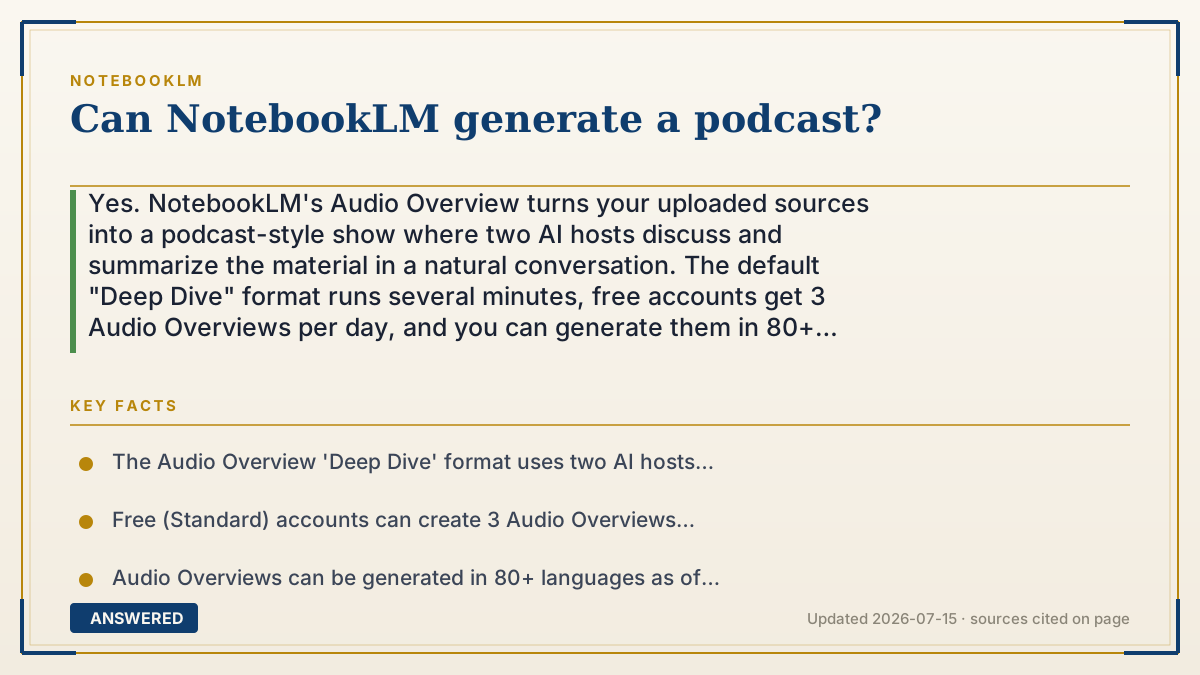
Can NotebookLM generate a podcast?
Yes. NotebookLM's Audio Overview turns your uploaded sources into a podcast-style show where two AI hosts discuss and summarize the material in a natural conversation. The default "Deep Dive" format runs several minutes, free accounts get 3 Audio Overviews per day, and you can generate them in 80+ languages.
Why — the first-principles explanation
A podcast is really two things stacked together: a script (what gets said) and a voice (how it sounds). NotebookLM builds both automatically. When you press generate, Google's Gemini model reads everything you uploaded, pulls out the main ideas, and writes a back-and-forth dialogue between two hosts, complete with questions, tangents, and 'that's a great point' reactions that make it feel human.
That script is then handed to a text-to-speech engine that produces two distinct synthetic voices with realistic pacing and intonation. Because the dialogue is grounded only in your sources, the hosts talk about your PDF, your notes, or your class readings, not random internet content. This is why it can turn a dry research paper into something that sounds like a real show.
The result is not a recording of real people. It is a machine-written, machine-narrated conversation. That means it is fast and available on demand, but it can occasionally simplify or slightly misstate a detail, so it works best as a study companion rather than a citation-grade source.
An example that makes it click
Imagine you hand a thick history textbook to two friendly radio hosts and say, 'Read this and chat about it for 10 minutes.' They skim it, then start talking: one explains, the other asks 'Wait, why did that matter?' NotebookLM does exactly this, except the hosts are AI voices and they finish reading in about a minute.
So instead of you reading 40 pages, you press one button and get a 6-minute audio chat about those same 40 pages, which you can listen to while walking the dog.
How to do it
- Go to notebooklm.google and open or create a notebook.
- Upload your sources (PDFs, Google Docs, websites, YouTube links, or pasted text).
- Open the Studio panel on the right and click Audio Overview.
- Optional: click Customize to pick a format (Deep Dive, Brief, Critique, Debate) or add a prompt focusing on certain topics.
- Click Generate and wait a minute or two for the audio to build.
- Play it in-app, or use the share/download option to listen elsewhere.
Key facts
- The Audio Overview 'Deep Dive' format uses two AI hosts in a conversational, podcast-style format.
- Free (Standard) accounts can create 3 Audio Overviews per day; Plus allows 6/day and Pro 20/day.
- Audio Overviews can be generated in 80+ languages as of 2026-07.
- You can steer the podcast with a custom prompt and choose Shorter, Default, or Longer length.
- An Interactive mode lets you 'call in' and ask the hosts questions (English, on newer overviews).
Open the official product site and confirm the current access, plans and terms.
▶ The 60-second explainer (script)
Yes, NotebookLM can generate a podcast from your own documents. It's called Audio Overview. Here's how it works. You upload your sources, a PDF, some notes, even a YouTube link. Then you open the Studio panel and hit Audio Overview. Behind the scenes, Google's Gemini model reads everything, writes a natural back-and-forth script between two hosts, and a text-to-speech engine gives them realistic voices. About a minute later, you get a podcast-style show where two AI hosts explain and discuss your material. Free accounts get three of these per day, and you can make them in over eighty languages. You can even pick the format, like a quick brief or a deeper debate, and add a prompt to focus on specific topics. Just remember, the hosts aren't real people, so double-check any critical facts against your source.
What authoritative sources say
People also ask
How long is a NotebookLM podcast?
The default Deep Dive usually runs a few minutes to about 15, and you can choose Shorter or Longer to change the target length.
Can I download the podcast?
Yes. You can play it in the app and use the share or download option to save the audio and listen elsewhere.
Are the podcast hosts real people?
No. They are AI-generated voices reading a machine-written script based only on your uploaded sources.
Can I ask the hosts questions?
Yes, Interactive mode lets you join the conversation and ask questions on newer English Audio Overviews.