Does Gemini use my data for AI training?
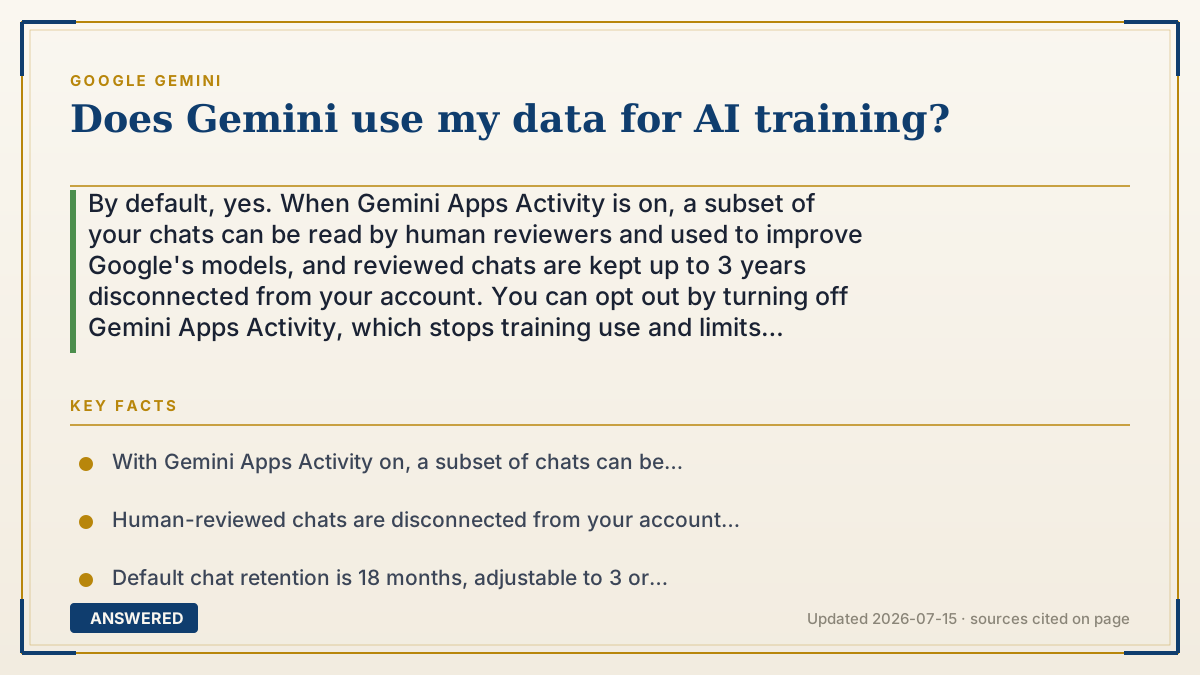
By default, yes. When Gemini Apps Activity is on, a subset of your chats can be read by human reviewers and used to improve Google's models, and reviewed chats are kept up to 3 years disconnected from your account. You can opt out by turning off Gemini Apps Activity, which stops training use and limits retention to 72 hours.
Why — the first-principles explanation
AI models improve by learning from examples, and your real conversations are exactly the examples that make them smarter. So Google's default setting keeps a log of your Gemini chats and allows a small, random slice to be sampled for quality checks and model improvement. This isn't hidden malice; it's how the product gets better over time, and it's the same logic behind most free AI tools.
The part that surprises people is human review. To judge whether answers are actually good, Google has trained reviewers read a subset of chats. To protect privacy, those samples are disconnected from your account before a human sees them, but they can be retained for up to three years because model development is slow, iterative work.
The crucial point is that this is opt-out, not mandatory. A single setting — Gemini Apps Activity — controls it. Turn it off and Google stops saving new chats long-term and stops using them to train models; it then holds recent chats only about 72 hours to run the service. Regulators require this control, which is why it's a real switch rather than a promise.
An example that makes it click
Picture a restaurant that occasionally has a food critic taste a random plate to keep the kitchen sharp. By default, your meal might be one of the sampled plates — but the critic never learns your name; they just rate the food. That's Gemini's default: some chats get anonymously reviewed to improve the "cooking." If you'd rather no one sample your plate, you tell the restaurant "don't include mine" by flipping the Gemini Apps Activity switch off. Then your meal is served and cleared without going to the critics.
How to do it
- Decide your preference: default (on) allows chats to help improve models; off opts you out of training use.
- To opt out, go to myactivity.google.com/product/gemini and sign in.
- Turn off the 'Keep Activity' (Gemini Apps Activity) toggle.
- Optionally delete existing chats and set auto-delete to keep history for only 3 months.
- Use Temporary Chats for sensitive questions, since they aren't saved or used for training.
Key facts
- With Gemini Apps Activity on, a subset of chats can be reviewed by humans to improve Google services.
- Human-reviewed chats are disconnected from your account and retained up to 3 years.
- Default chat retention is 18 months, adjustable to 3 or 36 months (as of 2026-07).
- Turning activity off stops training use; chats are then kept only up to 72 hours.
- The opt-out is controlled at myactivity.google.com/product/gemini via the 'Keep Activity' toggle.
Open the official product site and confirm the current access, plans and terms.
▶ The 60-second explainer (script)
Does Gemini use your data to train its AI? By default, yes. When Gemini Apps Activity is turned on, Google saves your chats and lets a small random sample be read by human reviewers to improve its models. Those reviewed chats are disconnected from your account, but they can be kept for up to three years. Here's the important part: you can opt out. Go to myactivity.google.com/product/gemini and switch off Keep Activity. Once it's off, your chats aren't used for training, and Google only holds them for about seventy-two hours to run the service. For a quick sensitive question, use a Temporary Chat, which is never saved. The choice is yours, and it's a real setting.
What authoritative sources say
People also ask
Can I stop Gemini from training on my chats?
Yes. Turn off Gemini Apps Activity at myactivity.google.com/product/gemini to opt out of training use.
Do humans read my Gemini conversations?
Only a small random subset, disconnected from your account, and only when Gemini Apps Activity is on.
How long does Google keep my chats?
By default 18 months (adjustable to 3 or 36 months); reviewed chats up to 3 years; with activity off, about 72 hours.
Are business/Workspace chats used for training?
Enterprise Google Workspace data has stronger protections and generally isn't used to train models; consumer accounts follow the settings above.