Does Poe save your chats?
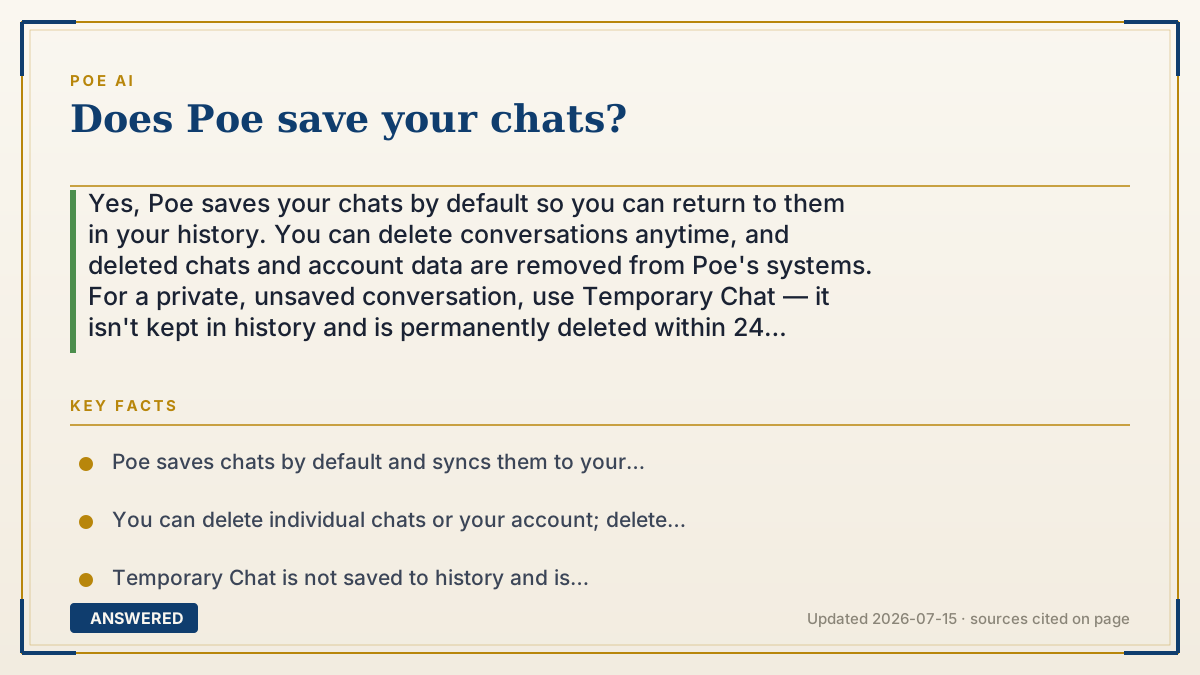
Yes, Poe saves your chats by default so you can return to them in your history. You can delete conversations anytime, and deleted chats and account data are removed from Poe's systems. For a private, unsaved conversation, use Temporary Chat — it isn't kept in history and is permanently deleted within 24 hours.
Why — the first-principles explanation
Saving chats by default exists for a practical reason: memory makes the tool useful. If your conversations vanished after each session, you couldn't pick up a research thread, reread a bot's answer, or continue a project. So Poe, like most chat apps, stores your history tied to your account and syncs it across your devices.
But 'saved' raises a privacy question, and Poe splits it into layers. Your normal chats are visible to you and to the model provider that answered — because the message had to travel to that model to get a reply. Poe states that most first-party chats are not used to train models. The important exception: third-party developer bots may use your messages to train their own models, since those bots run on outside systems.
You're not locked into keeping everything. Poe lets you delete individual chats, and when you delete a chat or your account, that data is removed from Poe's systems. For conversations you never want stored at all, Poe offers Temporary Chat — a one-off mode that stays out of your history and is permanently deleted within 24 hours, similar to an 'incognito' conversation.
The takeaway: saving is on by default and useful, but you have controls. Keep what helps you, delete what you don't want kept, and use Temporary Chat for anything sensitive — while remembering that whatever you send still passes through the model that answers it.
An example that makes it click
Think of Poe like a notebook that writes itself. Every conversation gets a page you can flip back to later — that's the default 'saved' behavior, and it's handy for continuing your work. If you don't want a page anymore, you tear it out (delete the chat), and it's gone from the notebook.
Temporary Chat is like using a whiteboard instead of the notebook. You can talk, get answers, and then the whiteboard is wiped clean — within a day, nothing is left. So for a quick private question, you grab the whiteboard; for work you want to revisit, you use the self-writing notebook.
How to do it
- Open Poe and find your saved conversations in the chat history sidebar.
- To remove a conversation, open it and choose the delete option; deleted chats are removed from Poe's systems.
- For a private, unsaved chat, start a Temporary Chat before you begin.
- Finish your Temporary Chat knowing it won't be added to history and is deleted within 24 hours.
- Avoid sending passwords or sensitive data to third-party bots, which may retain and train on messages.
Key facts
- Poe saves chats by default and syncs them to your account history.
- You can delete individual chats or your account; deleted data is removed from Poe's systems.
- Temporary Chat is not saved to history and is permanently deleted within 24 hours of creation.
- Poe states most first-party chats are not used to train models, but third-party developer bots may use them for training.
- Every message is visible to Poe and the model provider that generates the reply.
Open the official product site and confirm the current access, plans and terms.
▶ The 60-second explainer (script)
Does Poe save your chats? Yes — by default, Poe keeps your conversations in your history so you can return to them later, and they sync across your devices. That's useful for continuing a project or rereading an answer. But you have control. You can delete any conversation, and when you delete a chat or your whole account, that data is removed from Poe's systems. If you want a conversation that's never saved at all, use Temporary Chat. It stays out of your history and is permanently deleted within twenty-four hours — like an incognito chat. One privacy note: every message you send is visible to Poe and to the model that answers it. And while Poe says most first-party chats aren't used to train models, third-party bots built by other developers may use your messages to train theirs. So keep what helps you, delete what you don't want, and use Temporary Chat for anything sensitive.
What authoritative sources say
People also ask
Can I delete my Poe chat history?
Yes. You can delete individual conversations or your account, and that data is removed from Poe's systems.
What is Temporary Chat on Poe?
A private, one-off conversation that isn't saved to your history and is permanently deleted within 24 hours.
Does Poe train AI on my chats?
Most first-party chats are not used for training, but third-party developer bots may use your messages to train their models.
Who can see my Poe conversations?
You and the model provider that answers. Others can't see them unless you share them or join a group chat.