How do Ideogram credits work?
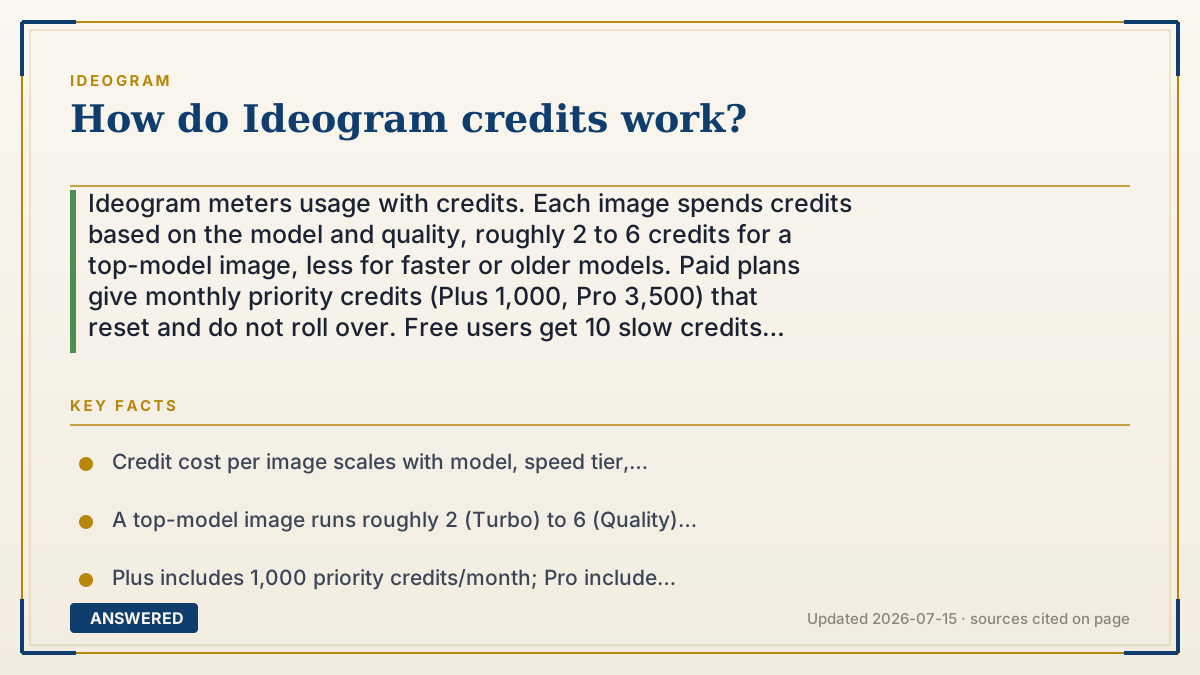
Ideogram meters usage with credits. Each image spends credits based on the model and quality, roughly 2 to 6 credits for a top-model image, less for faster or older models. Paid plans give monthly priority credits (Plus 1,000, Pro 3,500) that reset and do not roll over. Free users get 10 slow credits weekly; purchased top-ups carry over.
Why — the first-principles explanation
A credit is Ideogram's way of pricing GPU time. A slower, higher-quality render uses more computing, so it costs more credits; a fast, low-resolution one costs less. Your plan hands you a bucket of credits each month, and every generation drains some. This lets Ideogram charge a flat subscription while still accounting for wildly different usage.
There are two kinds of credits, and the difference is speed. Priority credits put your job at the front of the queue for fast results and come with paid plans. Slow credits run in a lower-priority lane and are what free users get (10 per week). On paid plans, slow generation is effectively unlimited, so you can keep working after your priority bucket runs low, just more slowly.
The rules that cost people money are about expiration. Monthly priority credits reset every billing cycle and do not roll over, so buying a bigger plan than you use wastes money. Separately purchased top-up credits do carry over indefinitely. And the credit cost per image scales with your choices: model version, speed tier (Turbo/Default/Quality), number of images returned, and resolution. Pick cheaper settings and your bucket lasts far longer.
An example that makes it click
Credits are like arcade tokens. A quick, simple game costs one token; the big deluxe machine costs six. Your monthly pass drops a pile of 'fast-lane' tokens into your cup, but they expire at month's end, use them or lose them. Tokens you buy separately at the counter never expire. And if you want to play more after your fast-lane tokens run out, there is a free slow lane where you wait a little longer for your turn.
How to do it
- Check how many priority credits your plan includes (Free: 10 slow/week; Plus: 1,000; Pro: 3,500).
- Before generating, note that higher quality and more images cost more credits.
- Use Turbo or lower resolution to stretch your credits further.
- Use up monthly priority credits before renewal, since they don't roll over.
- Buy top-up credits if you need extras that carry over between months.
- On paid plans, switch to slow generation to keep creating after priority credits run low.
Key facts
- Credit cost per image scales with model, speed tier, image count, and resolution.
- A top-model image runs roughly 2 (Turbo) to 6 (Quality) credits (as of 2026-07).
- Plus includes 1,000 priority credits/month; Pro includes 3,500.
- Free users get 10 slow credits per week; paid plans have effectively unlimited slow generation.
- Monthly priority credits reset and do not roll over; purchased top-up credits do carry over.
Open the current official limits, credits and plan rules before relying on the allowance.
▶ The 60-second explainer (script)
How do Ideogram credits work? Think of credits as the price of computer time. Every image runs on expensive graphics chips, so Ideogram meters your use with credits, and each image spends some. A fast, low-quality render costs just a couple of credits; a slow, high-quality one costs around six. There are two kinds. Priority credits put you at the front of the line for fast results, and they come with paid plans, a thousand a month on Plus, thirty-five hundred on Pro. Slow credits run in a lower-priority lane; free users get ten a week, and paid users get effectively unlimited slow generation. Here is the rule that catches people out: monthly priority credits reset each billing cycle and do not roll over, so don't buy a bigger plan than you'll use. Credits you buy as separate top-ups, though, carry over forever. Want your credits to last? Use Turbo mode, lower resolution, and fewer images per prompt.
What authoritative sources say
People also ask
How many credits does one image cost?
Roughly 2 to 6 for a top-model image, less for Turbo or older models; it depends on your settings.
Do my credits roll over?
Monthly priority credits don't roll over; separately purchased top-up credits do.
What are slow versus priority credits?
Priority credits are fast-lane; slow credits wait in a lower-priority queue. Free users get slow credits.
How do I make credits last longer?
Use Turbo speed, lower resolution, and request fewer images per prompt.