How do you import a chat into Janitor AI?
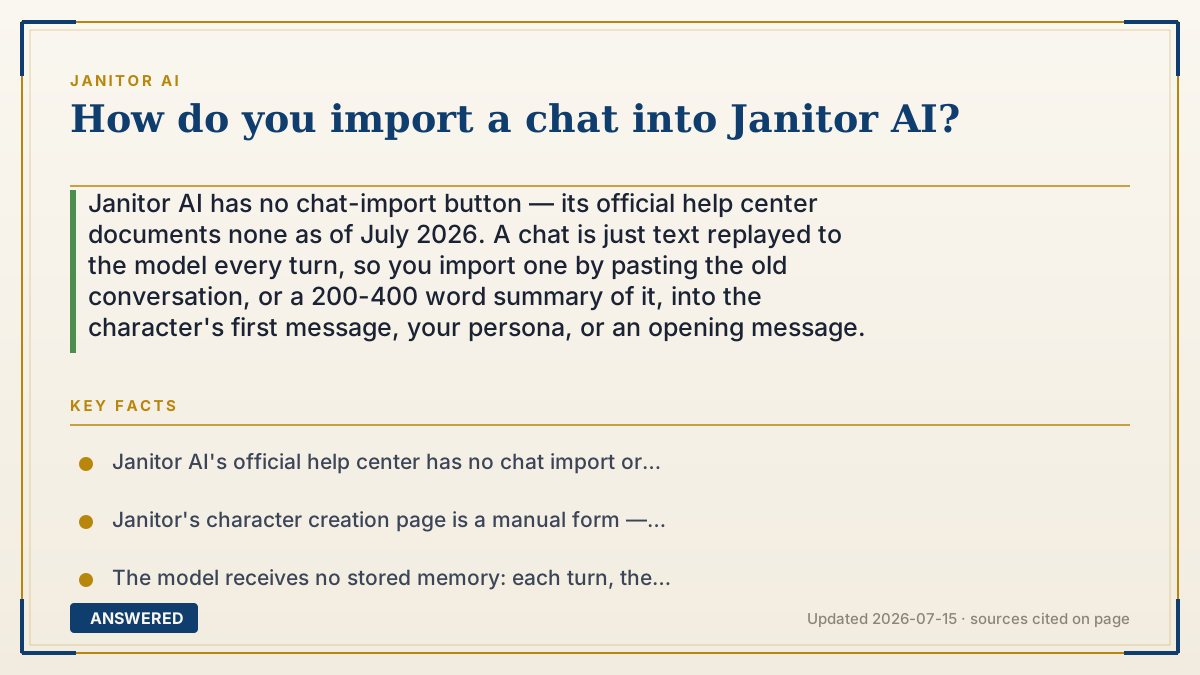
Janitor AI has no chat-import button — its official help center documents none as of July 2026. A chat is just text replayed to the model every turn, so you import one by pasting the old conversation, or a 200-400 word summary of it, into the character's first message, your persona, or an opening message.
Why — the first-principles explanation
The honest starting point: there is no import feature. Janitor's help center is organized into User Guides, Content Guidelines, Creator Guides, FAQ, site and chat issues, account issues, Scripts, and CSS Resources — and none of them document importing or exporting a conversation. Anyone showing you an "import chat" button is showing you a different app.
But the deeper point is that you don't need one, because a chat is not a save file. It only looks like a saved relationship. What actually happens each time you hit send is that Janitor takes your persona, the character's definition, and as much recent conversation as fits, glues it into one block of plain text, and hands the whole thing to the model. The model reads it fresh, predicts a reply, and forgets everything. Next message, the whole block gets rebuilt and re-sent. The model has no memory. The transcript is the memory.
Once you see that, importing becomes obvious: anything you can get into that block of text is imported. Paste an old transcript into the chat and the model treats it exactly like history it lived through, because from its side there is no difference. There was never a difference.
The real constraint is not the button, it's the token budget. That text block has a hard size limit. Paste 5,000 words of old roleplay and you'll fill the window with backstory, leaving little room for the new scene — and the oldest lines silently scroll out anyway. This is why a tight summary beats a raw dump almost every time. A 300-word recap of who everyone is, what happened, and what's unresolved carries nearly all the useful signal at a fraction of the cost. And facts you never want to lose belong in your persona, not the chat, because the persona gets re-sent on every single turn while old messages scroll away forever.
One clarification that trips people up: character cards and chats are different things. A card is the bot — name, personality, scenario, greeting. Janitor's character creation page is a form you fill in field by field. A chat is the conversation you had with that bot. Copying a card to Janitor does not bring the conversation with it.
An example that makes it click
Imagine a brilliant actor with no long-term memory. Every morning she shows up on set, and the only thing she knows is what's printed on the script pages in her hand. Yesterday's scene? Gone. But hand her a page that says "You are Mira. You met Kael three weeks ago. He betrayed you in the market. You're still angry," and she plays it perfectly — as if she remembers.
That's the whole trick. You're not restoring her memory, you're printing better pages. And the pages have a limit: maybe 40 of them fit in her hand. So don't hand her the 500-page transcript of everything that ever happened. Hand her one page that says who's who, what went wrong, and what's still unfinished. She'll act it exactly the same.
How to do it
- Get the old text. Copy the conversation out of wherever it lives — another chat site, a doc, screenshots you retype. Note that character JSON cards are the bot, not the chat.
- Compress it instead of dumping it. Write 200-400 words covering: who the characters are, the relationship between them, the three or four events that matter, and the unresolved thread you want to pick up.
- Put durable facts in your Persona — your name, appearance, role, established relationship. The persona is re-sent every turn, so these survive when old messages scroll out of the context window.
- Open the bot and start a fresh chat.
- Edit the greeting/first message and paste your recap at the top, clearly labeled, for example: "Story so far: Mira and Kael met three weeks ago..." followed by the scene you want to resume in.
- Alternatively send your recap as your first message wrapped in a <system> block or marked OOC, then a second message that starts the scene in-character.
- Send a short in-character message continuing from the last beat, written in the style and perspective you want the bot to mirror.
- If continuity slips 20 or 30 messages later, that's the old text scrolling out of the window — just re-paste a three-line recap, or move the important facts into your persona permanently.
Key facts
- Janitor AI's official help center has no chat import or export article as of 2026-07; its categories are User Guides, Content Guidelines, Creator Guides, FAQ, General Site & Chat Issues, Account Questions & Issues, Scripts, and CSS Resources.
- Janitor's character creation page is a manual form — name, personality, scenario, initial message — not a file importer, so a chat cannot be uploaded as a file.
- The model receives no stored memory: each turn, the persona, character definition, and recent messages are re-sent as plain text, which is why pasted history works identically to lived history.
- Janitor publishes a dedicated guide titled "Tokens: Your AI's Memory Budget," reflecting that context length — not storage — is the binding limit on how much history a chat can carry.
- Personas are re-sent on every turn while old chat messages scroll out of the context window, making the persona the durable place for facts you cannot lose.
- Account deletion permanently removes characters, personas, and posts with no recovery, so any chat you want to keep must be copied out before you delete.
▶ The 60-second explainer (script)
Short answer: Janitor AI has no import button. Its official help center doesn't document one, and as of July 2026 it doesn't exist. But here's the thing — you don't need one, and once you understand why, importing takes about two minutes. A chat on Janitor is not a save file. It's text. Every time you hit send, Janitor takes your persona, the character's definition, and the recent messages, glues them into one block of plain text, and hands the whole block to the model. The model reads it, replies, and forgets everything. The model has no memory. The transcript is the memory. So anything you can get into that text block is imported — the model can't tell the difference between history it lived through and history you pasted. There is no difference. Here's how to do it. Don't dump the raw transcript; you'll blow the token budget and the oldest lines scroll out anyway. Instead, write a 200 to 400 word recap: who's who, what happened, what's unresolved. Paste it into the character's first message under a heading like "Story so far." Then put the facts you never want to lose — your name, your role, the relationship — into your persona, because the persona gets re-sent on every single turn while old messages disappear. Then just continue the scene. One caution: character cards and chats are different. Copying a card brings the bot, not the conversation.
What authoritative sources say
People also ask
Can I import a chat from Character.AI or SillyTavern into Janitor AI?
Not as a file. Copy the text out, condense it into a short recap, and paste that into the bot's first message or your persona. The model treats pasted history the same as lived history.
Can I import a character card JSON into Janitor AI?
Janitor's character creation is a form you fill in field by field, so in practice you copy the card's fields across manually. And a card is the bot, not your conversation with it.
How long can the pasted history be?
Keep it to a few hundred words. Everything you paste competes for the same limited context window, and once it's full the oldest text scrolls out regardless.
Why does the bot forget the imported history after a while?
Because pasted text sits in the chat and eventually scrolls out of the context window. Move anything permanent into your persona, which gets re-sent every single turn.
Can I recover a chat I lost or deleted?
There's no documented restore feature, and account deletion is explicitly permanent with no recovery. If a chat matters, copy the text out yourself and keep it somewhere else.