How do you link Meta Ads to a Manus AI workspace?
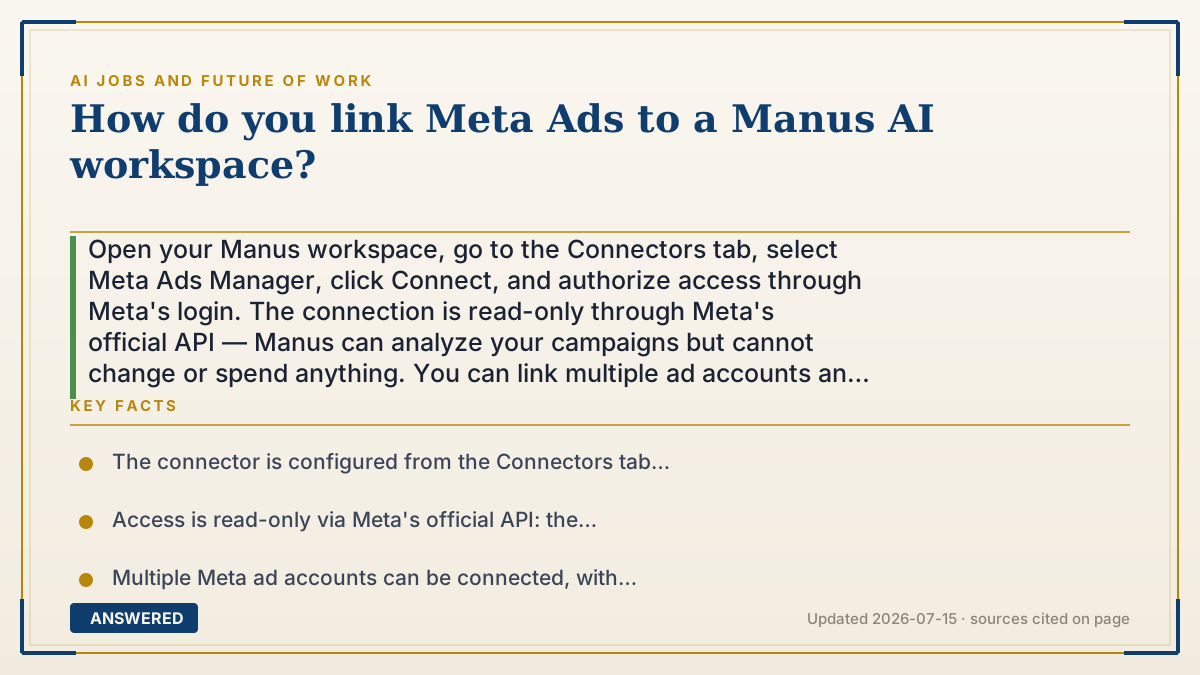
Open your Manus workspace, go to the Connectors tab, select Meta Ads Manager, click Connect, and authorize access through Meta's login. The connection is read-only through Meta's official API — Manus can analyze your campaigns but cannot change or spend anything. You can link multiple ad accounts and switch between them.
Why — the first-principles explanation
This connection is an OAuth handoff, and knowing that tells you why the steps look the way they do. You never give Manus your Facebook password. Instead Manus sends you to Meta, you log in on Meta's own page, and Meta hands back a scoped token — a key that opens specific doors and no others. This is why authorization happens in a Meta window rather than a Manus form, and it's why you can revoke access from Meta's settings later without changing your password.
The scope here is read-only, which is the single most important fact about this integration. The token permits fetching campaign data through Meta's official Marketing API and nothing else. Manus cannot pause a campaign, adjust a budget, or spend a dollar. If a tutorial ever instructs you to grant write or admin permissions to get ad analysis working, that's a signal to stop — analysis genuinely doesn't require it.
Why connect at all instead of exporting a CSV? Because the value is removing the export loop. The old workflow was: export, open a spreadsheet, build a pivot table, notice something, export again with different columns. A live connector lets you ask a question in plain English and get a chart, a deck, or a dashboard back — then ask the follow-up immediately, because the data is still there. The bottleneck in ad analysis was never analysis. It was the twenty minutes of CSV wrangling between each question.
One caution rooted in how these models work: an AI reading your ad data produces plausible narratives, and campaign data is famously noisy. A model will happily explain a cost-per-result swing that's really just a small sample over a holiday weekend. Use it to surface patterns fast; keep human judgment on causation and on any decision that spends money.
An example that makes it click
It's the same move as letting a budgeting app see your bank account. You don't hand the app your banking password — you get bounced to your bank's own login, and the bank hands the app a limited pass that says view transactions, move nothing. You can rip that pass up any time from your bank's settings, and the app never knew your password at all.
The Manus connector works exactly this way with Meta. Read the spend, move nothing. Which is why the permission screen should say view-only. If it ever asks for the keys to move money, that's not the integration you were promised.
How to do it
- Open your Manus workspace and navigate to the Connectors tab.
- Find Meta Ads Manager in the list of available connectors and select it.
- Click Connect to start the authorization flow.
- Log in through Meta's own authorization window and approve the requested access — verify it is read-only before approving.
- Select which ad account or accounts to link; you can connect multiple accounts and switch between them inside the workspace.
- Start a new session and query your ad data in plain English — Manus can return the analysis as slides, infographics, dashboards, or a website instead of a CSV.
- To disconnect later, remove the connector in Manus and also revoke Manus in Meta's Business Integrations settings — revoking on Meta's side is what actually kills the token.
Key facts
- The connector is configured from the Connectors tab inside the Manus workspace (as of 2026-07).
- Access is read-only via Meta's official API: the connector cannot make changes to your campaigns.
- Multiple Meta ad accounts can be connected, with switching between them inside the workspace.
- Manus's help documentation does not specify which plan tiers include the Meta Ads connector — verify against your plan before relying on it.
- The feature has been described as in beta with a progressive rollout, so it may not yet appear in every workspace.
- Authorization runs through Meta's OAuth flow, so access can be revoked from Meta's Business Integrations settings without changing your password.
▶ The 60-second explainer (script)
Here's how to link Meta Ads to your Manus AI workspace. Open Manus, go to the Connectors tab, find Meta Ads Manager, click Connect, and authorize through Meta's login window. Pick your ad account, and you're done — start a session and ask questions in plain English. Now here's what's actually happening, because it matters. This is an OAuth handoff. You never give Manus your Facebook password. Manus sends you to Meta, you log in on Meta's own page, and Meta hands back a scoped token — a key that opens specific doors and nothing else. That's why the login screen is Meta's, not Manus's. And it's why you can revoke access later from Meta's settings without changing your password. The scope here is read-only. That's the most important fact about this whole integration. The connector can fetch campaign data through Meta's official API and that's it. It cannot pause a campaign, cannot change a budget, cannot spend a dollar. So if any tutorial ever tells you to grant write or admin permissions to get ad analysis working — stop. Analysis doesn't need that. Think of it like a budgeting app connecting to your bank: view the transactions, move nothing. One warning. An AI reading ad data produces plausible stories, and campaign data is noisy. It'll confidently explain a cost spike that's really just a small sample over a holiday weekend. Use it to find patterns fast. Keep a human on anything that spends money.
What authoritative sources say
People also ask
Can Manus change or pause my campaigns?
No. The connector is read-only through Meta's official API and cannot modify campaigns or spend money. If a setup guide asks for write permissions, treat that as a red flag.
Can I connect more than one ad account?
Yes — Manus supports connecting multiple Meta ad accounts and switching between them inside the workspace.
I don't see the Meta Ads connector. Why?
The connector has been rolling out progressively in beta, and Manus's documentation doesn't specify which plan tiers include it. Check your plan and whether the rollout has reached your workspace.
How do I disconnect it?
Remove the connector in Manus, then revoke Manus under Meta's Business Integrations settings. Revoking on Meta's side is what actually invalidates the token.
Is it safe to give an AI tool access to my ad data?
The read-only scope means it can't spend your budget, which removes the worst risk. The remaining consideration is data handling — review the provider's retention policy before connecting a commercially sensitive account.