How to access Google Veo 3?
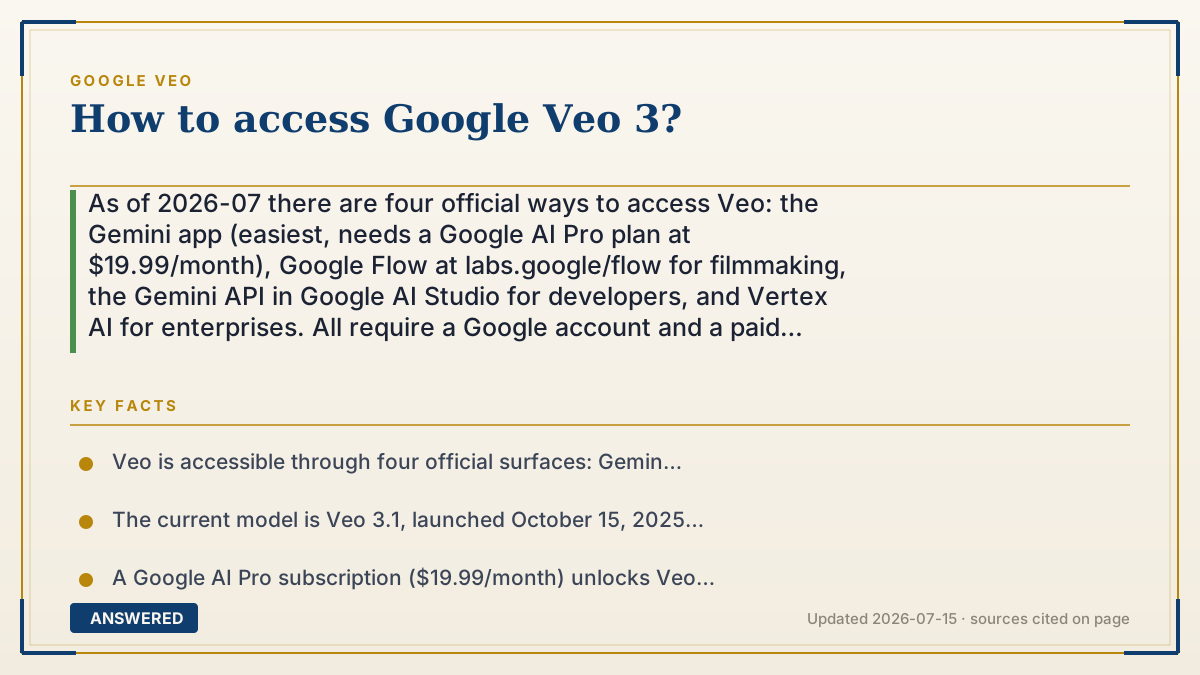
As of 2026-07 there are four official ways to access Veo: the Gemini app (easiest, needs a Google AI Pro plan at $19.99/month), Google Flow at labs.google/flow for filmmaking, the Gemini API in Google AI Studio for developers, and Vertex AI for enterprises. All require a Google account and a paid plan or API billing.
Why — the first-principles explanation
Veo isn't a standalone website — it's a model that Google plugs into several different front ends, each aimed at a different user. Understanding that is the key to picking the right door. The same engine powers all four, but the wrapper around it changes what you can do and how you pay.
The Gemini app is the consumer front door: you chat, type a prompt, and get a video, the way you'd ask for text. Google Flow (at labs.google/flow) is the creator studio — it adds a timeline, scene extension, camera controls, and editing tools for people making longer, structured pieces. These two are subscription-based, so you buy a plan and spend credits.
The Gemini API (through Google AI Studio) and Vertex AI are the developer and enterprise doors. Instead of a chat box, you get code endpoints so you can build Veo into your own app or pipeline, paying per second of output. Google splits it this way because a hobbyist wants a simple button while a company wants programmable, billable, governed access. So 'how to access Veo' really means 'which of these four fits you' — and for most people the answer is the Gemini app on a Google AI Pro plan.
An example that makes it click
Veo is like a single powerful car engine that Google drops into four different vehicles. The Gemini app is the family sedan — hop in and drive. Google Flow is the camera truck with rigs and controls for making a real film. The Gemini API is the bare engine on a stand, so mechanics (developers) can build their own custom vehicle around it. And Vertex AI is the fleet version for whole companies.
All four have the same engine under the hood. You just pick the vehicle that matches your trip: a quick errand, a movie shoot, or building your own car.
How to do it
- Sign in with a Google account and subscribe to Google AI Pro ($19.99/month) or Google AI Ultra.
- Easiest route: open the Gemini app, choose the video tool, type your prompt, and generate.
- For filmmaking: go to labs.google/flow, sign in, and use the Flow editor for scene extension and camera control.
- For developers: open Google AI Studio, enable the Gemini API, and call a veo-3.1 model with billing set up.
- For enterprises: use Vertex AI in Google Cloud to run Veo inside governed production pipelines.
Key facts
- Veo is accessible through four official surfaces: Gemini app, Google Flow, Gemini API, and Vertex AI.
- The current model is Veo 3.1, launched October 15, 2025; Veo 3 is being retired in the API.
- A Google AI Pro subscription ($19.99/month) unlocks Veo in the Gemini app and Flow.
- Google Flow lives at labs.google/flow and adds timeline editing and scene extension.
- Developers access Veo via the Gemini API in Google AI Studio, paying per second of output.
Open the official product site and confirm the current access, plans and terms.
▶ The 60-second explainer (script)
Want to access Google Veo? As of July 2026 there are four official doors, all built on the same model. The simplest is the Gemini app — just subscribe to Google AI Pro for nineteen ninety-nine a month, open the app, type a prompt, and it makes a video. If you're making a real film, use Google Flow at labs.google slash flow, which adds a timeline, camera controls, and scene extension. Developers should head to Google AI Studio and call the Veo model through the Gemini API, paying per second. And big companies use Vertex AI in Google Cloud for governed, large-scale pipelines. Same engine, four vehicles. For most people, the Gemini app on a Pro plan is the fastest way in.
What authoritative sources say
People also ask
Do I need to pay to access Veo?
Yes. Veo requires a paid Google AI plan (from $19.99/month) or paid API/Vertex AI billing. A 1-month free trial is available.
What's the easiest way to try Veo?
Open the Gemini app on a Google AI Pro plan, select the video tool, and type a prompt — no code needed.
Where is Google Flow?
Google Flow is at labs.google/flow. It's the creator studio for building longer, edited videos with Veo.
Can developers use Veo?
Yes, through the Gemini API in Google AI Studio or via Vertex AI, with per-second billing.