How to access Nano Banana?
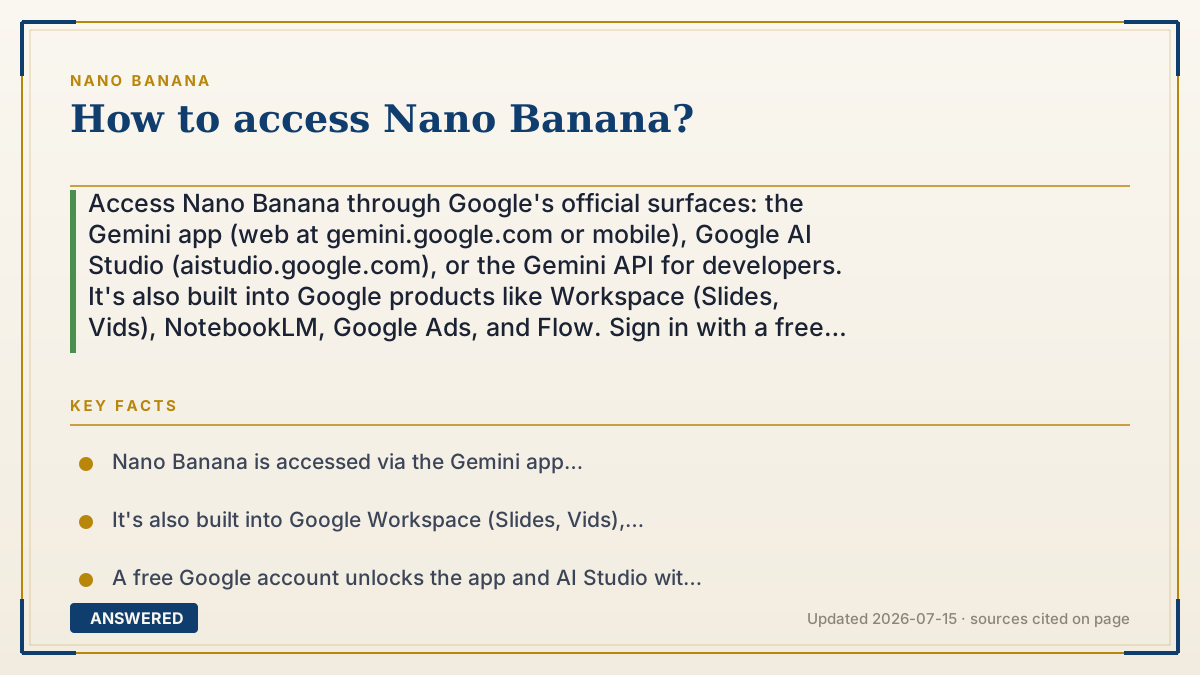
Access Nano Banana through Google's official surfaces: the Gemini app (web at gemini.google.com or mobile), Google AI Studio (aistudio.google.com), or the Gemini API for developers. It's also built into Google products like Workspace (Slides, Vids), NotebookLM, Google Ads, and Flow. Sign in with a free Google account to start; heavier use needs a paid plan.
Why — the first-principles explanation
Because Nano Banana is a model, not a standalone app, 'accessing' it means choosing which Google front door fits you. Google offers three main ones plus several built-in integrations, each aimed at a different user.
The Gemini app (browser or phone) is the door for most people — you sign in with a Google account and type prompts. Google AI Studio is the door for tinkerers and developers, giving a free playground to test prompts and grab an API key. The Gemini API is the door for software, letting your own app call the model programmatically. Same model behind all three.
Google also embeds Nano Banana inside other products, so you may already have access without a separate app: image creation in Google Slides and Vids, visuals in NotebookLM, ad creative in Google Ads, and filmmaking in Flow. This is Google's strategy of putting one image engine everywhere its users already work.
Starting is free — a Google account unlocks the app and AI Studio with daily limits. You only pay when you need higher limits, the Pro model, or API access. The simple map: casual creating → Gemini app; experimenting or getting a key → AI Studio; building software → Gemini API; already in Google's apps → it's likely built in.
An example that makes it click
Think of Nano Banana like electricity in a house. You don't 'buy electricity' as an object — you plug into whichever outlet is nearby. The kitchen outlet is the Gemini app for everyday use, the garage workbench outlet is AI Studio for tinkering, and the industrial panel is the API for powering machines. And some appliances, like your Google Slides 'toaster,' already have it wired in. Same power source, many outlets.
How to do it
- Sign in with a free Google account.
- For everyday use, open the Gemini app at gemini.google.com or install the mobile app.
- To experiment or get an API key, go to Google AI Studio at aistudio.google.com.
- For software, use the Gemini API with a key from AI Studio.
- Look for built-in access inside Google Slides, Vids, NotebookLM, Google Ads, and Flow.
- Upgrade to a Google AI plan for higher limits, the Pro model, or no visible watermark.
Key facts
- Nano Banana is accessed via the Gemini app (gemini.google.com or mobile), Google AI Studio, and the Gemini API.
- It's also built into Google Workspace (Slides, Vids), NotebookLM, Google Ads, and Flow.
- A free Google account unlocks the app and AI Studio with daily limits.
- Developers get an API key from Google AI Studio.
- Paid Google AI plans raise limits and add the Pro model (as of 2026-07).
Open the official product site and confirm the current access, plans and terms.
▶ The 60-second explainer (script)
How do you access Nano Banana? Since it's Google's image model, not a standalone app, you just pick the right door. For most people, that's the Gemini app — go to gemini.google.com or download the mobile app, sign in with a free Google account, and start typing prompts. If you want to experiment or grab an API key, head to Google AI Studio. And if you're building software, the Gemini API lets your own app call the model directly. Here's a bonus: Nano Banana is baked into other Google products too, so you might already have it in Google Slides, Vids, NotebookLM, Google Ads, and the Flow filmmaking tool. Starting is free with daily limits — you only pay when you want higher limits, the sharper Pro model, or the watermark removed. So: casual use, the Gemini app; tinkering, AI Studio; coding, the API.
What authoritative sources say
People also ask
What's the main website for Nano Banana?
The Gemini app at gemini.google.com for everyday use, or Google AI Studio at aistudio.google.com for developers.
Do I need a subscription to access it?
No. A free Google account unlocks the app and AI Studio with daily limits; subscriptions only raise limits.
Is it in the Gemini mobile app?
Yes. The Gemini app on Android and iOS includes Nano Banana image generation and editing.
Can I use it inside Google Slides?
Yes. Nano Banana image creation is built into Google Workspace apps like Slides and Vids.