How to get a DeepSeek API key?
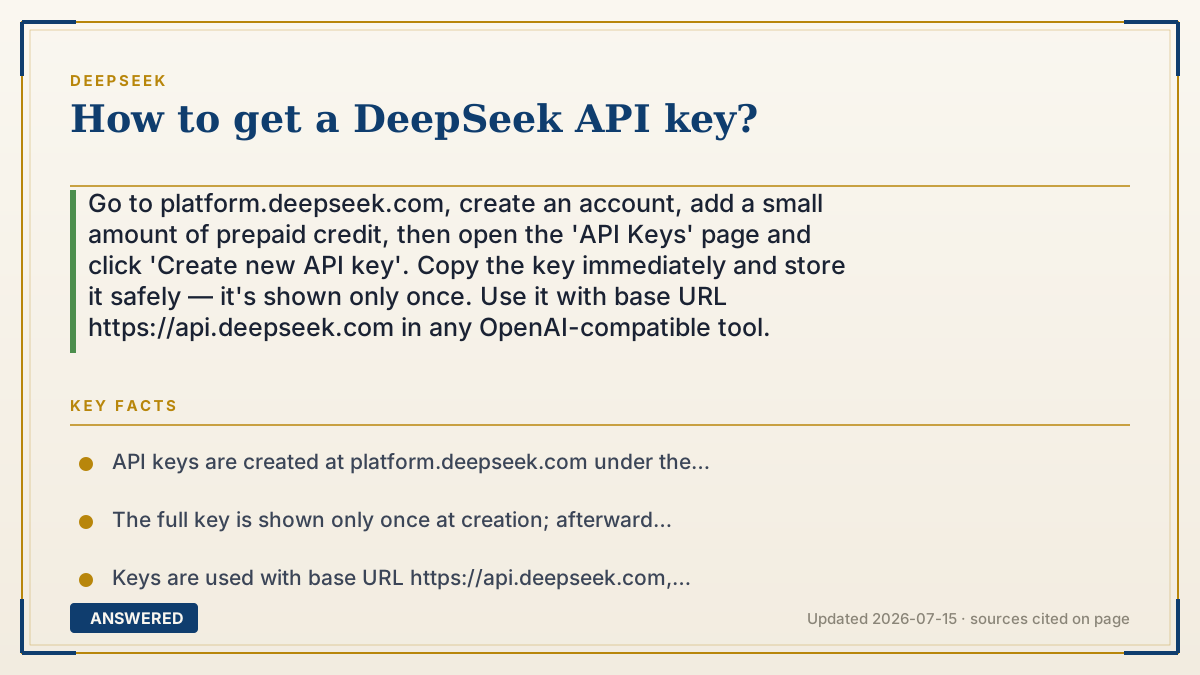
Go to platform.deepseek.com, create an account, add a small amount of prepaid credit, then open the 'API Keys' page and click 'Create new API key'. Copy the key immediately and store it safely — it's shown only once. Use it with base URL https://api.deepseek.com in any OpenAI-compatible tool.
Why — the first-principles explanation
An API key is a secret password that also acts as your billing identity. When your program calls DeepSeek's servers, the key both proves you're allowed in and tells DeepSeek whose account to charge. Because it carries spending power, DeepSeek shows you the full key only once, at creation — after that, only a masked preview is visible. If you lose it, you make a new one and delete the old.
This is why the sign-up flow requires an account and (usually) prepaid credit before the key does anything useful: the key is worthless without money behind it, and DeepSeek needs to know where to send the bill. Keys are also revocable and disposable by design — you can generate several, name them for different projects, and delete any that leak, which limits the damage if one is exposed.
Once you have the key, using it is trivial because DeepSeek copied OpenAI's format. You point any OpenAI-compatible library at DeepSeek's base URL, paste the key, and pick a model. The key never needs to appear in your code as plain text — best practice is to store it in an environment variable so it isn't accidentally shared or committed to public code.
An example that makes it click
Think of an API key like a prepaid hotel key card. First you check in at the front desk (create an account), load some money onto the card (add credit), and the desk hands you a card coded to your room and your tab (the key). You only get handed the card once — lose it, and they cancel it and print a new one.
After that, the card opens the door every time (authenticates your requests) and charges your room automatically (billing). You wouldn't tape your key card to the hotel's front window, so you don't paste your API key into public code — you keep it tucked away in your wallet, which for a program means an environment variable.
How to do it
- Open platform.deepseek.com and sign up (email or supported login).
- Verify your account and sign in to the platform dashboard.
- Add prepaid credit under the billing/top-up section so the key can make paid calls.
- Go to the 'API Keys' section and click 'Create new API key'.
- Give the key a name (e.g. the project it's for) and confirm.
- Copy the full key immediately — it's displayed only once — and store it securely.
- Save it in an environment variable, not directly in your code.
- Use it with base URL https://api.deepseek.com in an OpenAI-compatible library.
Key facts
- API keys are created at platform.deepseek.com under the 'API Keys' section.
- The full key is shown only once at creation; afterward only a masked version is visible.
- Keys are used with base URL https://api.deepseek.com, which is OpenAI-compatible.
- You can create multiple keys and revoke any that are exposed.
- Prepaid credit is generally required before a key can make billable requests.
Open the official API documentation for access, authentication and current implementation requirements.
▶ The 60-second explainer (script)
Here's how to get a DeepSeek API key. First, go to platform.deepseek.com and create an account. Once you're signed in, add a little prepaid credit, because a key can't make paid calls without money behind it. Then open the 'API Keys' section and click 'Create new API key.' Give it a name so you remember what project it's for. Now the important part: copy the key right away — DeepSeek shows it to you only once, and after that you'll only see a masked version. Store it somewhere safe, ideally in an environment variable, never pasted into public code. To use it, point any OpenAI-compatible tool at the base URL api.deepseek.com and paste your key. If a key ever leaks, just delete it and make a new one. That's it.
What authoritative sources say
People also ask
Where do I create a DeepSeek API key?
At platform.deepseek.com, in the 'API Keys' section, using the 'Create new API key' button.
I lost my key — can I see it again?
No, the full key is shown only once. Delete the old key and generate a new one.
Do I need to pay before getting a key?
Creating the key is free, but you generally need prepaid credit before it can make billable API calls.
How do I keep my key secure?
Store it in an environment variable, never commit it to public code, and revoke any key that gets exposed.