How to get Canva pro for free?
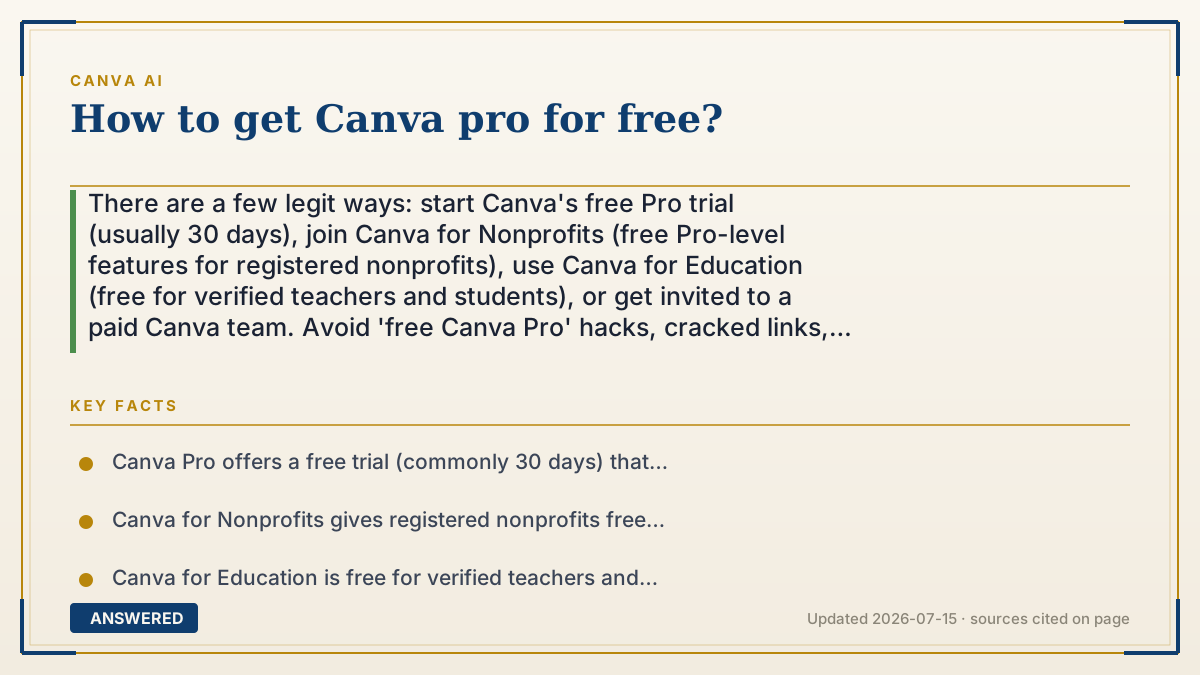
There are a few legit ways: start Canva's free Pro trial (usually 30 days), join Canva for Nonprofits (free Pro-level features for registered nonprofits), use Canva for Education (free for verified teachers and students), or get invited to a paid Canva team. Avoid 'free Canva Pro' hacks, cracked links, and shared logins—they're scams or account-theft risks.
Why — the first-principles explanation
Canva gives Pro away in specific cases because it's cheaper than the alternative. A free trial is a sales tactic: let you feel the value, and many people convert to paying. Nonprofit and Education access is goodwill plus marketing—it costs Canva little to include these groups and builds loyalty and word-of-mouth among people who influence others.
Each legit path has a gate that proves you qualify. The trial gates on a new account and a payment method it may charge when the trial ends. Nonprofit access gates on registered-charity verification. Education access gates on a verified school email or teacher credential. These gates are the reason the free access is sustainable: only intended groups get through.
Everything outside those gates is a red flag. 'Free Canva Pro' generators, cracked APKs, and shared-account passwords either steal your login, install malware, or get the shared account banned. Because the legit routes are easy, there's no upside to the risky ones—if you don't qualify for nonprofit or education, the honest move is the trial, then decide whether ~$15/month is worth it.
An example that makes it click
Think of Canva Pro like a gym membership. The free trial is a one-week guest pass—totally legit, just show ID (a new account). Teachers and charities get a free community membership because the gym wants them there. But the guy in the parking lot selling 'lifetime memberships' from a printed card? That's the scam—you'll either lose your wallet or get thrown out when they notice.
Stick to the front desk: trial, nonprofit, or education. Those doors are actually open.
How to do it
- Start the official Canva Pro free trial (typically 30 days) from your account—set a reminder to cancel before it bills.
- If you run a registered nonprofit, apply to Canva for Nonprofits for free Pro-level features.
- If you're a verified K-12 teacher or student, sign up for Canva for Education (free).
- Ask to be added to an existing paid Canva team if a colleague or school already has one.
- Avoid cracked apps, 'free Pro' generators, and shared/sold logins—these are scams or malware.
- If none apply, decide whether Pro (~US$15/month, cheaper annually) is worth paying for.
Key facts
- Canva Pro offers a free trial (commonly 30 days) that may charge your card when it ends unless canceled.
- Canva for Nonprofits gives registered nonprofits free access to Pro-level features.
- Canva for Education is free for verified teachers and students, including many Pro features.
- Being added to a paid Canva team grants Pro features without personal payment.
- Cracked apps, 'free Pro' generators, and shared logins risk malware, scams, and bans—avoid them.
Check whether a free tier or trial is available, then confirm current credits and limits.
▶ The 60-second explainer (script)
Want Canva Pro for free? There are legit ways—and some traps to avoid. First, the easiest: start Canva's official free trial, usually thirty days. Just set a reminder to cancel before it charges your card. Second, if you run a registered nonprofit, Canva for Nonprofits gives you Pro-level features free. Third, if you're a verified teacher or student, Canva for Education is completely free and includes most Pro tools. And fourth, if a coworker or school already pays for a Canva team, ask them to add you—you'll get Pro features on their plan. Now the warning: skip anything promising 'free Canva Pro forever,' cracked apps, or shared passwords. Those either steal your login, hide malware, or get the account banned. The real routes are easy enough that the risky ones just aren't worth it. And if none of them fit you, Pro is about fifteen dollars a month—cheaper if you pay yearly.
What authoritative sources say
People also ask
How long is the Canva Pro free trial?
It's commonly 30 days. Cancel before it ends to avoid being charged, since it can auto-convert to a paid plan.
Is Canva really free for teachers?
Yes. Canva for Education gives verified teachers and students free access to most Pro features.
Are 'free Canva Pro' generators safe?
No. They're scams or malware risks and can get accounts banned. Use the trial, nonprofit, or education routes instead.
Can nonprofits get Canva Pro free?
Yes. Registered nonprofits can apply to Canva for Nonprofits for free Pro-level features.