How to make AI videos?
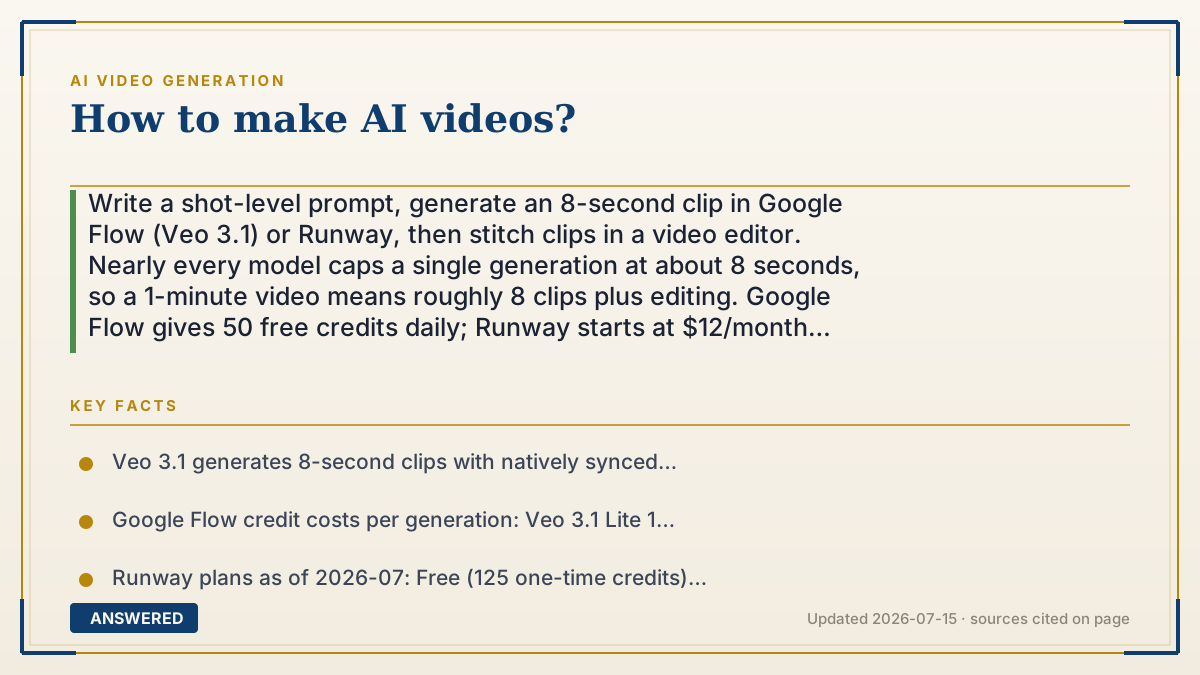
Write a shot-level prompt, generate an 8-second clip in Google Flow (Veo 3.1) or Runway, then stitch clips in a video editor. Nearly every model caps a single generation at about 8 seconds, so a 1-minute video means roughly 8 clips plus editing. Google Flow gives 50 free credits daily; Runway starts at $12/month (as of 2026-07).
Why — the first-principles explanation
The single fact that shapes everything about making AI videos: one generation is about 8 seconds long. Google's Veo 3.1 produces 8-second clips. Runway sells video by the second. This isn't a product decision someone can just relax — it falls out of the math. A video model generates every frame in a clip more or less at once, holding them together so they stay consistent. Doubling the length more than doubles the work, because each new frame has to stay coherent with every other frame. Cost and error both climb faster than the clip does.
So the real answer to "how do I make AI videos" is not "which button do I press." It's this: you are not generating a video, you are generating shots. A 60-second explainer is 8 or so separate generations that you assemble yourself in an editor. Once you know that, the whole workflow snaps into focus, and you stop fighting the tool by writing one giant prompt describing a three-act story. The model has no idea what happened in the last clip. It only sees the prompt in front of it.
That's also why the prompt should read like a shot list, not a screenplay. Subject, action, camera move, lighting, and style — one moment, one camera. "A cinematic slow dolly-in on a chef's hands folding dough, warm window light from the left, shallow depth of field" works. "A video about my bakery showing our story" gets you mush, because you gave the model no shot to make.
The last piece is the rejection rate, and it's the thing no tutorial admits. You do not prompt once and get your clip. Hands warp, text on signs turns to gibberish, physics slips. Expect to generate three to five times per usable shot. That's why credits are the real currency here: at Runway's developer rate of 12 credits per second at $0.01 per credit, a 5-second Gen-4.5 clip is about $0.60 — and if you burn four tries to get one keeper, your real cost per finished shot is closer to $2.40. Budget for the misses, not the hits.
An example that makes it click
Think of it like a photo booth at a wedding, not a camcorder. The booth takes one 8-second burst per press. You can't ask it to "film the whole reception" — it doesn't follow you around, and it forgets you the moment the strip prints. What you can do is press it fifteen times: the toast, the cake, the first dance. Then you sit down and tape the good strips together in order.
That's AI video. Each press is one shot, and the booth has amnesia between presses — which is exactly why the bride's dress might come out ivory in one clip and cream in the next. The movie doesn't happen inside the booth. It happens on the table afterward, where you sort the strips, throw out the blurry ones, and put the rest in order.
How to do it
- Write the shot list first, on paper, before you touch a tool. Say a 45-second product video: six shots, roughly 8 seconds each. This is the step people skip, and it's the one that decides whether the video works.
- Pick one platform and stay in it. Google Flow (Veo 3.1) is the strongest default because it generates synced audio natively — dialogue, ambient sound, and effects come out with the picture instead of being added later.
- Prompt one shot at a time using the pattern: subject + action + camera move + lighting + style. One moment, one camera. If your prompt has the word 'then' in it, split it into two shots.
- Start on the cheap tier while you're finding the shot. In Flow, Veo 3.1 Lite costs 10 credits versus 100 for Quality — iterate at 10, and only spend 100 once the composition is right.
- Generate 3-5 takes per shot and expect to throw most away. Check hands, faces, text on signs, and physics — those fail first.
- Use image-to-video for anything that must stay consistent. Generate or upload one still of your character or product, then animate from that image. This anchors the look far better than describing it in words across six separate prompts.
- Stitch the keepers in any editor — CapCut, DaVinci Resolve (both free), or Premiere. Cut on motion, add music, and fix pacing here.
- Check the runtime math before you start paying. A 1-minute Veo 3.1 Quality video is about 8 clips at 100 credits each, or roughly 800 credits — most of a Google AI Pro plan's 1,000 monthly credits, and that's assuming zero retries.
Key facts
- Veo 3.1 generates 8-second clips with natively synced audio (dialogue, effects, ambience) at up to 1080p and 4K, and every output carries a SynthID watermark — Google DeepMind, as of 2026-07.
- Google Flow credit costs per generation: Veo 3.1 Lite 10 credits, Fast 20, Quality 100. Free users get 50 credits per day; Google AI Pro includes 1,000 credits/month, Ultra tiers 10,000 or 25,000. Credits do not roll over.
- Runway plans as of 2026-07: Free (125 one-time credits), Standard $12/mo annually (625 credits/mo), Pro $28/mo (2,250), Max $76/mo (9,500, with 1-month rollover).
- Runway video costs 12 credits/second for Gen-4.5 and 5 credits/second for Gen-4 Turbo; credits run $0.01 each in the developer portal, so a 5-second Gen-4.5 clip is about $0.60.
- OpenAI's Sora is not an option anymore: the Sora product was discontinued April 26, 2026, and OpenAI announced on March 24, 2026 that the Videos API and all sora-2 models shut down September 24, 2026 — with no replacement model listed.
- A 60-second finished video requires roughly 8 separate generations plus editing, because no major consumer model generates a single continuous minute.
Choosing a tool for your creative workflow?
The answer above explains the concept; this next step helps you choose by job, limits and current terms.
▶ The 60-second explainer (script)
Here's how to make AI videos, and the one fact that changes everything: a single generation is about eight seconds. That's it. Google's Veo 3.1 makes 8-second clips. So if you want a one-minute video, you are not making a video — you are making eight clips and editing them together. That's the whole secret, and it's why most people's first attempt fails. They write one giant prompt describing a three-act story, and get mush. Why the 8-second wall? A video model generates all the frames at once and has to keep them consistent with each other. Double the length and you more than double the work — cost and errors climb faster than the clip does. So write your prompt like a shot list, not a screenplay. Subject, action, camera move, lighting, style. One moment, one camera. 'Cinematic slow dolly-in on a chef's hands folding dough, warm window light from the left.' That works. 'A video about my bakery' does not. Now the part tutorials won't tell you: the rejection rate. You will not prompt once and get your clip. Hands warp, text turns to gibberish, physics slips. Plan on three to five takes per usable shot. So iterate on the cheap tier — in Google Flow, Lite costs 10 credits, Quality costs 100. Find your shot at 10, then spend 100 once. And do the math before you pay: a one-minute Quality video is about 800 credits. The Pro plan gives you 1,000 a month. That's one video, if nothing goes wrong. One more thing. Every listicle still tells you to use Sora. Sora is gone — the app shut down in April 2026, and the API dies September 24th, with no replacement. Use Google Flow or Runway instead.
What authoritative sources say
People also ask
What's the easiest way to make an AI video right now?
Google Flow with Veo 3.1. It generates synced audio with the picture, so you skip a whole separate sound step, and free users get 50 credits a day — enough for five Lite clips daily.
Can I make a full 5-minute AI video in one go?
No. Single generations run about 8 seconds. A 5-minute video is roughly 40 clips generated separately and edited together, and keeping characters consistent across 40 clips is the hard part.
Why do my AI videos look wrong — melting hands, gibberish text?
That's normal and expected, not a prompting failure. Hands, faces, text on signs, and physics break first. Generate 3-5 takes per shot and keep the one that holds up.
How much does it actually cost to make a 1-minute AI video?
About 8 clips. On Veo 3.1 Quality that's roughly 800 credits before retries — most of Google AI Pro's 1,000 monthly credits. On Runway Gen-4.5 at $0.01/credit, about $7 of raw generation, more with retries.
Should I use Sora?
You can't. The Sora product shut down April 26, 2026, and OpenAI's Videos API and sora-2 models shut down September 24, 2026 with no listed replacement. Use Google Flow or Runway.
The same question, asked other ways
- How to make an AI video?2,400/mo
- How to create AI videos?1,900/mo
- How do you create an AI video?1,000/mo
- How to make AI video?880/mo
- How do you make an AI video?720/mo
- How to make AI generated videos?590/mo
- How to create an AI video?480/mo
- How to make videos with AI?480/mo
- How do people make AI videos?390/mo
- What are the steps involved in generating a video using AI?0/mo
- How does AI video making work and what are the basics?0/mo