How to make longer videos in Luma Dream Machine?
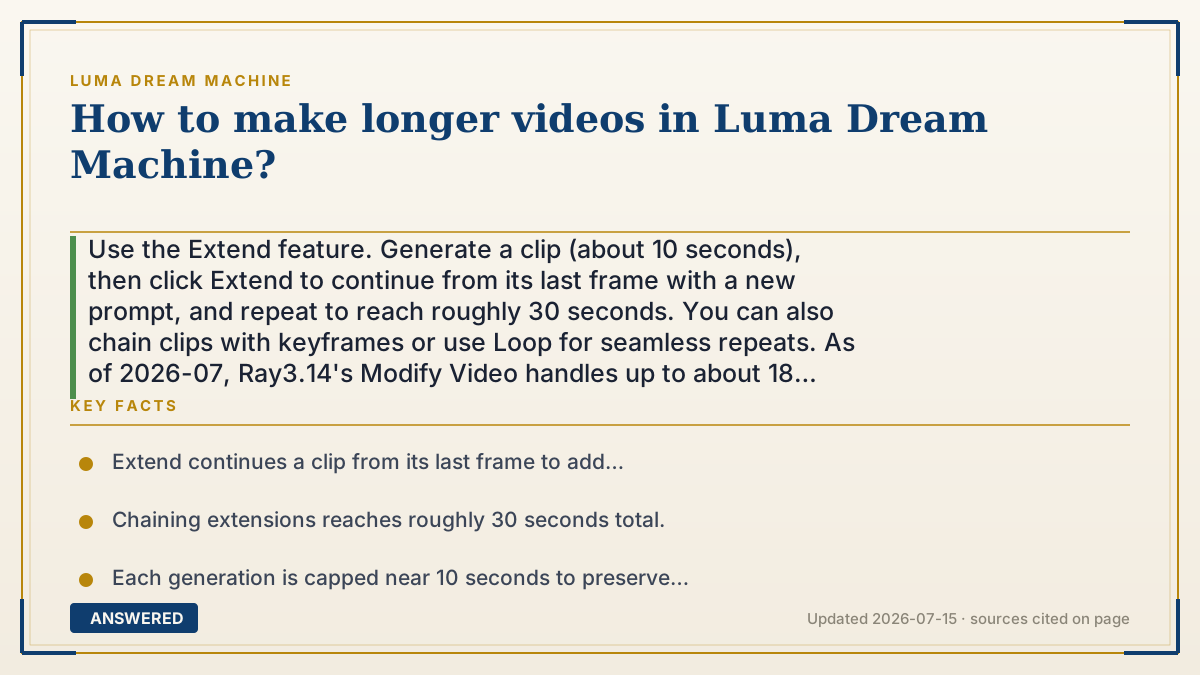
Use the Extend feature. Generate a clip (about 10 seconds), then click Extend to continue from its last frame with a new prompt, and repeat to reach roughly 30 seconds. You can also chain clips with keyframes or use Loop for seamless repeats. As of 2026-07, Ray3.14's Modify Video handles up to about 18 seconds.
Why — the first-principles explanation
Longer video is built by stitching, not by one giant render. Each generation is capped near 10 seconds because the model drifts over time, so quality drops the longer a single clip runs. To go longer without losing coherence, Luma lets you extend: it takes the final frame of your clip as the seed for the next segment, so the new piece flows naturally out of the old one.
This segment-by-segment approach is actually how real editing works. Films are cut from many short shots, not one continuous take. Extend gives you the same control: you can change the prompt for each new segment to steer the story, add a new camera move, or transition to a new visual target, all while each piece stays clean.
The trade-off is credits and consistency. Every extension costs more credits, and each hand-off between segments is a spot where the look can shift slightly. Using keyframes (start and end images) and reusing @character or @style references keeps the pieces matching, which is the difference between a smooth 30-second sequence and a series of clips that do not quite belong together.
An example that makes it click
Think of building a long paper chain out of short strips. You cannot make one strip infinitely long without it tearing, so you glue a new strip onto the end of the last one, over and over, until the chain is as long as you want. Each strip connects to the exact end of the one before, so the chain flows smoothly. Extend is that gluing step: each new ten-second segment starts right where the last one ended, and you keep adding links until you reach about thirty seconds.
How to do it
- Generate your first clip (about 10 seconds).
- Select it and choose Extend to continue from its final frame.
- Enter a prompt for the next segment, including any new camera motion or target.
- Repeat Extend to build toward roughly 30 seconds, keeping @character or @style references consistent.
- Optionally use keyframes for directed transitions, or Loop for a seamless repeat, then download.
Key facts
- Extend continues a clip from its last frame to add length (as of 2026-07).
- Chaining extensions reaches roughly 30 seconds total.
- Each generation is capped near 10 seconds to preserve quality.
- Ray3.14's Modify Video supports up to about 18 seconds.
- Keyframes and @character/@style references keep extended segments consistent.
Open the official product site and confirm the current access, plans and terms.
▶ The 60-second explainer (script)
Want longer videos in Luma Dream Machine? The trick is the Extend feature. Each generation caps out around ten seconds, because the AI slowly drifts the longer a single clip runs, so quality would drop if it went on forever. Instead, you build length by stitching. Generate your first ten-second clip, then click Extend. Luma takes the last frame of that clip and uses it as the starting point for the next segment, so the new piece flows smoothly out of the old one. Add a fresh prompt for each segment to steer the story, maybe a new camera move or a new target, and repeat. Chain a few together and you reach about thirty seconds total. This is exactly how real editing works, by the way. Films are cut from many short shots, not one endless take. Two tips: reuse your character and style references so the segments match, and remember each extension costs more credits. If you'd rather have a short clip that repeats forever, use Loop instead for a seamless cycle.
What authoritative sources say
People also ask
What is the longest video I can make?
Roughly 30 seconds by chaining Extends; Ray3.14's Modify Video handles up to about 18 seconds in one pass.
Does extending cost extra?
Yes. Each extension is another generation, so it uses more credits.
How do I keep the look consistent across segments?
Reuse @character and @style references and use keyframes to guide each transition.
Extend or Loop, which should I use?
Use Extend to make a video longer; use Loop to make a short clip repeat seamlessly.
The same question, asked other ways
- How to extend a video in Luma Dream Machine?