How to use Perplexity AI?
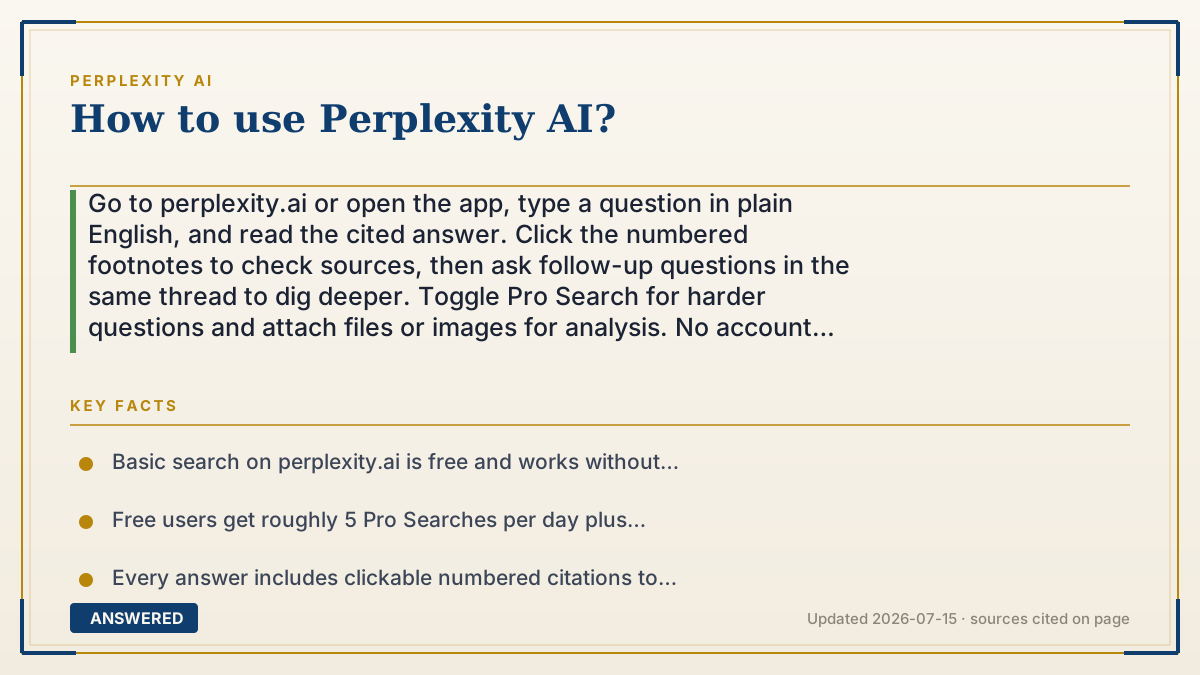
Go to perplexity.ai or open the app, type a question in plain English, and read the cited answer. Click the numbered footnotes to check sources, then ask follow-up questions in the same thread to dig deeper. Toggle Pro Search for harder questions and attach files or images for analysis. No account is needed for basic use.
Why — the first-principles explanation
Perplexity is built to be used like a conversation, not a keyword search. With Google you type fragments like "best laptop 2026 cheap" and skim ten blue links. With Perplexity you ask a full question, "what's the best laptop under $800 for video editing?", because a language model understands sentences and intent, not just keywords.
The second design idea is the thread. Each answer remembers what you already asked, so your follow-ups build on context instead of starting over. Asking "how does it compare to a MacBook Air?" right after works because Perplexity knows "it" refers to the laptop it just recommended. This is why the best way to use it is to start broad, then narrow with follow-ups, treating it like an interview.
The third idea is modes and inputs. A normal Quick Search is fast and cheap. Turning on Pro Search makes it ask clarifying questions and run several searches for a richer answer. Deep Research goes further, building a long report. You can also upload PDFs, images, or spreadsheets so it answers from your own documents. Picking the right mode for the job is the whole skill.
An example that makes it click
Imagine texting a really sharp research assistant. You don't send them a code like "weather Tokyo March" — you just text, "I'm visiting Tokyo in March, what should I pack?" They text back a clear answer with links, and you reply, "what about if it rains?" without re-explaining the trip, because they remember.
That back-and-forth is exactly how Perplexity works. Start with your real question in normal words, read the answer, tap the little source numbers to double-check, and keep the conversation going with follow-ups until you've got what you need.
How to do it
- Open perplexity.ai in a browser or install the iOS/Android app (no account required for basic use).
- Type your question in full, natural sentences, like you'd ask a person.
- Read the answer and click the numbered citations to verify the original sources.
- Ask follow-up questions in the same thread; Perplexity remembers the context.
- Turn on Pro Search for tougher questions, or use Deep Research for a full report.
- Attach a PDF, image, or spreadsheet with the paperclip to have Perplexity analyze your own files.
- Use Spaces (Collections) to organize related threads and set custom instructions.
Key facts
- Basic search on perplexity.ai is free and works without creating an account.
- Free users get roughly 5 Pro Searches per day plus unlimited Quick Searches.
- Every answer includes clickable numbered citations to source pages.
- You can upload files (PDF, images, spreadsheets) for the AI to read and analyze.
- Apps are available for iOS and Android, plus the free Comet browser with a built-in assistant.
Open the official product and verify the active account, workspace and data settings before you begin.
▶ The 60-second explainer (script)
Here's how to use Perplexity AI in under a minute. Step one: go to perplexity.ai or open the app. You don't even need an account for basic searches. Step two: instead of typing keywords like you would in Google, ask a full question in plain English, like 'what's the best budget laptop for video editing?' Step three: read the answer, then tap those little numbered footnotes to see exactly which websites it came from. That's the whole point, it shows its sources. Step four: keep the conversation going. Ask a follow-up like 'how does it compare to a MacBook?' and it remembers what you were talking about. For harder questions, flip on Pro Search so it runs deeper, or use Deep Research to get a full report. And you can attach a PDF, image, or spreadsheet and ask questions about your own files. Start broad, follow up, check the sources. That's it.
What authoritative sources say
People also ask
Do I need an account to use Perplexity?
No. Basic search works without signing up, but an account lets you save threads, sync history, and use Pro Search allowances.
What is Pro Search versus Quick Search?
Quick Search is fast and lightweight. Pro Search asks clarifying questions and runs multiple searches for deeper, more thorough answers.
Can I upload my own documents?
Yes. Use the paperclip to attach PDFs, images, or spreadsheets, and Perplexity will answer questions based on their contents.