How to write good prompts for Luma Dream Machine?
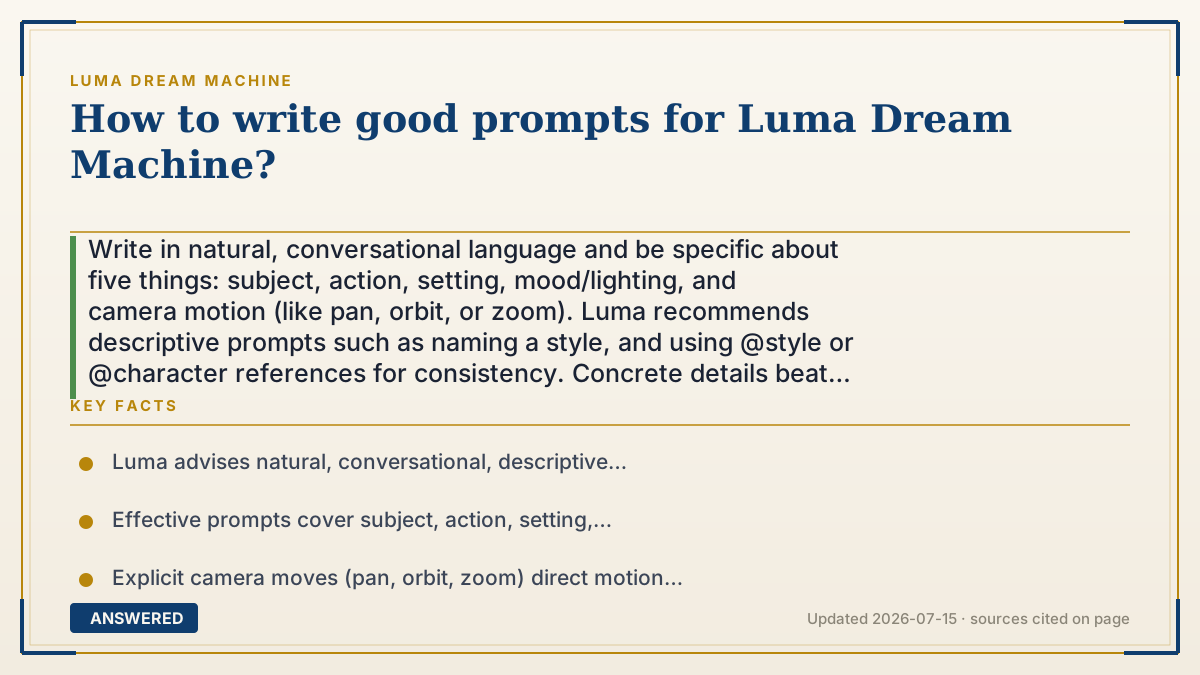
Write in natural, conversational language and be specific about five things: subject, action, setting, mood/lighting, and camera motion (like pan, orbit, or zoom). Luma recommends descriptive prompts such as naming a style, and using @style or @character references for consistency. Concrete details beat short, vague commands and save wasted credits.
Why — the first-principles explanation
A good prompt works because the model only knows what you tell it. Dream Machine's Ray model can render almost anything, but it has no idea which 'anything' you mean until you narrow it down. Every vague word, 'a person,' 'a nice scene,' leaves the model to guess, and guesses are where weird, off-target clips come from. Specificity removes the guessing.
Video also needs one thing images do not: motion direction. If you do not describe how the camera or subject moves, the model invents movement, often too much or too little. Naming an explicit camera move, 'slow orbit around the subject,' or an action, 'she turns and smiles,' gives the model a clear path through time, which is why Luma's best-practice guide stresses describing motion, not just the scene.
Luma layers on reference tags to solve consistency. Typing @style with an image locks the visual look, and @character keeps the same person across clips, so your extended segments match. The mental model is that you are a director giving notes, subject, action, framing, lighting, movement, references, not a person typing a single keyword and hoping.
An example that makes it click
Compare two notes to a painter. The first says 'paint a dog.' The second says 'paint a small brown puppy chasing a red ball across a sunny park lawn, seen from low to the ground as the camera follows alongside.' The first gets you a random dog; the second gets you almost exactly the picture in your head, and it even tells the painter where to stand and how to move. Luma prompts are those director's notes: the more concrete details and camera directions you give, the closer the video matches your imagination.
How to do it
- Name the subject clearly (who or what, with key visual details).
- State the action or what changes over the clip.
- Describe the setting, mood, and lighting with specific adjectives.
- Specify the camera motion, such as pan, orbit, zoom, or 'static shot'.
- Add @style or @character references for consistent look across clips, and reuse keywords like 'cinematic' or 'watercolor'.
Key facts
- Luma advises natural, conversational, descriptive prompts over terse commands.
- Effective prompts cover subject, action, setting, mood/lighting, and camera motion.
- Explicit camera moves (pan, orbit, zoom) direct motion through the clip.
- @style locks a visual look and @character keeps a consistent person across clips.
- You can request on-screen text by naming it, e.g., a poster that reads 'Dream Machine'.
Open the official product site and confirm the current access, plans and terms.
▶ The 60-second explainer (script)
How do you write good prompts for Luma Dream Machine? The golden rule: the model only knows what you tell it, so be specific and write like you're talking to a person. Cover five things. One, the subject, exactly what or who, with visual details. Two, the action, what happens or changes in the clip. Three, the setting, with mood and lighting adjectives. Four, and this one is unique to video, the camera motion. Say 'slow orbit around the subject' or 'gentle zoom in,' because if you don't, the AI invents movement and often overdoes it. Five, style. Add words like cinematic or watercolor to set the look. Luma also gives you reference tags: type @style with an image to lock the visual style, and @character to keep the same person across multiple clips, which is huge when you're extending a video. Think of yourself as a director giving notes, not someone typing one keyword and hoping. Specific, descriptive prompts don't just look better, they also save credits, because you're less likely to waste a generation on a vague guess.
What authoritative sources say
People also ask
Should prompts be short or detailed?
Detailed. Natural, descriptive prompts covering subject, action, setting, mood, and camera motion work best.
How do I control the camera?
Name the move directly, such as pan, orbit, zoom, or 'static shot', in your prompt.
How do I keep the same character across clips?
Use the @character reference with an image so the model reuses that person.
Can I add text to the video?
Yes. Specify it in the prompt, for example a poster that reads a certain phrase, and you can request bold text styles.