How to write prompts for Leonardo AI?
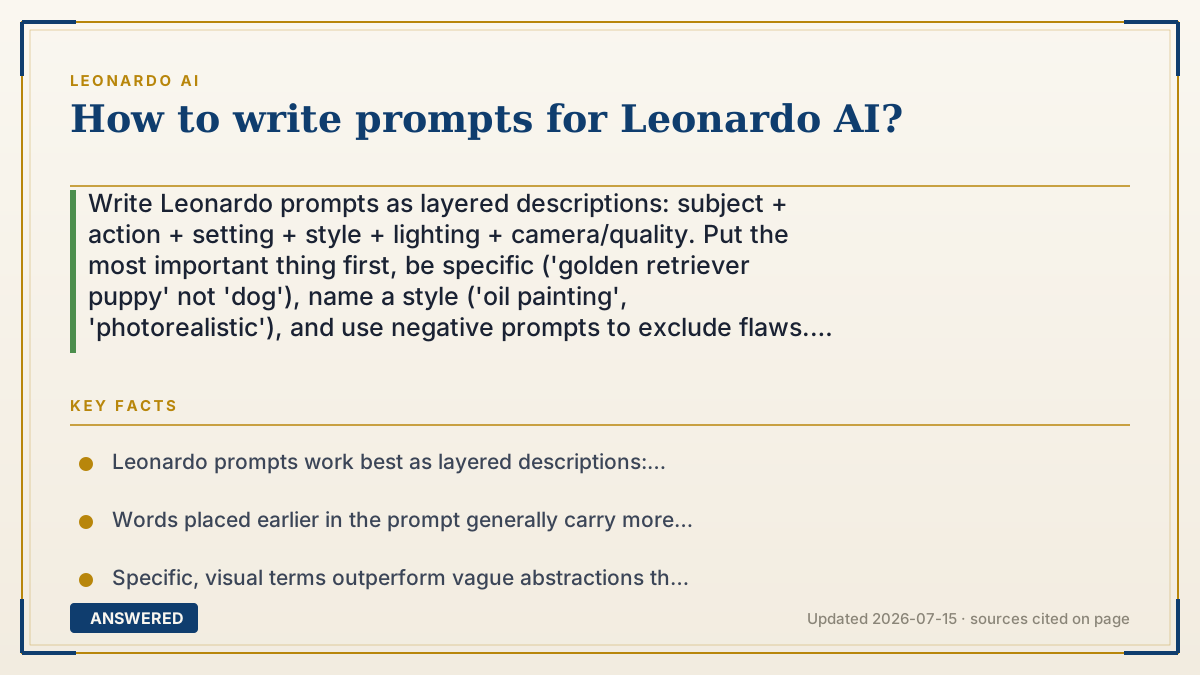
Write Leonardo prompts as layered descriptions: subject + action + setting + style + lighting + camera/quality. Put the most important thing first, be specific ('golden retriever puppy' not 'dog'), name a style ('oil painting', 'photorealistic'), and use negative prompts to exclude flaws. Then iterate — change one detail at a time. Specific, visual words beat long vague ones.
Why — the first-principles explanation
A prompt is instructions to a pattern-matcher. Leonardo's model learned by pairing millions of images with their captions, so your words are keys that unlock visual patterns it has seen. 'Sunset' triggers warm skies it studied; '85mm portrait, shallow depth of field' triggers a specific photographic look. That's why concrete, visual vocabulary works and abstract wishes ('make it beautiful') don't — the model has no pattern for 'beautiful,' but it has thousands for 'soft rim lighting.'
Structure matters because of attention and emphasis. Words near the front generally carry more weight, so lead with your subject and its most important traits. Then layer context in a predictable order — setting, style, lighting, camera, quality — so the model can assemble the scene without conflicting instructions. Contradictions ('minimalist, highly detailed, empty, ornate') confuse it, producing mush.
Two levers amplify control. Negative prompts tell the model what to avoid ('blurry, extra fingers, text'), pruning common failure modes. And settings — guidance strength, model choice, image dimensions — shape how literally your words are followed. The real craft, though, is iteration: because each generation is cheap, you change one variable, observe, and refine. Great prompters aren't lucky wordsmiths; they're systematic experimenters who learn what each term does.
An example that makes it click
Think of prompting like giving directions to a very literal artist who has painted everything but reads only what you write. If you say 'draw a house,' you get a random house. If you say 'a small red cottage with a thatched roof, on a green hill, misty morning, watercolor style, soft light,' the artist paints exactly that.
And because the artist takes your words literally, you also tell them what NOT to include — 'no cars, no people' (the negative prompt). Then you tweak like adjusting a recipe: too dark? add 'bright daylight' and redraw. One change at a time, and each redraw costs only a few coins, so you keep refining until the cottage looks just right.
How to do it
- Lead with your subject and its key traits (e.g., 'a golden retriever puppy, fluffy, wet nose').
- Add setting and action ('sitting in a sunlit meadow, tongue out').
- Name a style and medium ('photorealistic' or 'oil painting, impressionist').
- Specify lighting and camera details ('golden-hour backlight, 85mm, shallow depth of field').
- Add quality boosters sparingly ('highly detailed, sharp focus') and avoid contradictions.
- Use a negative prompt to exclude flaws ('blurry, extra limbs, watermark, text').
- Generate, then change one element at a time to learn its effect and refine.
Key facts
- Leonardo prompts work best as layered descriptions: subject, setting, style, lighting, camera, quality.
- Words placed earlier in the prompt generally carry more emphasis.
- Specific, visual terms outperform vague abstractions the model has no pattern for.
- Negative prompts let you exclude common flaws like blur, extra fingers, or text.
- Guidance strength and model choice change how literally the prompt is followed.
- Iteration is core: each generation costs a few tokens, so refine one variable at a time.
Open the official product site and confirm the current access, plans and terms.
▶ The 60-second explainer (script)
Want better images from Leonardo AI? It all comes down to the prompt. Remember: the AI is a pattern-matcher that paints exactly what your words describe, so specific beats vague every time. Build your prompt in layers. Start with the subject and its key traits — not 'a dog,' but 'a fluffy golden retriever puppy.' Then add the setting, the style, the lighting, and the camera details, like 'in a sunlit meadow, photorealistic, golden-hour backlight, 85 millimeter lens.' Put the most important thing first, because early words carry more weight. Next, use a negative prompt to cut out flaws — type 'blurry, extra fingers, text' to tell it what to avoid. Then here's the pro secret: iterate. Change one word, generate again, and watch what shifts. Each try costs only a few tokens. Systematic tweaking, not luck, is how you get stunning results.
What authoritative sources say
People also ask
What makes a good Leonardo prompt?
Specificity and structure: lead with the subject, then layer setting, style, lighting, and camera details. Concrete visual words beat vague ones.
What is a negative prompt?
It's a list of things you want excluded, like 'blurry, extra fingers, text, watermark.' It prunes common AI flaws from your image.
Should prompts be long or short?
Detailed but not contradictory. Add useful specifics, but avoid conflicting terms like 'minimalist' and 'highly ornate' in the same prompt.
Why do my images look different each time?
Generation includes randomness. Use the same seed and settings for consistency, and change one variable at a time to control results.
The same question, asked other ways
- How do I write a good prompt structure for Leonardo AI?