What can Gemini apps do?
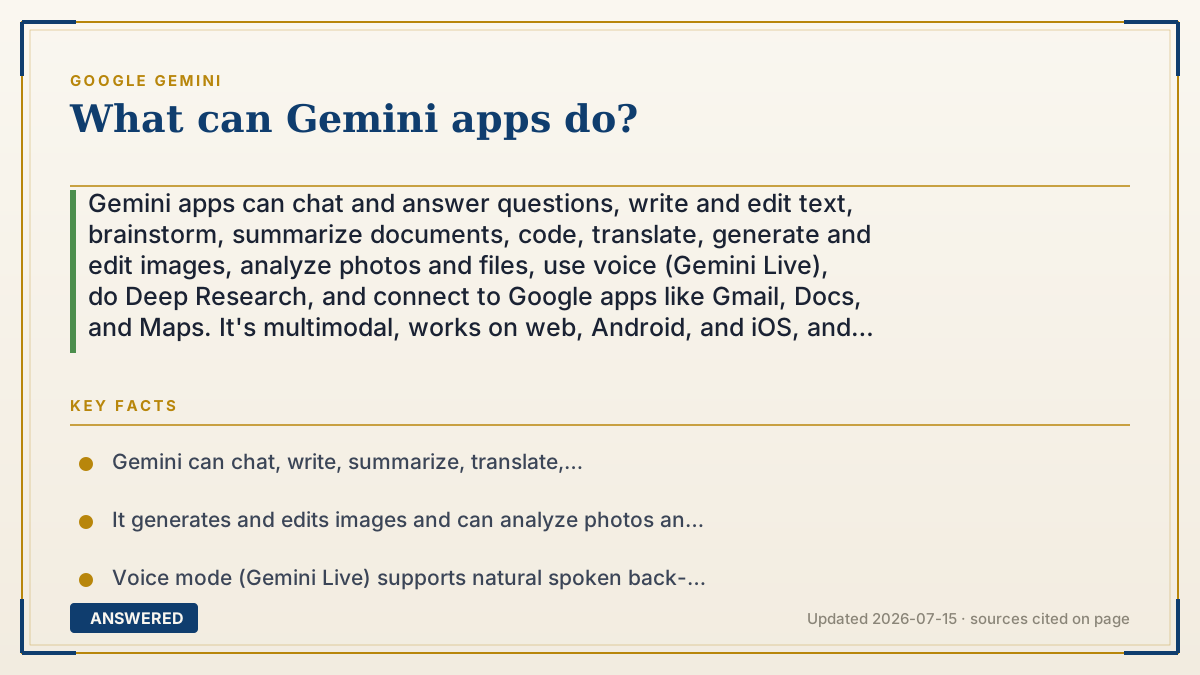
Gemini apps can chat and answer questions, write and edit text, brainstorm, summarize documents, code, translate, generate and edit images, analyze photos and files, use voice (Gemini Live), do Deep Research, and connect to Google apps like Gmail, Docs, and Maps. It's multimodal, works on web, Android, and iOS, and the core features are free.
Why — the first-principles explanation
Gemini can do so many things because it's a general-purpose language model, not a single-task tool. It learned patterns from a vast range of text, code, and images, so the same system can draft an email, explain a concept, or write a function. You're not switching apps for each task; you're describing a new task to the same flexible engine.
The range widens because Gemini is multimodal and connected. It handles text, images, audio, and files, so it can read a PDF, describe a photo, or hold a spoken conversation. And through connections to Google apps, it can pull context from your Gmail or Docs and act across them, turning a chat request into real work in tools you already use.
What ties it together is that everything is driven by plain-language requests. Instead of learning menus and buttons, you say what you want — "summarize this," "make an image of," "research this topic," "reply to this email" — and Gemini routes it to the right capability. That's why one app feels like a writer, researcher, coder, and artist at once.
An example that makes it click
Think of a Swiss Army knife, but for thinking. One tool folds out to write your birthday card, another summarizes a 30-page PDF into three bullet points, another turns "a dragon eating ramen" into a picture, and another reads a photo of your fridge and suggests dinner. You don't buy four gadgets; you just open the blade you need by asking. Gemini is that pocket knife — a single app that unfolds into a writer, researcher, artist, and helper depending on what you ask it to do.
Key facts
- Gemini can chat, write, summarize, translate, brainstorm, and code from plain-language prompts.
- It generates and edits images and can analyze photos and uploaded files (PDFs, docs).
- Voice mode (Gemini Live) supports natural spoken back-and-forth conversation.
- Deep Research compiles multi-source reports, and Gemini connects to Google apps like Gmail, Docs, and Maps.
- Core features are free on web, Android, and iOS, with higher limits on paid tiers (as of 2026-07).
Open the official product site and confirm the current access, plans and terms.
▶ The 60-second explainer (script)
What can the Gemini apps actually do? A lot. At its core, Gemini chats and answers questions, but it goes way beyond that. It can write and edit text, brainstorm ideas, summarize long documents, translate languages, and even write code. It's multimodal, so it generates and edits images, analyzes photos, and reads files like PDFs. There's a voice mode called Gemini Live for natural spoken conversation, and Deep Research that pulls together multi-source reports for you. It also connects to Google apps, so it can help with your Gmail, Docs, and Maps. All of this runs on the web, Android, and iPhone, and the core features are free. Think of it as a single app that unfolds into a writer, researcher, coder, and artist.
What authoritative sources say
People also ask
Can Gemini write and summarize for me?
Yes. It can draft, edit, brainstorm, translate, and summarize long documents from a simple request.
Does Gemini work with my Google apps?
Yes. It connects to services like Gmail, Docs, and Maps to pull context and help you act across them.
Can I talk to Gemini out loud?
Yes. Gemini Live supports natural, spoken back-and-forth voice conversations.
What is Deep Research?
A feature that browses many sources and compiles a structured, cited report on a topic you choose.
The same question, asked other ways
- What can the Gemini mobile app do?