What is Copilot AI?
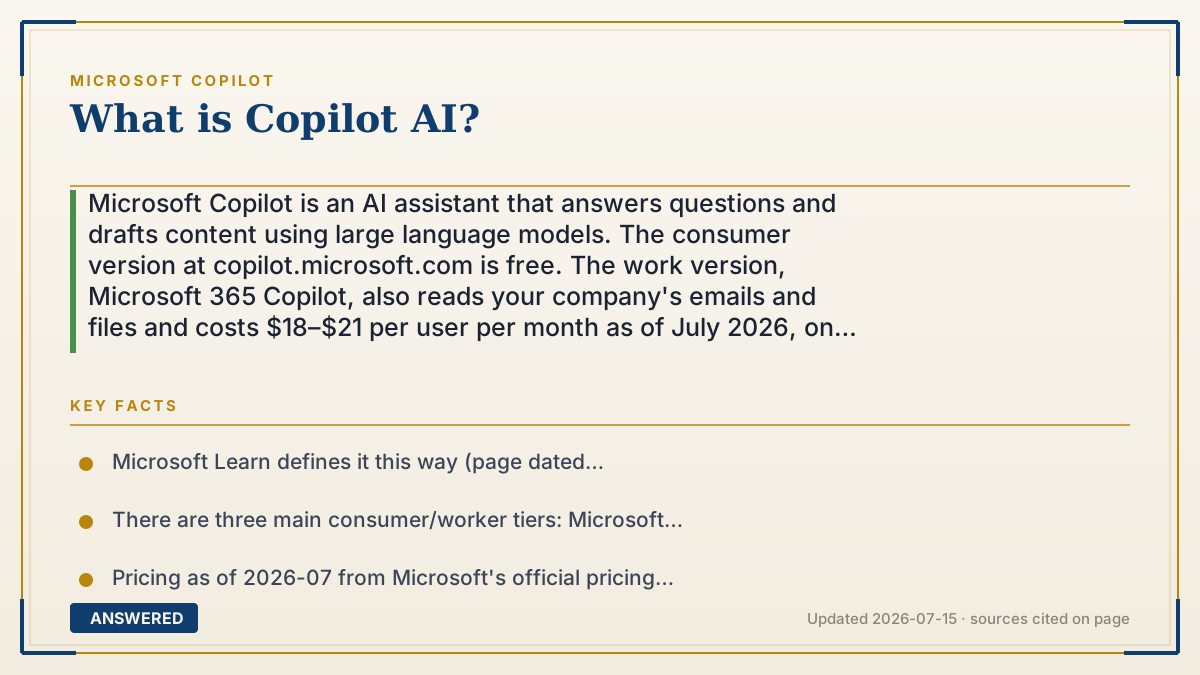
Microsoft Copilot is an AI assistant that answers questions and drafts content using large language models. The consumer version at copilot.microsoft.com is free. The work version, Microsoft 365 Copilot, also reads your company's emails and files and costs $18–$21 per user per month as of July 2026, on top of an existing Microsoft 365 plan.
Why — the first-principles explanation
At the plainest level, Copilot is a chat box wired to a large language model. Microsoft's documentation defines it as "Microsoft's AI-powered virtual assistant" that "uses large language models (LLMs) to answer your questions using a prompt-and-response interaction." You type; it writes back. In that narrow sense it looks like every other AI chatbot released since 2023.
What separates it is that Copilot is plugged into your stuff. Microsoft's architecture docs describe the real trick, a step called grounding: when you type a prompt in Word, Outlook, or Teams, Copilot doesn't send your question straight to the model. It first reaches into Microsoft Graph — your emails, chats, documents, calendar — pulls out what's relevant, attaches it to your question, and sends that enlarged prompt to the model. The model writes the answer, but Copilot chose the evidence. A generic chatbot can tell you how to write a status update. Copilot can tell you what's actually in your status update, because it just read the meeting notes.
That single mechanism explains the whole price ladder, and the ladder is really a ladder of access, not intelligence. The free consumer Copilot only knows the internet — Microsoft's docs explicitly warn against pasting sensitive work information into it. Copilot Chat, included with a Microsoft 365 subscription at no extra cost, adds enterprise data protection and IT controls but is still grounded in the web. The paid Microsoft 365 Copilot add-on is the one that opens the filing cabinet: web plus your organization's Graph data, plus Copilot inside Word, Excel, PowerPoint, Outlook, and Teams. Same class of model at every rung. What you're buying is reach.
Two things worth knowing before you assume it's magic. First, there is no single "Copilot AI" under the hood — Microsoft runs a multi-model setup, and which model answers you depends on the product and your region. Anthropic is now a formal Microsoft subprocessor with its models on by default in the commercial cloud, but off by default in the EU, EFTA, and the UK unless an admin turns them on. OpenAI's models run alongside, and Microsoft is building its own. Second, grounding reduces made-up answers but doesn't abolish them. Copilot writes just as fluently when it's wrong, so anything that matters still needs a human glance.
An example that makes it click
Copilot works like the name on a hotel chain's sign. The same word hangs over a free roadside motel and a resort charging $200 a night. Same brand, same logo, completely different building. So when a coworker says "I use Copilot," you still have no idea which one they mean — the free version that only reads the internet, or the one their employer pays $18 a month for.
And the difference between those buildings isn't smarts. It's keys. The free version is a clever stranger with a phone, happy to look things up online. The paid version is that same stranger, handed a key ring to your company's filing cabinets — your inbox, your documents, last Tuesday's meeting notes. That's what the money buys. Not a better brain. More doors.
How to do it
- For the free version, go to copilot.microsoft.com or the Microsoft Copilot app and sign in with a personal Microsoft account. It answers from the internet and has no access to your work files.
- Check which one you actually have: sign in with a work or school account, and if you see a 'work / web' toggle, your organization has licensed Microsoft 365 Copilot. In work mode it can read your organization's data.
- Look for Copilot Chat at m365copilot.com or in the Microsoft 365 Copilot app. It's included with a Microsoft 365 subscription at no extra cost, grounded in the web, and covered by enterprise data protection.
- To get Copilot inside Word, Excel, PowerPoint, and Outlook working on your own company data, an admin must buy the Microsoft 365 Copilot add-on — $18.00 per user/month paid yearly as of 2026-07 (promotional through Sept 30, 2026, then $21.00), on top of an existing Microsoft 365 plan.
- Never paste sensitive or proprietary work information into the free consumer Copilot. Microsoft's own documentation says to be cautious and never add sensitive or proprietary work information to a prompt there.
- Check the output before you send it. Grounding on your real documents cuts down on invented answers, but a wrong answer arrives written just as confidently as a right one.
Key facts
- Microsoft Learn defines it this way (page dated 2026-03-24): "Copilot is Microsoft's AI-powered virtual assistant. It uses large language models (LLMs) to answer your questions using a prompt-and-response interaction."
- There are three main consumer/worker tiers: Microsoft Copilot (free, internet-grounded, copilot.microsoft.com), Copilot Chat (included with a Microsoft 365 subscription, web-grounded, with enterprise data protection), and Microsoft 365 Copilot (paid add-on, grounded in both the web and your organization's Microsoft Graph data).
- Pricing as of 2026-07 from Microsoft's official pricing page: Microsoft 365 Copilot Business add-on $18.00 user/month paid yearly (promotional through Sept 30, 2026; regular $21.00; $25.20 billed monthly). Microsoft 365 Business Standard with Copilot is $23.50 user/month paid yearly; Business Premium with Copilot is $32.00.
- The add-on is not standalone — Microsoft's pricing page states a Microsoft 365 Business plan is required to purchase Microsoft 365 Copilot Business.
- How it works, per Microsoft's architecture doc: prompt → Copilot grounds it via Microsoft Graph → grounded prompt goes to the LLM → response returns to the app. Data stays within the Microsoft 365 service boundary and is encrypted in transit.
- Copilot runs on models from multiple vendors. Anthropic onboarded as a Microsoft subprocessor with models on by default in the commercial cloud, but disabled by default in the EU, EFTA, and the UK (Microsoft Learn, updated 2026-07-08).
Open the official product site and confirm the current access, plans and terms.
▶ The 60-second explainer (script)
What is Copilot AI? It's Microsoft's AI assistant — a chat box wired to a large language model. Microsoft's own docs call it Microsoft's AI-powered virtual assistant that answers your questions in a prompt-and-response interaction. So far, that describes every chatbot since 2023. Here's what actually makes it different: Copilot is plugged into your stuff. When you type a prompt in Word or Outlook, Copilot doesn't send your question straight to the model. First it reaches into Microsoft Graph — your emails, your files, your calendar — grabs what's relevant, staples it to your question, and then sends the whole package to the model. That step is called grounding. A generic chatbot can tell you how to write a status update. Copilot can tell you what's in yours, because it just read the meeting notes. And that one mechanism explains the price list. Because the tiers aren't a ladder of intelligence — they're a ladder of access. The free Copilot at copilot dot microsoft dot com only knows the internet. Copilot Chat comes with your Microsoft 365 subscription and adds enterprise data protection, still web-grounded. The paid Microsoft 365 Copilot add-on — eighteen to twenty-one dollars per user per month as of July 2026, and you need an existing Microsoft 365 plan underneath it — is the one that opens the filing cabinet. Think of a hotel chain. Same sign over a free motel and a two-hundred-dollar resort. The difference isn't smarts, it's keys. Two catches. There's no single Copilot AI inside — Microsoft runs models from OpenAI, Anthropic, and its own lab, and which one answers depends on your region. And grounding cuts down on invented answers, it doesn't end them. Copilot writes just as smoothly when it's wrong.
What authoritative sources say
People also ask
Is Microsoft Copilot free?
The consumer version at copilot.microsoft.com is free, and Copilot Chat is included with most Microsoft 365 subscriptions. Only Microsoft 365 Copilot — the version that reads your organization's emails and files — costs extra, at $18–$21 per user per month as of July 2026.
What's the difference between Copilot and ChatGPT?
Grounding. Copilot attaches your work emails, files, and calendar to your question before sending it to a model, so it can answer about your actual documents. It also runs on several vendors' models, not just OpenAI's.
What can Microsoft Copilot do?
Summarize long Word documents and Teams meetings, draft emails and presentations, filter and analyze data in Excel, generate images, and answer questions about your company's own content — like a vacation policy buried in SharePoint.
Can I buy Microsoft 365 Copilot on its own?
No. Microsoft's pricing page states you need an eligible Microsoft 365 plan first — the Copilot Business license is an add-on, not a standalone product.
Does Copilot see everything in my company?
No. It's scoped to the signed-in user's permissions and cannot open data you couldn't already open yourself. It also honors your organization's Conditional Access policies and multifactor authentication.