Can Gamma export to PDF?
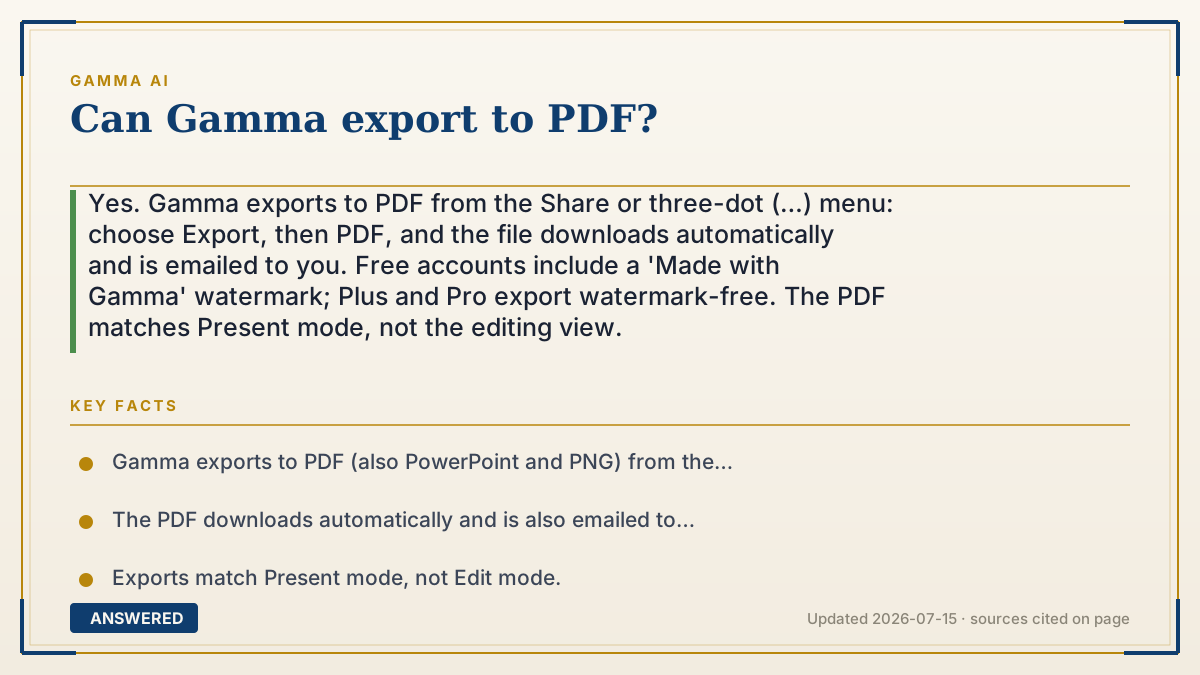
Yes. Gamma exports to PDF from the Share or three-dot (…) menu: choose Export, then PDF, and the file downloads automatically and is emailed to you. Free accounts include a 'Made with Gamma' watermark; Plus and Pro export watermark-free. The PDF matches Present mode, not the editing view.
Why — the first-principles explanation
Exporting to PDF is a flattening step. Gamma's cards are interactive web elements; a PDF is a static, print-ready snapshot. Gamma renders each card as a fixed page so the file looks the same on any device and prints reliably, which is exactly why people want PDF: universal, uneditable, shareable.
Because it's a snapshot of Present mode, interactive bits (embedded videos, buttons, hover effects) become static images or drop out. Gradient headings and frosted backgrounds may shift slightly. This is a format limitation, not a bug, PDFs simply can't hold live web behavior.
The watermark follows the same freemium logic as other exports: free PDFs carry 'Made with Gamma,' and paid plans remove it. The subscription applies per workspace, so the deck must be in your paid workspace for a clean PDF.
An example that makes it click
Turning a Gamma deck into a PDF is like printing a webpage onto paper. The words and pictures come through fine and look identical everywhere, but the video that played on the page becomes a still frame, and the button you could click just becomes a printed rectangle. It's a photograph of your deck, frozen so anyone can open it.
How to do it
- Open the gamma you want to save as a PDF.
- Click 'Share' in the top-right, or the three-dot (…) menu.
- Choose 'Export,' then select 'PDF.'
- The PDF downloads automatically and a copy is emailed to you.
- For a watermark-free PDF, make sure the deck is in a Plus or Pro workspace.
Key facts
- Gamma exports to PDF (also PowerPoint and PNG) from the Share/… menu.
- The PDF downloads automatically and is also emailed to you.
- Exports match Present mode, not Edit mode.
- Free PDFs carry a 'Made with Gamma' watermark; paid plans remove it.
- Interactive elements flatten to static images in the PDF.
Open the official product site and confirm the current access, plans and terms.
▶ The 60-second explainer (script)
Can Gamma export to PDF? Absolutely, and it takes seconds. Open your gamma, click Share in the top-right corner, or the three-dot menu, choose Export, and pick PDF. The file downloads on its own, and Gamma also emails you a copy. A PDF is basically a frozen snapshot of your deck, so it looks identical on any device and prints cleanly, that's why it's great for handouts and email attachments. Just remember it captures your Present view, so interactive things like embedded videos or clickable buttons become static images, and a couple of fancy effects might shift slightly. That's a limitation of the PDF format itself, not Gamma. One more thing: free accounts get a small 'Made with Gamma' watermark on the PDF. To remove it, your deck needs to be in a Plus or Pro workspace before you export. And that's Gamma to PDF.
What authoritative sources say
People also ask
Does the free plan export PDFs?
Yes, but the PDF includes a 'Made with Gamma' watermark. Paid plans remove it.
Will my videos play in the PDF?
No. Interactive elements like videos flatten to static images in a PDF.
Where's the PDF saved?
It downloads to your device automatically, and Gamma emails you a copy too.
Why does the PDF differ from editing view?
Exports capture Present mode, so cards render as fixed pages, not the scrollable editor.