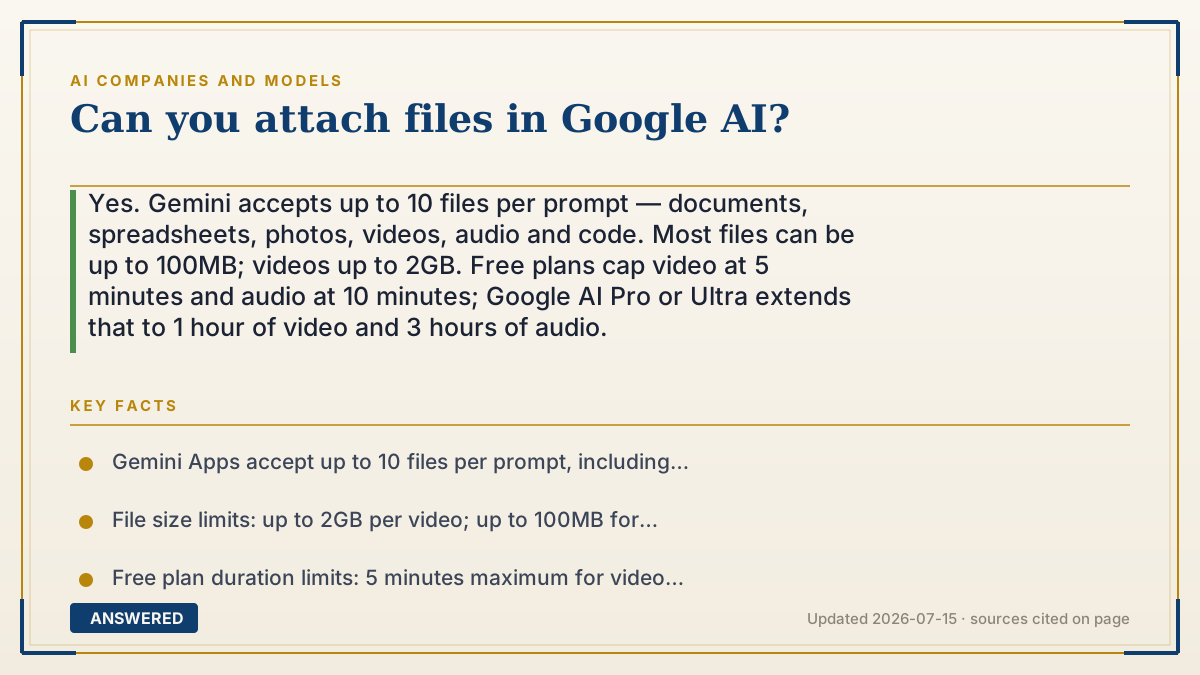
Can you attach files in Google AI?
Yes. Gemini accepts up to 10 files per prompt — documents, spreadsheets, photos, videos, audio and code. Most files can be up to 100MB; videos up to 2GB. Free plans cap video at 5 minutes and audio at 10 minutes; Google AI Pro or Ultra extends that to 1 hour of video and 3 hours of audio.
Why — the first-principles explanation
Yes — and the limits look arbitrary until you understand what actually constrains them: the context window, measured in tokens.
Everything you attach has to be converted into tokens and held in the model's working memory alongside your question and its answer. That memory is finite. Google AI Pro provides a 1 million token context window; the free tier gets less. So every limit you hit is really the same limit wearing different clothes.
This explains the oddities. Why can a video be 2GB while a PDF is capped at 100MB? Because file size doesn't predict token count. Video compresses enormously — a 2GB video might sample down to fewer tokens than a dense 100MB text file. What Google actually meters is duration: 5 minutes of video and 10 minutes of audio on free plans, stretching to 1 hour and 3 hours on AI Pro or Ultra. Minutes are a decent proxy for tokens. Megabytes aren't.
And why 10 files per prompt? Same reason. Ten documents, all resident in memory simultaneously, is where the window fills.
The range is wide: documents, spreadsheets, photos, videos, audio, NotebookLM notebooks, ZIP archives (up to 10 files, no video or audio inside), and — the underused one — entire code folders or GitHub repositories, up to 5,000 files within 100MB. That last capability is what most people asking this question don't know exists.
One honest caveat: uploading isn't the same as reading carefully. A model with a big context window can technically hold your 400-page PDF, but attention thins across very long inputs, and details in the middle get missed. If accuracy on a specific section matters, paste that section rather than the whole file. The limit that bites is rarely the one Google publishes.
An example that makes it click
Think of handing someone a stack of paperwork before asking a question. They can hold about ten folders at once, and there's only so much desk space.
A two-hour movie on a thumb drive is physically small but takes two hours to watch — so the desk isn't the constraint, the clock is. That's why Google caps video by minutes, not megabytes. And here's the part people forget: even someone with an enormous desk who's holding all ten folders hasn't necessarily read page 213. Handing it over and having it read closely are different things.
How to do it
- Click the attach or upload button in the Gemini app and select your files — you can add up to 10 per prompt.
- Check the size ceiling: 100MB for most files, up to 2GB for video.
- Watch the duration cap, not the file size. Free plans allow 5 minutes of video and 10 minutes of audio; AI Pro and AI Ultra extend this to 1 hour of video and 3 hours of audio.
- For code, import a whole folder or a GitHub repository — up to 5,000 files within a 100MB total.
- Using a ZIP? Keep it to 10 files and 100MB, and note that video and audio inside ZIPs aren't supported.
- Ask a specific question about the file, not 'summarize this.' Pointed questions get far more accurate answers from long documents.
- For anything precision-critical, paste the relevant section as text instead of relying on the model to find it inside a long attachment.
Key facts
- Gemini Apps accept up to 10 files per prompt, including documents, spreadsheets, photos, videos, audio, code and NotebookLM notebooks.
- File size limits: up to 2GB per video; up to 100MB for other file types.
- Free plan duration limits: 5 minutes maximum for video and 10 minutes maximum for audio.
- Google AI Pro and Google AI Ultra extend limits to 1 hour of video, 3 hours of audio, and a 1 million token context window.
- Code folders and GitHub repositories can be imported at up to 5,000 files within a 100MB limit.
- ZIP files are limited to 10 files and 100MB, and cannot contain video or audio.
- Users on free plans are also subject to rolling rate limits on file uploads within time periods.
▶ The 60-second explainer (script)
Can you attach files in Google's AI? Yes. Up to ten files per prompt — documents, spreadsheets, photos, video, audio, even whole code repositories. But the limits look arbitrary until you know what's actually constraining them: the context window, measured in tokens. Everything you attach gets converted to tokens and held in the model's working memory, next to your question and its answer. That memory is finite. AI Pro gives you a million tokens. Free gives you less. Every limit you hit is that same limit wearing different clothes. Which explains the weird stuff. Why can a video be two gigabytes while a PDF is capped at a hundred megabytes? Because file size doesn't predict token count. Video compresses enormously — two gigs of video might sample down to fewer tokens than a dense text file. So what Google actually meters is duration. Five minutes of video, ten minutes of audio on free. One hour and three hours on Pro or Ultra. Minutes track tokens. Megabytes don't. Ten files per prompt? Same reason. Ten documents in memory at once is where the window fills. And here's the one most people miss: you can import an entire code folder or GitHub repo — up to five thousand files. One honest caveat though. Uploading isn't reading carefully. A model can hold your four-hundred-page PDF, but attention thins across long inputs, and the middle gets missed. If a specific section matters, paste that section.
What authoritative sources say
People also ask
What file types can Gemini read?
Most types — documents, spreadsheets, photos, videos, audio, code and NotebookLM notebooks. You can also import GitHub repositories directly.
Why did my upload fail?
Usually a duration cap rather than file size. Free plans stop at 5 minutes of video and 10 minutes of audio regardless of how small the file is.
Can I upload a whole codebase?
Yes — import a folder or GitHub repo, up to 5,000 files within a 100MB total. It's one of Gemini's most underused features.
Does the free tier allow attachments?
Yes, with tighter duration caps and rolling rate limits on how many files you can upload within a time period.
Will it read my whole 300-page PDF?
It can hold it, but attention thins over long documents and mid-document details get missed. Ask targeted questions, or paste the critical section directly.