Can Otter AI upload audio files?
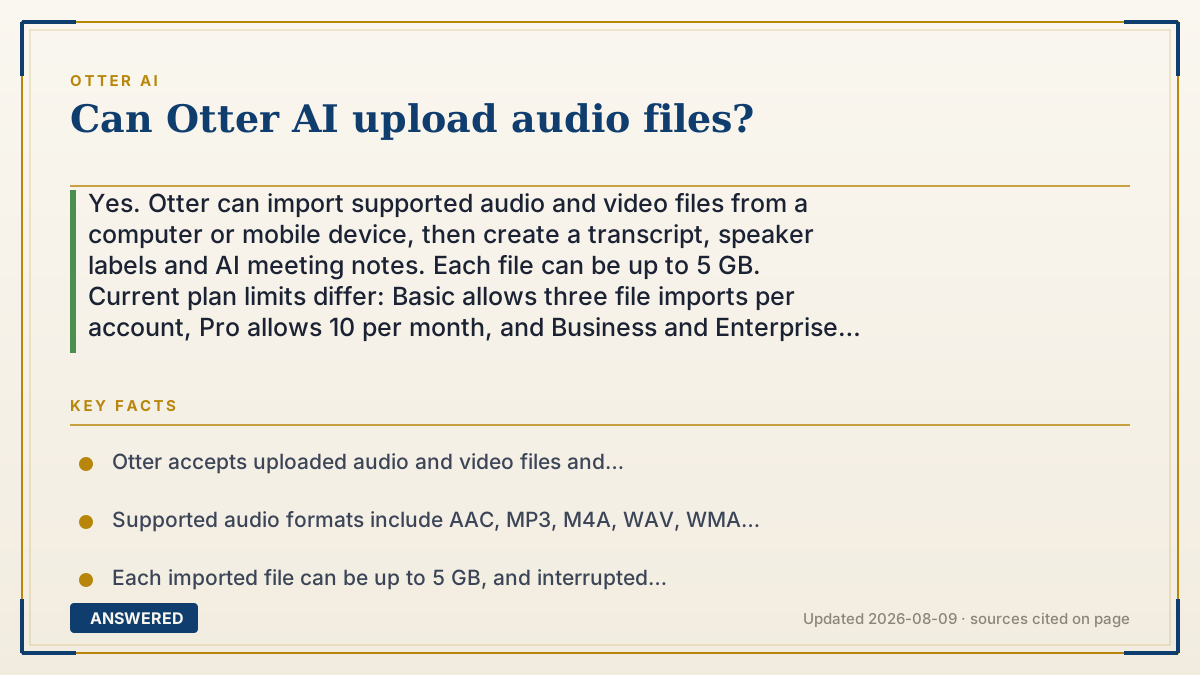
Yes. Otter can import supported audio and video files from a computer or mobile device, then create a transcript, speaker labels and AI meeting notes. Each file can be up to 5 GB. Current plan limits differ: Basic allows three file imports per account, Pro allows 10 per month, and Business and Enterprise allow unlimited file counts subject to their transcription-minute limits. Verified 2026-08-09.
Otter file-import limits at a glance
| Plan | File imports | Imported transcription allowance | Maximum transcription per file |
|---|---|---|---|
| Basic | 3 per account, not per month | 300 minutes per month | 30 minutes |
| Pro | 10 per month | 1,200 minutes per month | 90 minutes |
| Business | Unlimited file count | 6,000 minutes per month | 4 hours |
| Enterprise | Unlimited file count | 6,000 minutes per month | 4 hours |
Why — the first-principles explanation
Importing is the pre-recorded route into Otter's transcription service. Instead of letting Otter capture a live meeting, you upload a completed audio or video file. Otter first receives the file, then processes it on its servers and adds the resulting transcript to your conversations.
The upload contract has three separate limits. The file itself must use a supported format and stay at or below 5 GB. Your plan controls how many files you can import. It also controls how many transcription minutes you can process and how much of a single conversation is available. Passing one limit does not override the others.
This distinction prevents a common mistake: an unlimited file count on Business does not mean unlimited imported transcription minutes. The current pricing table gives Business and Enterprise up to 6,000 imported-file minutes per user each month. Basic has a three-file lifetime cap as well as a 300-minute monthly allowance and a 30-minute per-transcription limit. Check the live plan table before a large batch because these product limits can change.
An example that makes it click
Suppose you have four 45-minute interviews. Every file is far below 5 GB, but a Basic account can import only three files and exposes up to 30 minutes of each transcription. A Pro account can import all four within its 10-file monthly cap and supports up to 90 minutes per transcription, provided the total stays within the plan's monthly allowance.
How to do it
- Open Otter on the web or in the mobile app and sign in.
- Click Import on the homepage and choose Browse, or drag supported files into the import area.
- Select a supported audio or video file and confirm that it is no larger than 5 GB.
- Keep the browser or app open until the upload finishes; processing can continue after the upload completes.
- Open the finished conversation to review the transcript, speaker labels, summary, action items and outline.
- Before importing a batch, compare the file-count, monthly-minute and per-transcription limits for your current plan.
Key facts
- Otter accepts uploaded audio and video files and transcribes them into text.
- Supported audio formats include AAC, MP3, M4A, WAV, WMA and OGG; supported video formats include AVI, MOV, MPEG, MP4, WMV, MPG, MKV, M4P and 3GP.
- Each imported file can be up to 5 GB, and interrupted uploads, unsupported formats or exhausted plan allowances can cause failure.
- Basic allows three file imports per account, not per month; Pro allows 10 per month; Business and Enterprise list unlimited file counts (verified 2026-08-09).
- Business and Enterprise still list a 6,000-minute monthly imported-file transcription allowance, so unlimited file count is not unlimited transcription.
- After processing, imported conversations can include a transcript, speaker labels, summary, action items and an outline.
Use the vendor's exact file-import instructions to verify supported formats, file size and current plan limits before uploading a batch.
Plan an Otter import without losing transcription
Check the related recording, consent and plan-limit guides before uploading a large or sensitive file.
▶ The 60-second explainer (script)
Can Otter upload audio files? Yes. Open Otter, choose Import, and select a supported audio or video file up to five gigabytes. Keep the app open until the upload completes; Otter can continue processing afterward and will add the transcript and available meeting notes to your conversations. Watch three different limits: file size, number of imports, and transcription minutes. Basic allows three imports per account, Pro allows ten per month, and Business and Enterprise list unlimited file counts but still cap imported transcription at six thousand minutes per month. Check the live pricing table before a large batch. Verified 2026-08-09.
What authoritative sources say
People also ask
Where is the upload button in Otter?
On the web homepage, choose Import in the upper-right corner, then Browse or drag in supported files. Mobile sharing steps vary by device.
What's the maximum file size or length?
A file can be up to 5 GB. The accessible transcription length is also plan-specific: currently 30 minutes on Basic, 90 minutes on Pro and 4 hours on Business and Enterprise.
Why can I only upload 3 files?
Basic's three-file limit is per account, not per month. Current paid limits are 10 imports per month on Pro and unlimited file counts on Business and Enterprise, subject to transcription-minute limits.
Do uploaded files get summaries too?
After processing, Otter says imported files can receive a transcript, speaker labels and AI meeting notes such as a summary, action items and an outline when available.