Can you disable Meta AI on Instagram?
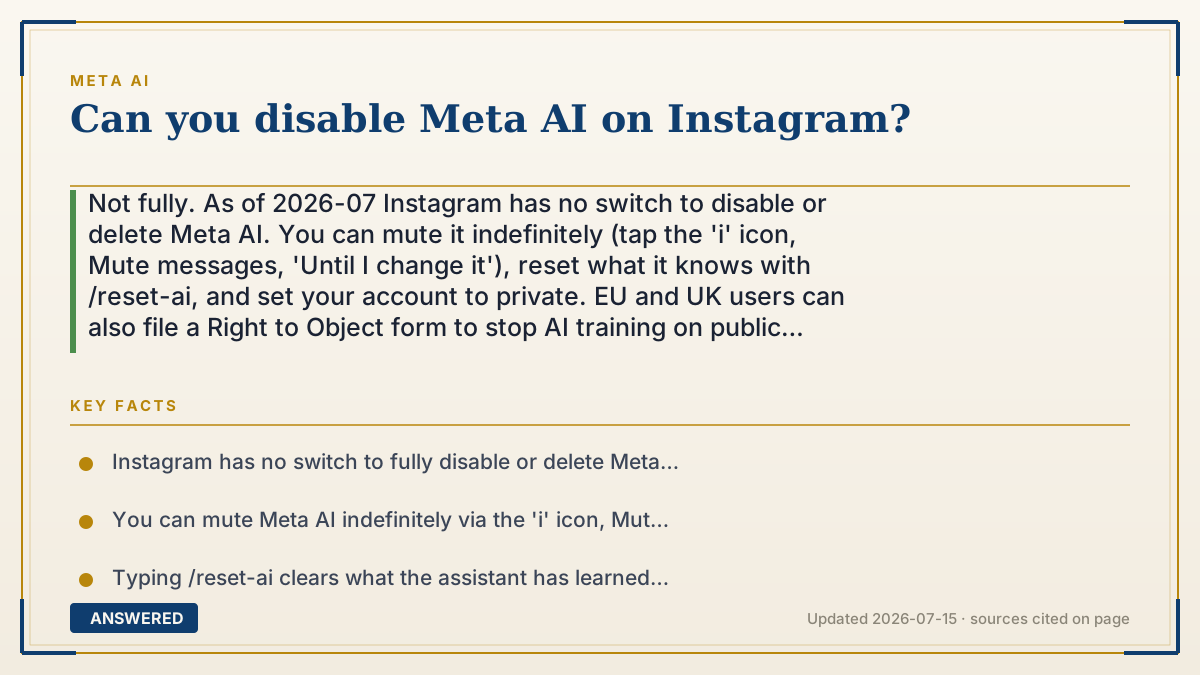
Not fully. As of 2026-07 Instagram has no switch to disable or delete Meta AI. You can mute it indefinitely (tap the 'i' icon, Mute messages, 'Until I change it'), reset what it knows with /reset-ai, and set your account to private. EU and UK users can also file a Right to Object form to stop AI training on public posts.
Why — the first-principles explanation
Meta AI is woven into Instagram's search bar and Direct messages as a built-in feature, not an optional app you can uninstall. Meta made this choice deliberately: its assistant is a flagship product, and Instagram's huge audience is exactly who Meta wants using it. So there's no 'disable' button, because Meta never shipped one.
What you actually get is control over its behavior, not its existence. The assistant does nothing unless you engage it, so it mostly sits idle. Muting it 'until I change it' stops notifications for good, and /reset-ai wipes what it has learned about you. These reduce its presence to nearly nothing without removing the feature.
The deeper reason there's no off switch comes down to incentives and law. Meta has no business motive to let users strip out a headline feature, and outside the EU and UK, no law forces it to. In those regions, privacy rules give you a right to object to your public posts training the AI, which is a data-use control rather than an on/off toggle. So the realistic answer to 'can you disable it' is: you can silence and starve it, but not delete it.
An example that makes it click
It's like a smart speaker your landlord installed in the apartment and won't let you unplug. You can't remove it, but you can turn its volume all the way down so it never chimes (muting), tell it to forget everything it learned about you (/reset-ai), and just never say its wake word. It's still on the shelf, but it's out of your way and out of your business.
How to do it
- Understand Instagram has no full disable or delete option for Meta AI as of 2026-07.
- Open the Meta AI chat, tap the 'i' info icon, tap Mute messages, and choose 'Until I change it'.
- Type /reset-ai in the chat and send it to erase what the assistant has learned about you.
- Go to Settings and set your Instagram account to private to limit public training data.
- In the EU or UK, submit the Right to Object form in settings to stop public posts training the AI.
- Simply avoid tapping the assistant so it stays idle.
Key facts
- Instagram has no switch to fully disable or delete Meta AI as of 2026-07.
- You can mute Meta AI indefinitely via the 'i' icon, Mute messages, then 'Until I change it'.
- Typing /reset-ai clears what the assistant has learned about you.
- Setting your account to private limits which posts Meta treats as public training data.
- EU and UK users can file a Right to Object form to opt out of AI training on public posts.
Open the official product site and confirm the current access, plans and terms.
▶ The 60-second explainer (script)
Can you disable Meta AI on Instagram? Not completely, as of 2026 there's no off switch or delete button. Meta built the assistant into Instagram's search bar and DMs, so it's a core feature, not something you can uninstall. But you can make it basically disappear. Open the Meta AI chat, tap the 'i' icon, choose Mute messages, and pick 'Until I change it', now it's silent for good. Type slash-reset-ai to wipe what it knows about you. And set your account to private, since Meta trains on public posts. If you're in the EU or UK, you get one more lever: file a Right to Object form to keep even your public posts out of training. You can't delete it, but you can silence it and starve it of your data.
What authoritative sources say
People also ask
Is there any way to remove Meta AI from Instagram?
No. It is built into the app and cannot be uninstalled. You can only mute it, reset it, and avoid using it.
Does muting stop it from using my data?
Muting only hides the chat. To limit training, set your account to private or, in the EU/UK, file the objection form.
What does /reset-ai actually clear?
It erases what the assistant has learned about you from past chats, giving it a clean slate.
Will Meta add a real off switch?
Meta has not announced one. The strongest controls remain muting, going private, and the EU/UK Right to Object form.