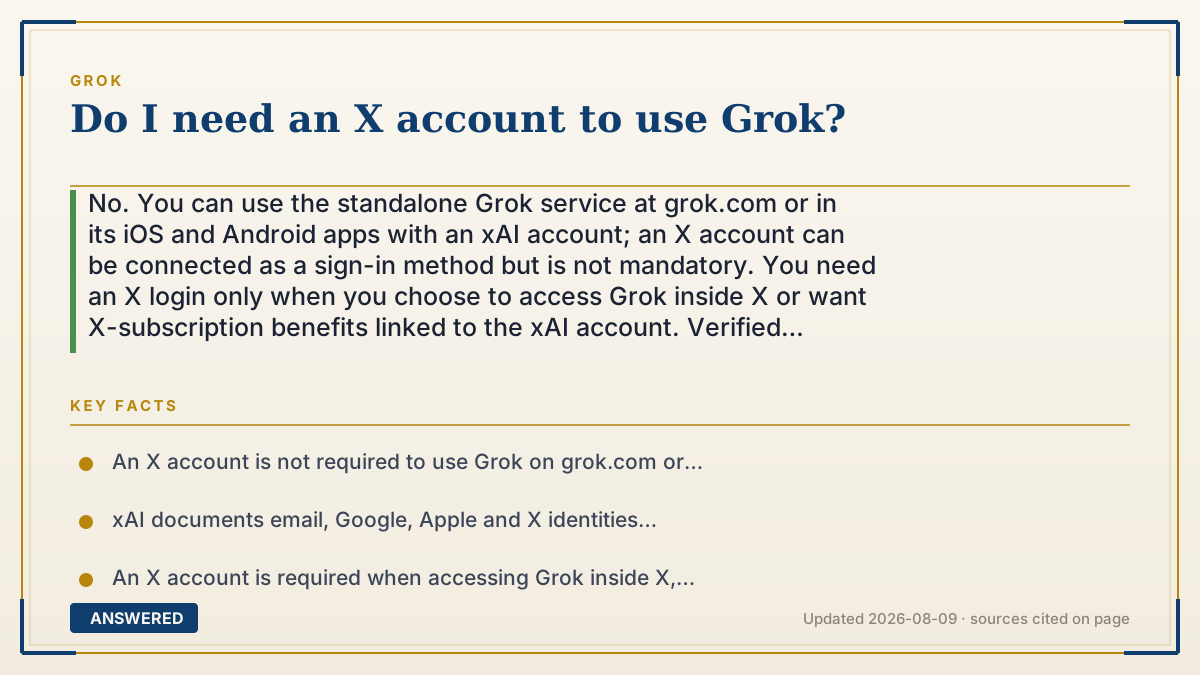
Do I need an X account to use Grok?
No. You can use the standalone Grok service at grok.com or in its iOS and Android apps with an xAI account; an X account can be connected as a sign-in method but is not mandatory. You need an X login only when you choose to access Grok inside X or want X-subscription benefits linked to the xAI account. Verified 2026-08-09.
Which account Grok needs
| Where you use Grok | Required account | What an X account changes |
|---|---|---|
| grok.com | An xAI sign-in such as email, Google or Apple | Optional connection for X sign-in and subscription-status benefits |
| Grok iOS or Android app | The same xAI account used for the app or subscription | Optional unless the account or entitlement is tied to X |
| Grok inside X | An X account | Required because the feature is being used within X |
Why — the first-principles explanation
Grok now has two access contexts. The standalone xAI product is available on grok.com and in dedicated iOS and Android apps. X also exposes Grok inside its own service. Those entry points can use related account benefits, but they are not the same login requirement.
For the standalone product, xAI manages the account. Its official FAQ describes email, Google, Apple and X sign-in paths and lets a user connect an X account later from Settings, Account. Connecting X allows xAI to retrieve X subscription status and apply relevant benefits. The fact that connection is a separate settings action is the important distinction: an X account is optional for standalone access.
Inside X, an X account is necessarily required because the user is already in the X product. Also use the same sign-in method that bought a subscription. xAI warns that Apple private-relay, Google, email and X identities can look like different accounts, which can make a paid entitlement appear missing even when the charge is valid.
An example that makes it click
If you do not use X, open grok.com and create or use an xAI account with an available email, Google or Apple sign-in. If you later buy X Premium+ and want its Grok entitlement recognized, connect that X account in Grok's account settings instead of creating a second unrelated login.
How to do it
- Go to grok.com or install the Grok app from the App Store or Google Play.
- Choose one available xAI sign-in method and keep using that same identity across the web and mobile apps.
- Use Grok normally without connecting X if you do not need X-linked access or benefits.
- To link X later, open Grok Settings, Account and choose Connect your X Account.
- If you use Grok inside X instead, sign in to X and open the Grok feature there.
Key facts
- An X account is not required to use Grok on grok.com or the standalone app.
- xAI documents email, Google, Apple and X identities across its account and subscription troubleshooting guidance.
- An X account is required when accessing Grok inside X, but standalone Grok uses an xAI account.
- Connecting X lets xAI retrieve X subscription status and apply relevant account benefits.
- A subscription may appear missing if the user signs in with a different identity from the one used to purchase it.
Use the vendor's account documentation to choose the correct sign-in identity and verify how an optional linked account affects access.
Choose the right Grok entry point and account
Separate standalone Grok access from X Premium entitlements, free limits and the Grok feature inside X.
▶ The 60-second explainer (script)
Do you need an X account to use Grok? No. The standalone service runs at grok.com and in dedicated iOS and Android apps under an xAI account. xAI's account guidance supports email, Google, Apple and X identity paths, and connecting X is a separate option in Settings, Account. You only need an X login when you use Grok inside X or want X-linked subscription status applied to the standalone account. Keep using the same sign-in method that purchased any subscription, because switching between Apple, Google, email and X identities can make the entitlement appear missing. Verified 2026-08-09.
What authoritative sources say
People also ask
Can I use Grok without Twitter/X entirely?
Yes. Use the standalone Grok website or app with an xAI account and leave X unconnected if you do not need X-linked access or benefits.
Do I still need to make some account?
Use an xAI account for the standalone website and apps. The available sign-in identity may be email, Google, Apple or X; keep it consistent across devices.
When is an X account actually required?
It is required to use Grok inside X. It is also useful when an X subscription entitlement must be linked to the standalone xAI account.
Does connecting my X account give me anything extra?
xAI says linking lets it retrieve your X subscription status and grant relevant benefits. The exact entitlement and limits depend on the current X and Grok plan terms.