Does ChatGPT use your conversations to train?
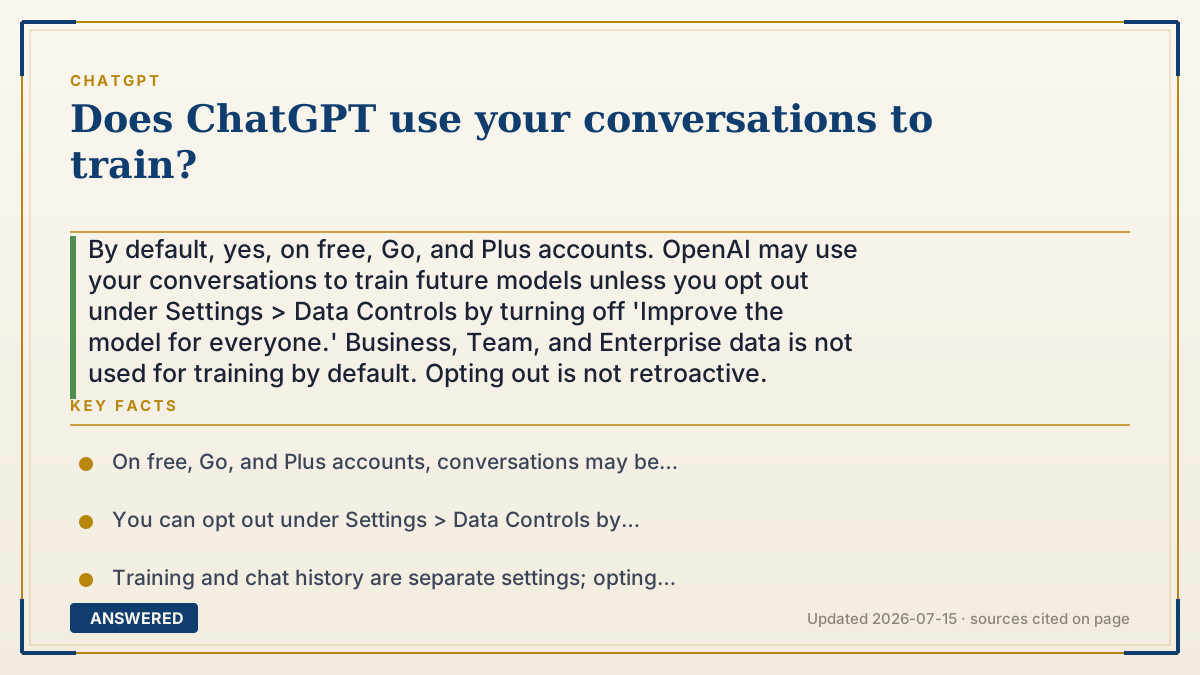
By default, yes, on free, Go, and Plus accounts. OpenAI may use your conversations to train future models unless you opt out under Settings > Data Controls by turning off 'Improve the model for everyone.' Business, Team, and Enterprise data is not used for training by default. Opting out is not retroactive.
Why — the first-principles explanation
AI models get better by learning from real examples of how people actually write and ask questions. Your conversations are valuable training fuel because they show the model realistic prompts, corrections, and edge cases that curated datasets miss. That's why, on consumer tiers, OpenAI's default is to sample some chats to improve future versions.
The crucial point is that you can turn this off, separately from your history. In Settings > Data Controls, the toggle 'Improve the model for everyone' controls training. Switch it off and your new chats stop being used to train models, while still appearing in your history so you don't lose them. These are two independent switches, so opting out of training doesn't force you to delete your conversations.
Three caveats matter. First, opting out is not retroactive: data already used may remain inside models that were trained before you opted out. Second, Temporary Chats aren't used for training at all. Third, business and enterprise data is excluded by default, because companies demand that their information never trains OpenAI's public models. So the answer depends entirely on your account type and settings: consumer default is 'yes unless you opt out,' business default is 'no.'
An example that makes it click
Imagine a cooking school where students' practice dishes get photographed to help teach next year's class. By default, your practice plates go into the teaching binder (training). But there's a sign-up sheet at the door where you can check 'don't use my dishes,' and from then on your new plates are kept private while still sitting on your own shelf (your history). If you already let a dish into last year's binder, though, you can't pull it back out, that's the 'not retroactive' rule.
How to do it
- Open ChatGPT, click your profile, then Settings.
- Select Data Controls.
- Turn off 'Improve the model for everyone' to stop new chats being used for training.
- Confirm the toggle is off; it applies to your entire account across all devices.
- For chats you never want used, start a Temporary Chat, which isn't used for training.
Key facts
- On free, Go, and Plus accounts, conversations may be used to train models by default.
- You can opt out under Settings > Data Controls by turning off 'Improve the model for everyone.'
- Training and chat history are separate settings; opting out keeps your history intact.
- Opting out is not retroactive; data already used in prior training may remain in those models.
- ChatGPT Business, Team, and Enterprise data is not used for training by default; Temporary Chats are also excluded.
Open the official product site and confirm the current access, plans and terms.
▶ The 60-second explainer (script)
Does ChatGPT use your conversations to train its models? By default, yes, on free, Go, and Plus accounts. AI models improve by learning from real examples of how people write and ask questions, and your chats are valuable fuel for that. But here's the good news: you can turn it off. Go to Settings, then Data Controls, and switch off 'Improve the model for everyone.' From then on, your new chats won't be used for training, and they'll still stay in your history, because training and history are two separate switches. A few things to know. Opting out isn't retroactive, so anything already used in past training may stay in those models. Temporary Chats aren't used for training at all. And if you're on Business or Enterprise, your data is excluded from training by default. So the answer really depends on your account type and your settings.
What authoritative sources say
People also ask
How do I stop ChatGPT from training on my chats?
Go to Settings > Data Controls and turn off 'Improve the model for everyone.' It applies to your whole account.
Will opting out delete my chat history?
No. Training and history are separate. You can opt out of training and still keep all your conversations.
Does opting out remove my data from past models?
No. Opting out isn't retroactive; data already used in earlier training may remain in those models.
Is my work or enterprise data used for training?
No. ChatGPT Business, Team, and Enterprise data is excluded from training by default.