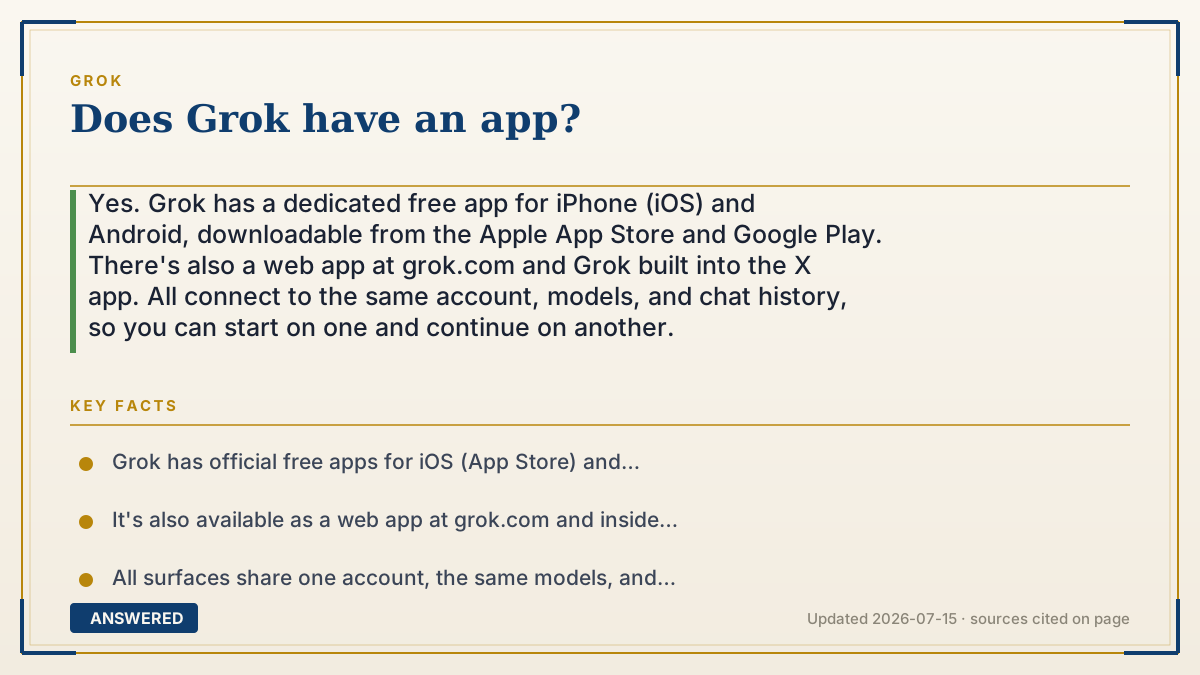
Does Grok have an app?
Yes. Grok has a dedicated free app for iPhone (iOS) and Android, downloadable from the Apple App Store and Google Play. There's also a web app at grok.com and Grok built into the X app. All connect to the same account, models, and chat history, so you can start on one and continue on another.
Why — the first-principles explanation
Grok is really a cloud service, not software that lives on your device. The heavy AI runs on xAI's servers; the 'app' is just a thin window that sends your text to those servers and shows the reply. That's why the same Grok can appear as a phone app, a website, and a panel inside X, they're all windows into one back end.
Having a standalone app matters for two reasons. First, reach: many people don't use X, so a normal App Store download removes that barrier. Second, phone-native features, the app adds things like voice conversations, camera input, and push access that feel natural on mobile.
Because everything ties to your account, your conversations sync. Start a chat on the website at your desk, then open the phone app on the bus and it's all there. This is standard for AI assistants: the intelligence is central and shared, while the apps are interchangeable doors. Just make sure you download the official Grok app by xAI, since lookalike apps exist.
An example that makes it click
Think of Grok like your email. Your inbox isn't stored on your phone; it lives on a server. You can check it through a phone app, a website, or a tab inside another program, and it's the same inbox every time, with the same messages.
Grok's apps work identically. The 'brain' sits on xAI's servers, and the iPhone app, Android app, website, and X panel are just four windows onto it. Type on one, and the conversation shows up on all of them.
How to do it
- On iPhone, open the App Store; on Android, open Google Play.
- Search 'Grok' and confirm the developer is xAI to avoid lookalike apps.
- Tap Get or Install to download the free app.
- Open it and sign in with X, Google, Apple, or email.
- Start chatting; your conversations sync with grok.com and the X app under the same account.
Key facts
- Grok has official free apps for iOS (App Store) and Android (Google Play).
- It's also available as a web app at grok.com and inside the X app.
- All surfaces share one account, the same models, and synced chat history.
- The mobile app adds phone-native features like voice conversations.
- Always verify the developer is xAI to avoid fake lookalike apps.
Open xAI's current consumer entry point and check plans, limits, privacy and cancellation terms before subscribing.
▶ The 60-second explainer (script)
Does Grok have an app? Yes. There's an official Grok app for both iPhone and Android, and it's free to download from the Apple App Store or Google Play. But that's just one of four ways to use it. You can also open Grok in a web browser at grok.com, or tap the Grok icon inside the X app. Here's the key thing: they all connect to the same account and the same AI running on xAI's servers, so your chat history syncs across every one. Start a conversation on your laptop, pick it up on your phone, it's all there. The mobile app also adds phone-friendly extras like voice conversations. One tip when downloading: make sure the developer listed is xAI, because copycat apps with similar names do exist. Grab the real one, sign in with X, Google, Apple, or email, and you're ready to chat.
What authoritative sources say
People also ask
Is the Grok app free to download?
Yes. The iOS and Android apps are free, and they include Grok's free tier with the same usage limits.
Is there a Grok app for computers?
Grok runs as a web app at grok.com in any browser; there is no separate requirement to install desktop software.
Do my chats sync between the app and website?
Yes. As long as you sign in with the same account, your conversation history syncs across all surfaces.
How do I avoid fake Grok apps?
Check that the developer is listed as xAI in the App Store or Google Play before installing.
The same question, asked other ways
- Is Grok available on iPhone and Android?