Does Otter AI summarize meetings?
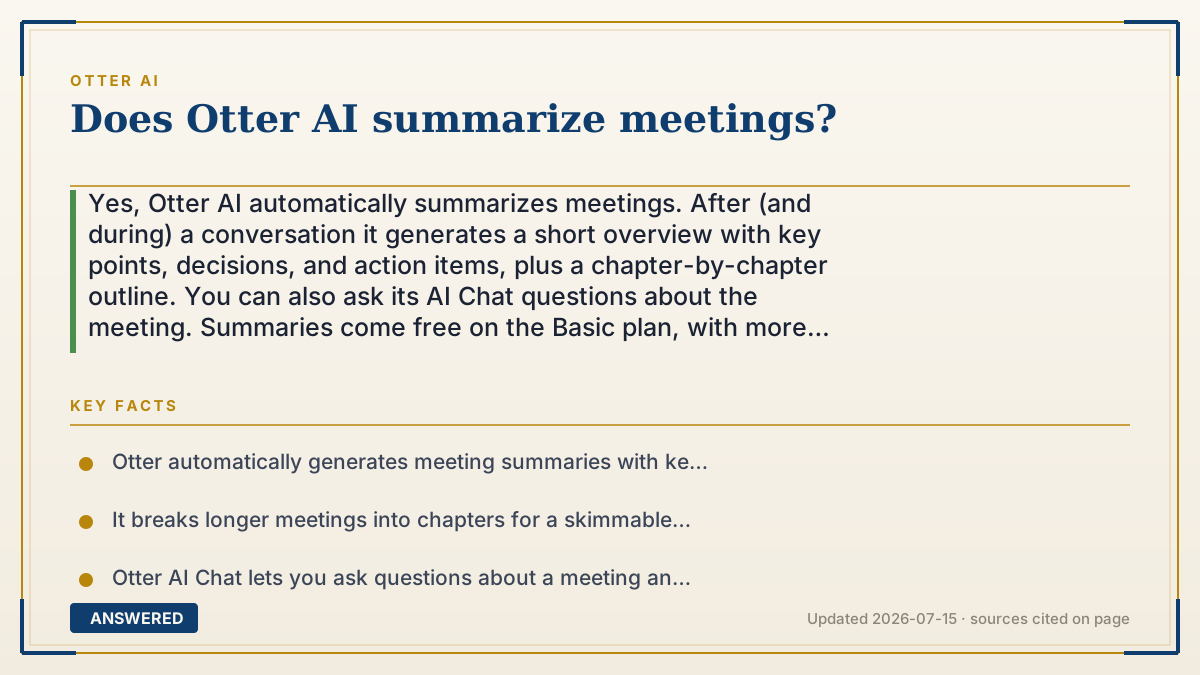
Yes, Otter AI automatically summarizes meetings. After (and during) a conversation it generates a short overview with key points, decisions, and action items, plus a chapter-by-chapter outline. You can also ask its AI Chat questions about the meeting. Summaries come free on the Basic plan, with more advanced AI workflows on Pro and Business.
Why — the first-principles explanation
Summarizing is a two-step trick. First Otter turns speech into a full transcript; then a large language model reads that transcript and compresses it. Because the model has learned from vast amounts of text what 'the important parts' of a discussion look like, it can pull out decisions, action items, and topic shifts and rewrite them in a few tidy sentences.
This works because a meeting transcript is mostly filler around a few key moments, greetings, tangents, 'can you hear me,' and repeated points. The model's job is to keep the signal and drop the noise, producing an overview far shorter than the raw talk. Otter also breaks long meetings into chapters, so a one-hour call becomes a skimmable outline.
The newer layer is conversational Q&A: because the whole transcript is available to the model, you can ask 'what did we decide about the budget?' and it answers using only that meeting's content. The quality of any summary depends on the transcript underneath it, clean audio yields accurate summaries, while a garbled transcript produces a shakier one, so good recording still matters.
An example that makes it click
Think of a friend who watched a two-hour movie and, when you walk in late, tells you in 30 seconds: 'A detective solves a bank robbery; the twist is his partner did it; you should watch the ending.' Otter does that for meetings, listening to the whole hour, then handing you the plot, the decisions, and the to-do list in a paragraph you can read in a minute.
How to do it
- Record or import a meeting so Otter creates the transcript.
- Open the finished conversation to see the auto-generated summary and key points.
- Review the action items Otter pulled out and assign or copy them as needed.
- Use the chapter outline to jump to specific topics in the meeting.
- Ask Otter AI Chat a question about the meeting to get a targeted answer or a custom recap.
Key facts
- Otter automatically generates meeting summaries with key points, decisions, and action items.
- It breaks longer meetings into chapters for a skimmable outline.
- Otter AI Chat lets you ask questions about a meeting and get answers from its transcript.
- Basic summaries are available on the free plan; advanced AI workflows come with Pro and Business.
- Summary quality depends on transcript accuracy, so clean audio produces better recaps.
Open the official product site and confirm the current access, plans and terms.
▶ The 60-second explainer (script)
Does Otter AI summarize meetings? Yes, automatically. After your conversation, and even while it's happening, Otter reads the transcript and writes a short summary with the key points, the decisions made, and the action items. It also splits long meetings into chapters, so a one-hour call becomes an outline you can skim in a minute. How does it do this? It's a two-step process: first speech becomes text, then a language model compresses that text, keeping the important moments and dropping the filler. There's also an AI Chat: you can literally ask 'what did we decide about the budget?' and it answers using just that meeting. Basic summaries come free, and Pro and Business add more advanced AI workflows. One tip: the summary is only as good as the transcript, so clean audio means a sharper recap.
What authoritative sources say
People also ask
Does Otter list action items automatically?
Yes. The summary highlights action items and decisions pulled from the conversation, which you can copy or assign to teammates.
Can I ask Otter questions about a meeting?
Yes. Otter AI Chat answers questions using that meeting's transcript, so you can request a custom recap or find a specific decision.
Are summaries available on the free plan?
Basic summaries are available for free; Pro and Business unlock more advanced AI workflows and customization.
Why is my summary missing something?
Summaries rely on the transcript, so if audio was unclear or a point was barely mentioned, it may be left out. Check the full transcript for details.