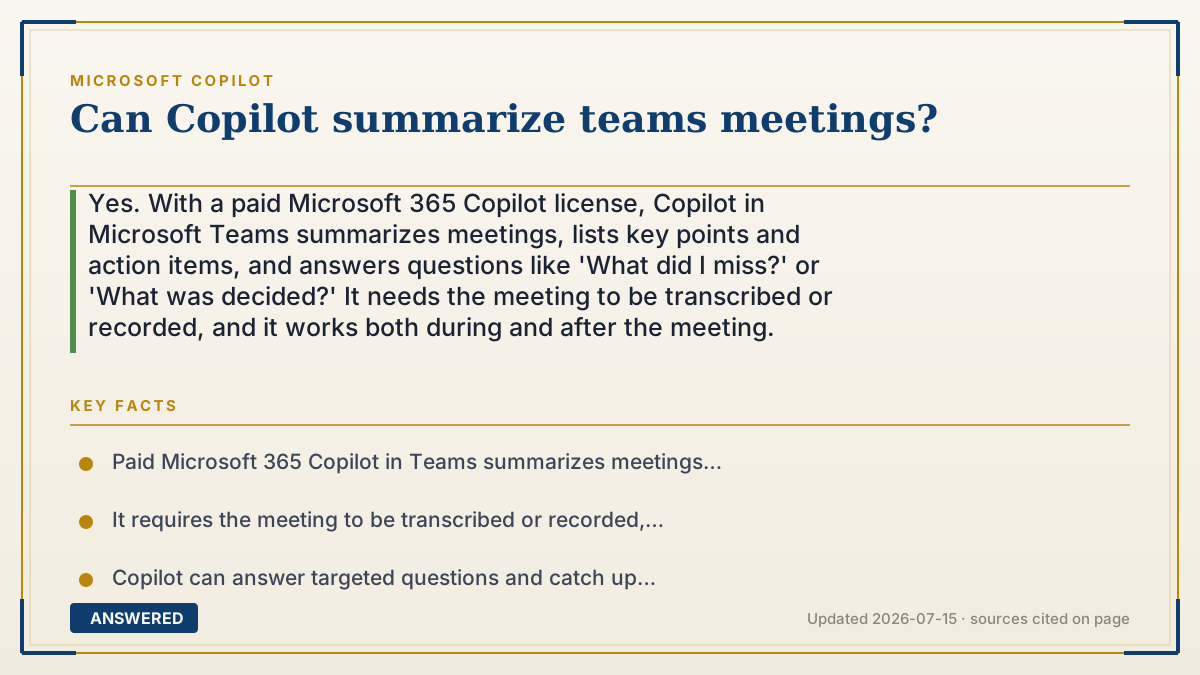
Can Copilot summarize teams meetings?
Yes. With a paid Microsoft 365 Copilot license, Copilot in Microsoft Teams summarizes meetings, lists key points and action items, and answers questions like 'What did I miss?' or 'What was decided?' It needs the meeting to be transcribed or recorded, and it works both during and after the meeting.
Why — the first-principles explanation
Copilot summarizes a meeting by working from its transcript, the text version of what everyone said. Teams uses speech-to-text to convert the spoken audio into written words with speaker names and timestamps. Once the conversation is text, summarizing it is the same language task as summarizing an email thread or document.
This is why transcription or recording must be on. No transcript, no text; no text, nothing for the model to read. So the practical prerequisite is enabling transcription (or recording) for the meeting, which your organization's settings and the meeting organizer control.
From the transcript, Copilot can do several distinct jobs: produce a recap of main topics, extract action items and who owns them, answer targeted questions ("Did we agree on the launch date?"), and even tell a latecomer what they missed up to that point. Because it is reading structured text, it can attribute points to specific speakers.
Two cautions follow from the mechanism. First, accuracy depends on the transcript, poor audio, heavy accents, or crosstalk can garble the text and the summary. Second, this is a paid, permissioned feature under Enterprise Data Protection, so meeting content stays within your organization and is not used to train models. Always sanity-check action items before treating them as final.
An example that makes it click
Imagine a diligent note-taker sitting in every meeting, writing down word-for-word who said what. At the end, you ask them, "What were the three decisions and my to-dos?" and they instantly hand you a clean list. That is Copilot working from the Teams transcript.
But the note-taker can only summarize what they actually wrote down, so if the room's microphone was off (no transcription), their notebook is blank and there's nothing to summarize. And if two people talked over each other, the notes might be fuzzy there, so you glance at the recording to confirm the important bits.
How to do it
- Ensure you have a paid Microsoft 365 Copilot license.
- Before or during the Teams meeting, turn on transcription or recording (organizer or admin settings may be required).
- Open the Copilot pane in the meeting window during the call, or open the meeting recap afterward.
- Ask Copilot for a summary, key decisions, action items, or 'What did I miss?'
- Review the generated recap and action items, and confirm ownership and deadlines.
- Share the summary with attendees if needed, after checking it for accuracy.
Key facts
- Paid Microsoft 365 Copilot in Teams summarizes meetings and extracts key points and action items.
- It requires the meeting to be transcribed or recorded, since it works from the text transcript.
- Copilot can answer targeted questions and catch up latecomers with 'What did I miss?'
- Summary accuracy depends on transcript quality, which poor audio or crosstalk can reduce.
- Meeting content is covered by Enterprise Data Protection and not used to train Microsoft's models.
Open the official product site and confirm the current access, plans and terms.
▶ The 60-second explainer (script)
Can Copilot summarize Teams meetings? Yes, with a paid Microsoft 365 Copilot license, and it's a real time-saver. Here's the key to how it works: Copilot summarizes from the meeting's transcript, the text version of what everyone said. Teams converts the spoken audio into written words with speaker names, and once it's text, Copilot can read and condense it, just like summarizing an email. That's why one thing is essential: transcription or recording must be turned on. No transcript, nothing to summarize. Once it's on, you can open the Copilot pane during the meeting or the recap afterward and ask for a summary, the key decisions, your action items, or even 'What did I miss?' if you joined late. Copilot can even tell you who said what. Two things to keep in mind: the summary is only as good as the transcript, so fuzzy audio means fuzzy notes, and it's a paid, secure feature protected by Enterprise Data Protection. Always double-check the action items before treating them as final.
What authoritative sources say
People also ask
Does the meeting need to be recorded for Copilot to summarize it?
Transcription (or recording) must be enabled, because Copilot summarizes from the text transcript of what was said.
Can Copilot tell me what I missed if I join late?
Yes. During the meeting you can ask 'What did I miss?' and Copilot recaps the discussion up to that point.
Does Copilot list who is responsible for action items?
Yes. Because the transcript includes speaker names, Copilot can attribute action items and points to specific people.
Is a paid license required for Teams meeting summaries?
Yes. Meeting summarization is part of the paid Microsoft 365 Copilot experience in Teams.